Self-Hosting n8n vs Activepieces on Docker (2026): Setup, Resources & Day-2 Ops
Picking the tool is the easy part. The harder question is what each one costs you to run — the RAM it eats, the database it forces on you, and the 2 a.m. upgrade that takes your webhooks down. This is the deployment guide we wish we'd had: real docker-compose configs, honest resource numbers, and the operational gotchas that don't show up in a feature table.
The short version
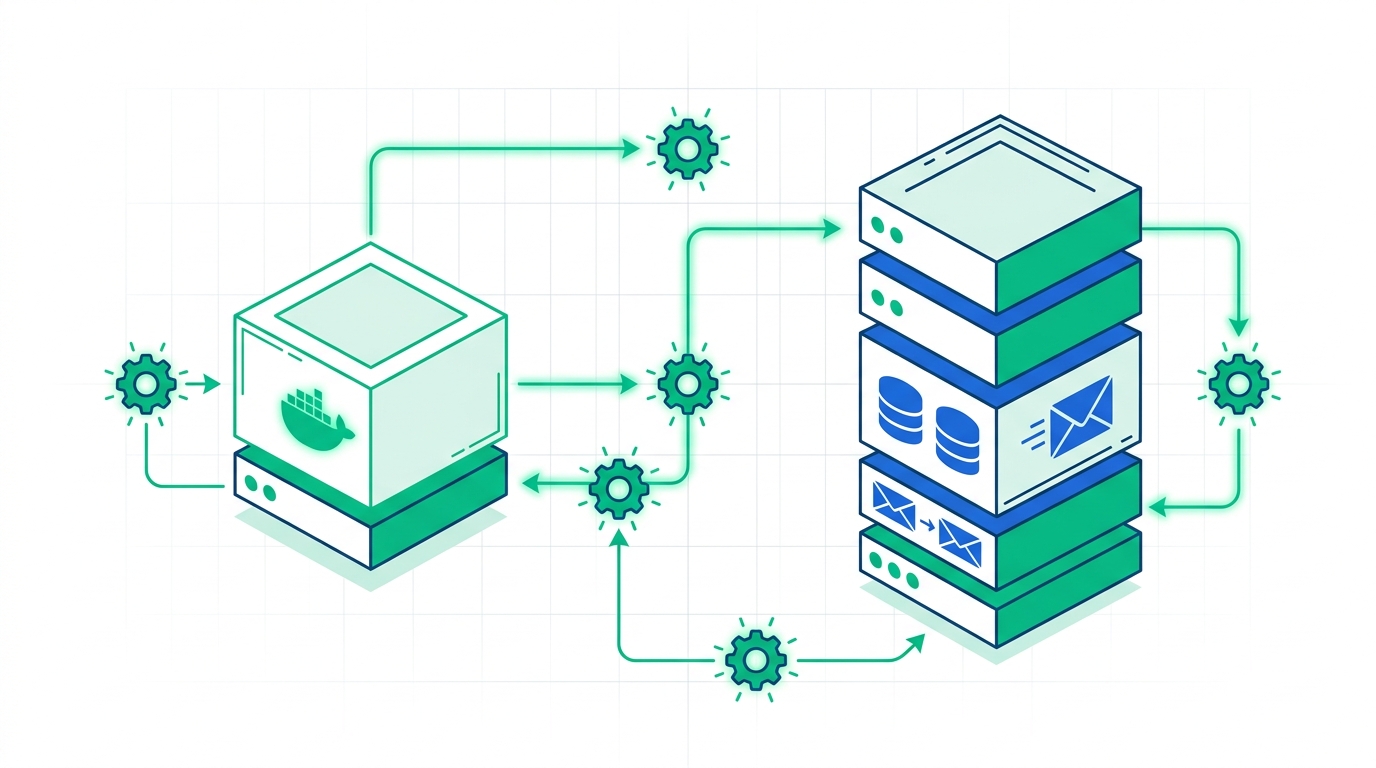
If you just want it running by lunchtime: Activepieces. One container, an embedded database, runs happily on a 2 GB box. The catch is that the easy path (PGLite) is a dead end — you can't upgrade it to the enterprise edition later without a rebuild.
If you're deploying for a team that will scale: n8n. It pushes you toward Postgres from day one and has a battle-tested queue mode for horizontal scaling. It's heavier (plan for 4 GB+), but the growth path is paved.
This article is the hands-on companion to our broader honest comparison of n8n vs Activepieces for B2B teams. There we covered which tool wins on features, integrations, and overall fit. Here we assume you've roughly decided — or you're deciding based on what it takes to operate — and you want to know exactly what landing each one on your own infrastructure looks like.
Deployment at a glance
Before the configs, here's how the two stacks differ on the things that matter once you're the one holding the pager. Everything below is verified against the official Docker docs as of June 2026.
| Deployment factor | n8n | Activepieces |
|---|---|---|
| Container shape | Single app image; Postgres (and Redis for scale) run as separate services | Single all-in-one image bundling the engine, workers & UI |
| Zero-config start | Runs on SQLite by default, but not recommended for production | Yes — embedded PGLite + in-memory queue, one docker run |
| Production database | PostgreSQL (strongly recommended) | PostgreSQL (required for multi-instance) |
| Queue / scaling | Redis-backed queue mode with separate worker containers | Redis queue; horizontal scaling on the paid edition |
| Min. production VPS | ~3 vCPU / 4 GB RAM / 40 GB | ~2 GB RAM (runs on a Raspberry Pi 4 for light use) |
| License | Sustainable Use License (fair-code) | MIT (core engine) |
| Upgrade path snag | None notable | PGLite community edition cannot upgrade to Enterprise in place |
Read this first: the license quietly picks your architecture
Most "how to self-host" guides skip licensing, then readers get surprised in month six. Don't. For a self-hosting decision the license isn't legal trivia — it changes which container you should even start.
n8n ships under the Sustainable Use License, a "fair-code" license. In plain terms: self-hosting n8n to automate your own company's internal work is free, with no execution limits. The restriction only bites if you want to offer n8n itself as a service to others, or embed it inside a commercial product you sell — that needs a paid agreement.
Activepieces licenses its core engine under MIT — about as permissive as open source gets. You can use it, fork it, and ship it inside your own product with no strings on the core. A handful of enterprise features live behind a separate paid edition, but the automation engine is genuinely MIT.
Automating internal operations? Both are free and the license is a non-issue — pick on ergonomics. Building automation into a product you sell? Activepieces' MIT core is the cleaner, lower-risk path, and it should steer your whole deployment plan.
What you need before you start
Identical baseline for both, which keeps this simple:
- A Linux host — a VPS or a box you control. Sizing differs (see below), but Ubuntu 22.04/24.04 LTS is a safe default for either.
- Docker + Docker Compose — the modern
docker composeplugin, not the legacydocker-composebinary. - A domain + reverse proxy — both tools fire and receive webhooks, so they need a publicly reachable HTTPS URL. Caddy, Traefik, or Nginx all work; the configs below assume you'll put one in front.
- Persistent volumes — encryption keys and workflow data live on disk. Lose the volume, lose your credentials.
Deploying Activepieces on Docker
Activepieces wins the "time to first workflow" race, so we'll start here. The single-image design means the fastest possible start is genuinely one command.
The 60-second start (testing only)
# Single container, embedded PGLite DB, in-memory queue
docker run -d -p 8080:80 \
  -v ~/.activepieces:/root/.activepieces \
  -e AP_DB_TYPE=PGLITE \
  -e AP_REDIS_TYPE=MEMORY \
  -e AP_FRONTEND_URL="http://localhost:8080" \
  activepieces/activepieces:latest
Open http://localhost:8080 and you have a working automation platform. That's the headline number behind the "Activepieces is easier" reputation — and it's real.
The official docs are blunt: this single-instance setup is "only meant for personal use or testing," and you cannot upgrade a PGLite Community Edition to Enterprise out of the box. If there's any chance this becomes a real team deployment, skip straight to the Postgres setup below — migrating off PGLite later means standing the stack up again.
The production setup (Postgres + Redis)
For anything a team relies on, give it a real database and a real queue. This is the shape of a sane compose.yaml:
services:
  activepieces:
    image: activepieces/activepieces:latest
    restart: unless-stopped
    ports: ["8080:80"]
    environment:
      AP_FRONTEND_URL: "https://automate.yourco.com"
      AP_DB_TYPE: POSTGRES
      AP_POSTGRES_HOST: postgres
      AP_POSTGRES_DATABASE: activepieces
      AP_POSTGRES_USERNAME: activepieces
      AP_POSTGRES_PASSWORD: ${AP_PG_PASSWORD}
      AP_REDIS_TYPE: REDIS
      AP_REDIS_HOST: redis
      AP_ENCRYPTION_KEY: ${AP_ENCRYPTION_KEY}   # 32-char hex, generate once & keep
      AP_JWT_SECRET: ${AP_JWT_SECRET}
    depends_on: [postgres, redis]

  postgres:
    image: postgres:16
    restart: unless-stopped
    environment:
      POSTGRES_DB: activepieces
      POSTGRES_USER: activepieces
      POSTGRES_PASSWORD: ${AP_PG_PASSWORD}
    volumes: ["ap_pg:/var/lib/postgresql/data"]

  redis:
    image: redis:7
    restart: unless-stopped

volumes:
  ap_pg:
Two environment variables deserve a sticky note: AP_ENCRYPTION_KEY and AP_JWT_SECRET. Generate them once, store them in your secrets manager, and never let them change — they encrypt stored connections. The other thing teams forget: AP_FRONTEND_URL must be the public HTTPS URL, or inbound webhooks from third-party apps will never reach you.
Don't want to babysit Postgres backups and TLS renewals?
Managed automation hosting handles the database, the queue, and upgrades for you — useful when the workflows matter more than the ops.
Compare managed hostingDeploying n8n on Docker
n8n's philosophy is the opposite: it nudges you toward a "real" stack from the start. There's a SQLite default, but every serious guide (and n8n's own docs) tells you to put Postgres behind it before you trust it with anything.
Single instance with Postgres
services:
  n8n:
    image: n8nio/n8n:latest
    restart: unless-stopped
    ports: ["5678:5678"]
    environment:
      DB_TYPE: postgresdb
      DB_POSTGRESDB_HOST: postgres
      DB_POSTGRESDB_DATABASE: n8n
      DB_POSTGRESDB_USER: n8n
      DB_POSTGRESDB_PASSWORD: ${N8N_PG_PASSWORD}
      N8N_ENCRYPTION_KEY: ${N8N_ENCRYPTION_KEY}
      N8N_HOST: automate.yourco.com
      WEBHOOK_URL: "https://automate.yourco.com/"
      N8N_PROTOCOL: https
    volumes: ["n8n_data:/home/node/.n8n"]
    depends_on: [postgres]

  postgres:
    image: postgres:16
    restart: unless-stopped
    environment:
      POSTGRES_DB: n8n
      POSTGRES_USER: n8n
      POSTGRES_PASSWORD: ${N8N_PG_PASSWORD}
    volumes: ["n8n_pg:/var/lib/postgresql/data"]

volumes:
  n8n_data:
  n8n_pg:
The N8N_ENCRYPTION_KEY plays the same role as Activepieces' encryption key — it locks the credentials in the database. Back it up separately from the database itself. The WEBHOOK_URL is the n8n equivalent of the public-URL gotcha; get it wrong and webhook nodes generate URLs that nobody can reach.
Scaling up: queue mode
This is where n8n's deployment story pulls ahead. When one container can't keep up, you switch from the default main mode to queue mode: the main instance stops executing workflows itself and instead drops jobs onto a Redis queue, which any number of dedicated worker containers pull from. Crucially, queue mode is available on the free self-hosted edition — you're not paying to scale.
# add to the n8n + a new worker service
environment:
  EXECUTIONS_MODE: queue
  QUEUE_BULL_REDIS_HOST: redis

n8n-worker:
  image: n8nio/n8n:latest
  command: worker          # run as a worker, not the UI
  environment:
    EXECUTIONS_MODE: queue
    QUEUE_BULL_REDIS_HOST: redis
    # ...same DB + encryption key as main...
  deploy: { replicas: 3 }   # scale workers independently
Want three more workers to absorb a traffic spike? Bump replicas. That clean separation of UI, queue, and execution is the single biggest operational reason teams who expect growth lean n8n. For the integration depth that pairs with this — for example wiring it into your Notion API workflows — see our integrations guides.
Resources & real monthly cost
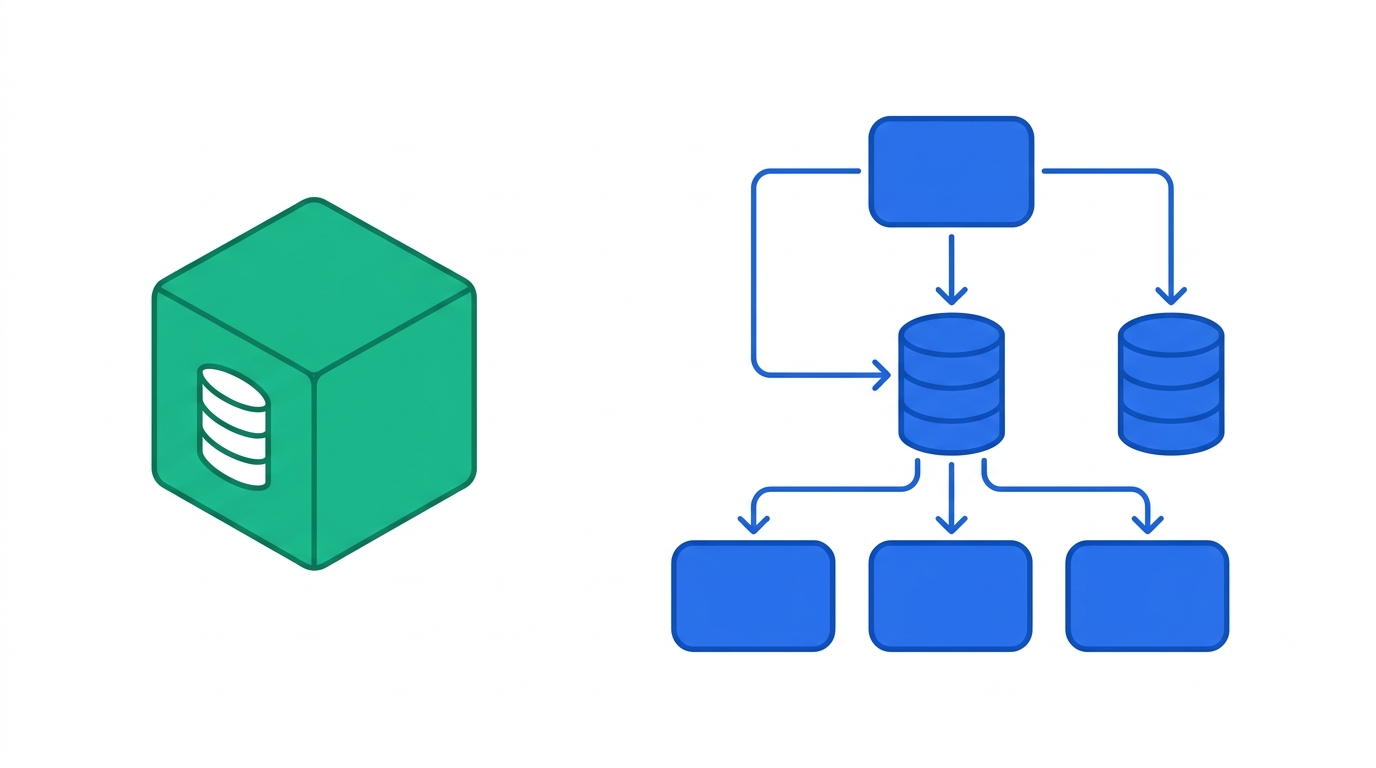
The numbers below are practical sizing targets, not theoretical minimums. "It boots on 512 MB" is true and useless; these are sizes that survive contact with real workflows.
Activepieces — lighter
Comfortable on a 2 GB / 2 vCPU VPS for a small team; a Raspberry Pi 4 handles light personal use.
n8n — heavier, scales further
Plan 4 GB / 3 vCPU minimum for production; 8 GB to run n8n + Postgres + Redis and test queue mode.
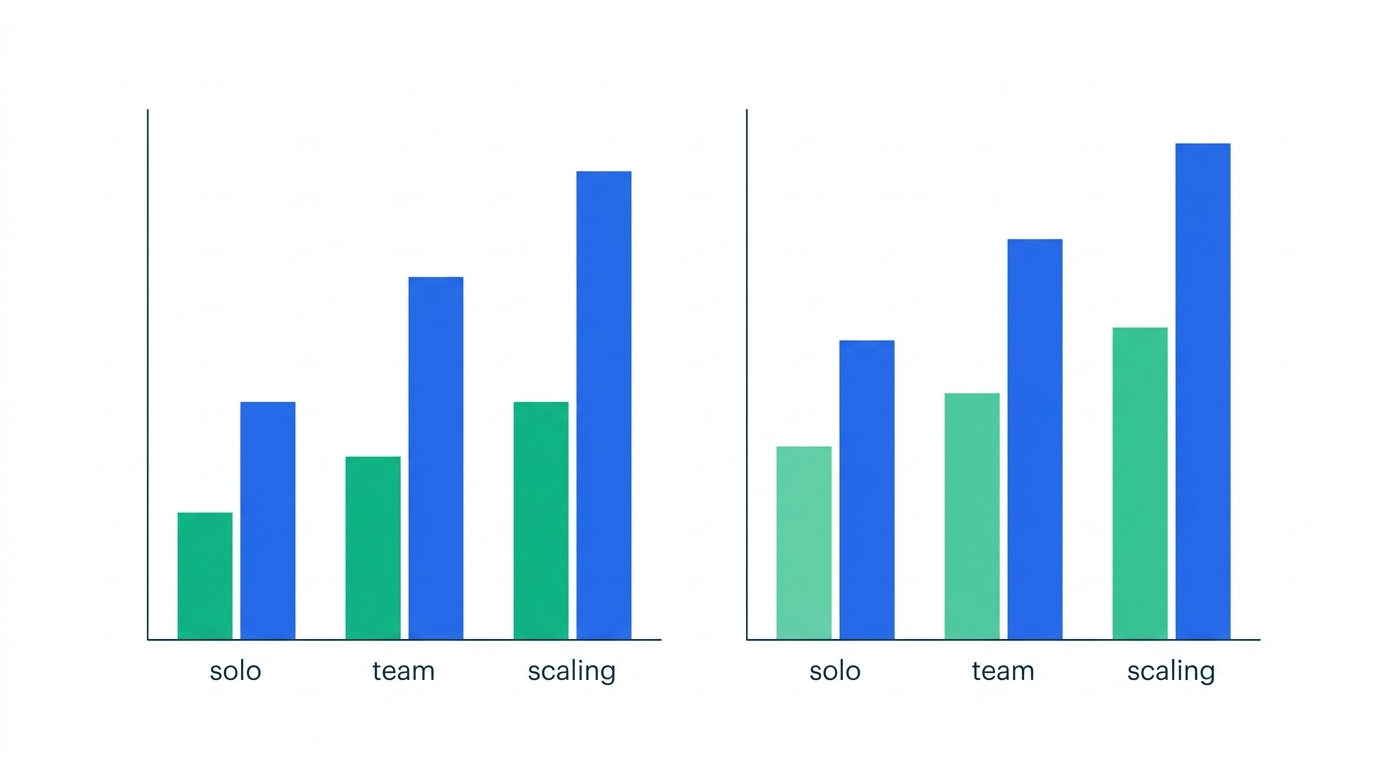
| Scenario | n8n sizing | Activepieces sizing | Typical VPS cost |
|---|---|---|---|
| Solo / testing | 2 GB / 2 vCPU (SQLite) | 1–2 GB (PGLite) | ~$6–12/mo |
| Small team prod | 4 GB / 3 vCPU + Postgres | 2–4 GB / 2 vCPU + Postgres | ~$18–30/mo |
| Scaling / high volume | 8 GB+ / 4 vCPU, queue mode + workers | 4 GB+ with Redis, multi-instance (paid) | ~$40–80/mo |
n8n: pros & cons for self-hosters
Pros
- Mature, documented queue mode for true horizontal scaling — free
- Huge community of compose examples for every reverse proxy
- Clear separation of UI / queue / workers when you grow
- No execution limits when self-hosted for internal use
Cons
- Heavier baseline — wants Postgres and more RAM from the start
- Fair-code license blocks reselling/embedding without a deal
- More moving parts to monitor and back up
- Webhook/host env vars are easy to misconfigure on first deploy
Activepieces: pros & cons for self-hosters
Pros
- Genuinely one-command start; lowest time-to-first-workflow
- Tiny footprint — runs on a Pi or a $6 VPS for light use
- MIT core: safe to embed in a product you sell
- Single image means fewer services to reason about
Cons
- The easy PGLite path can't upgrade to Enterprise in place
- Horizontal scaling lives largely in the paid edition
- Smaller library of community deployment recipes than n8n
- Fewer knobs once you outgrow the single-instance model
Day-2 operations: the part nobody screenshots
Standing the container up is day one. Days two through two-hundred are upgrades, backups, and the occasional 500. Here's the operational reality for each.
Upgrades
Both follow the Docker pattern — pull the new tag, recreate, let migrations run on boot. Always snapshot the database before pulling. The Activepieces caveat returns here: a PGLite instance is awkward to migrate, which is the real reason to start on Postgres if you're at all serious. n8n upgrades are routine, but read the release notes — occasional major versions deprecate node behaviors.
Backups
Three things must be in your backup, and the encryption key is the one people forget:
- The Postgres database — your workflows and execution history (
pg_dumpon a cron). - The encryption key (
N8N_ENCRYPTION_KEY/AP_ENCRYPTION_KEY) — without it, a restored database has unreadable credentials. - Your compose + env files — version-control them (secrets excluded).
If your host vanished right now, could you redeploy from a database dump and your secrets manager in under an hour? If not, your backup is incomplete — and it's almost always the encryption key that's missing.
Scaling
This is the clearest operational split. n8n scales by adding stateless worker containers against a shared Redis queue — a well-trodden path. Activepieces' open-source single instance handles a lot before it strains, but true multi-instance horizontal scaling is an enterprise-edition concern. If you can already see five-figure monthly executions on the horizon, weight that heavily.
Troubleshooting the usual first-deploy failures
Four issues account for most "it won't work" threads:
- Webhooks return 404 or point at localhost. Your public URL env var is wrong — set
WEBHOOK_URL(n8n) orAP_FRONTEND_URL(Activepieces) to the real HTTPS address behind your proxy. - Credentials "disappear" after a redeploy. The encryption key changed or wasn't persisted. It must be identical across restarts and across every worker.
- Workers idle in queue mode. Main and workers must share the same Redis host and the same encryption key, with
EXECUTIONS_MODE=queueset on both. - Database connection refused on first boot. A
depends_ononly waits for the container to start, not for Postgres to accept connections — add a healthcheck or a short retry.
So which should you self-host?
Reduced to the operational decision:
- Choose Activepieces if you want the fastest, lightest deployment, you're running on modest hardware, or the MIT license matters because you'll embed automation in your own product. Just start on Postgres, not PGLite, if it's more than a toy.
- Choose n8n if you expect meaningful growth and want a proven scaling path, you're comfortable running a Postgres + Redis + workers stack, and you're automating internal work (so the fair-code license never bites).
And if you're still weighing the tools on features and integrations rather than ops, start with the full n8n vs Activepieces comparison — then come back here to plan the deploy.
Frequently asked questions
Is self-hosting either tool actually free?
Yes, for internal business automation. Activepieces' core is MIT-licensed. n8n's Sustainable Use License lets you self-host free with no execution limits — the paid agreement is only needed to resell n8n as a service or embed it in a product you sell.
Can I run Activepieces without Postgres and Redis?
Yes, using AP_DB_TYPE=PGLITE and AP_REDIS_TYPE=MEMORY for a single-instance setup. The official docs say this is for personal use or testing only, and you can't upgrade that instance to Enterprise in place — so use Postgres for anything a team depends on.
What's the smallest VPS that runs these in production?
Activepieces is comfortable on roughly 2 GB RAM / 2 vCPU for a small team. n8n wants more — plan for about 4 GB / 3 vCPU at minimum, and 8 GB if you'll run Postgres, Redis, and queue mode together.
Do I need queue mode on day one?
No. Both run fine as a single instance to start. Queue mode is n8n's answer when one container can't keep up; it's free on self-hosted n8n, so you can adopt it when execution volume actually demands it rather than up front.
What's the one thing people forget to back up?
The encryption key (N8N_ENCRYPTION_KEY or AP_ENCRYPTION_KEY). Restore the database without it and every stored credential is unreadable. Back it up separately from the database.
Methodology
Deployment details, environment variables, database/queue options, and stated system requirements were verified against the official n8n and Activepieces documentation and Docker images in June 2026. Resource and cost figures are practical sizing guidance synthesized from official hosting requirements and common VPS pricing tiers, not benchmarks of a specific workload — your numbers will vary with workflow complexity and execution volume. Licensing summaries reflect the n8n Sustainable Use License and the Activepieces MIT core as published at the time of writing; always confirm current terms before commercial deployment.

Technology consultant with 10+ years in the Japanese tech industry. Specializing in SaaS evaluation, workflow automation, and B2B tool integration.