Make vs Zapier vs n8n (2026): The Billing Unit Decides This, Not the Feature List
The short version
These three platforms charge for different things, and that single fact drives more of your bill than any feature on their comparison pages. Zapier bills per action step. Make bills per module action. n8n bills per workflow run, with unlimited steps inside it.
So the same automation — a 10-step workflow running 1,000 times a month — costs $129/month on Zapier, $12/month on Make, and €20/month on n8n at list prices we checked in August 2026. That is not a rounding difference. It is a 10x spread produced entirely by how each vendor counts.
Pick Zapier if connector coverage and time-to-first-automation matter more than the invoice. Pick Make if you want the lowest cost per operation with a real visual builder and no servers to run. Pick n8n if your workflows are long, your data is sensitive, or you have someone who will own an instance.
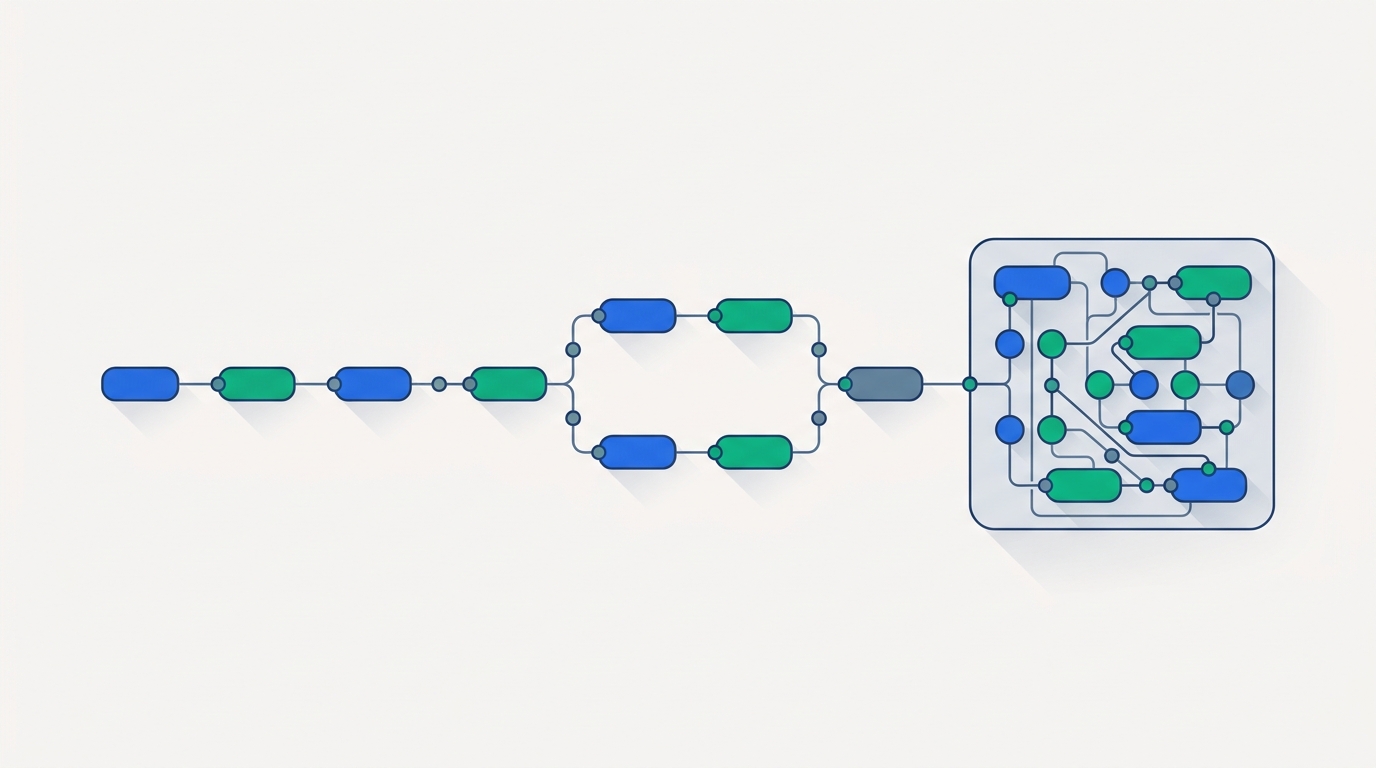
01The one number that decides this
Most comparisons of these three platforms open with connector counts and close with "it depends on your needs." That is true and useless. There is a more specific question that resolves the choice for most teams:
How many billable actions does your average workflow perform per run?
Call it steps-per-run. It is the variable that the three pricing models treat completely differently:
If your workflows are two or three steps long, all three platforms are cheap and the decision comes down to connectors and taste. If your workflows are ten or twenty steps long — enrichment chains, multi-system syncs, anything with an AI call in the middle — the pricing models diverge violently, and the platform that looked cheapest on the pricing page is often the most expensive one in practice.
That is the analysis most head-to-head posts skip, so it is where we will start.
02Quick comparison
| Criteria | Zapier | Make | n8n |
|---|---|---|---|
| Billing unit | Task = one successful action step | Credit = one module action | Execution = one workflow run, unlimited steps |
| Entry paid plan | $19.99/mo annual 750 tasks, Professional |
$12/mo annual 10,000 credits, Core |
€20/mo annual 2,500 executions, Starter |
| Free tier | 100 tasks/mo, two-step Zaps only | 1,000 credits/mo, 15-min minimum interval | Unlimited (self-hosted Community) |
| Integrations | 9,942+ apps | 3,000+ apps | 2,024 integrations |
| Self-hosting | No | No (on-prem agent on Enterprise) | Yes, first-class |
| Builder style | Linear step list | Visual canvas with routers | Node graph, code-friendly |
| AI agent product | Zapier Agents (GA) | Make AI Agents + Maia (beta, Feb 2026) | 70+ AI nodes, native LangChain (v2.0) |
| Custom code | Code by Zapier (consumes tasks) | Built-in functions, limited | Full JavaScript/Python nodes |
| SSO/SAML | Enterprise | Enterprise | Business (€667/mo) and up |
| License | Proprietary SaaS | Proprietary SaaS | Fair-code (Sustainable Use License) |
| Best fit | Broad app coverage, non-technical teams | Cost-efficient visual automation at scale | Long workflows, data control, AI agents |
All prices are vendor list prices checked August 2026. n8n publishes in euros; Zapier and Make in US dollars.
03How each platform actually bills
Zapier: you pay per step
Zapier counts a task every time a Zap successfully completes one action step. The trigger never counts, and a useful set of built-in steps are free: Filters, Paths, Formatter, Delay, Looping, Digest, Tables, Forms, and Storage do not consume tasks. Failed actions are not billed either.
That exemption list is more generous than people assume, and it changes the math — a workflow with a lot of branching and formatting is cheaper on Zapier than its step count suggests. But every step that touches an external app is a task. A workflow that writes to five systems bills five tasks per run, every run.
Zapier's Professional plan scales through a task slider. The published tiers, billed annually, run: 750 tasks at $19.99/mo, 2,000 at $49, 5,000 at $89, 10,000 at $129, 20,000 at $189, and 50,000 at $289. Paying monthly instead costs roughly 50% more at each tier — $193.50 instead of $129 at the 10,000-task level. The Team plan starts at $69/mo annually for 2,000 tasks and includes 25 seats.
Make: you pay per module action, but the unit is cheap
Make counts a credit for each module action in a scenario — reading, searching, creating, updating, deleting, transforming, aggregating, iterating. Routers and error handlers do not consume credits. Structurally this is the same model as Zapier's: you pay per step.
The difference is the price of the unit. Make's Core plan includes 10,000 credits for $12/mo billed annually ($16 monthly), Pro is $21/mo annual ($28 monthly), and Teams is $38/mo annual ($51 monthly) — all at the same 10,000-credit base, with a slider for higher volumes. Zapier's 10,000-task tier is $129/mo annually. Same nominal unit count, roughly a 10x price difference.
Watch this
Make replaced "operations" with "credits" in August 2025. For standard automations the exchange rate is 1:1, but AI-powered modules consume credits based on token usage, not per call. If you are putting an LLM step inside a Make scenario, your credit burn is no longer predictable from the scenario diagram alone — meter it for a month before you commit to a tier.
n8n: you pay per run, and steps are free
n8n counts one execution per workflow run regardless of how many nodes it passes through. n8n's own pricing page states executions come "with unlimited steps." Starter is €20/mo billed annually for 2,500 executions and 5 concurrent runs; Pro is €50/mo for 10,000 executions and 20 concurrent; Business is €667/mo for 40,000 executions, self-hosted, and adds SSO/SAML/LDAP, git version control, and separate environments. Enterprise is custom.
This inverts the incentive. On Zapier and Make, engineers learn to collapse steps to save money. On n8n, a 40-node workflow costs exactly what a 2-node workflow costs, so you build whatever the problem actually requires. That is a meaningful difference in how teams design automations, not just what they pay.
04The same workflow, three bills
Here is the comparison that pricing pages cannot show you, because it depends on your workflow shape. We held volume constant at 1,000 runs per month and varied only the number of billable steps per run.
Monthly cost for 1,000 workflow runs
Vendor list prices, annual billing, checked August 2026. Bars scaled to the $129 maximum.
Zapier: 2,000 / 5,000 / 10,000 tasks → Professional tiers at $49 / $89 / $129. Make: 2,000 / 5,000 / 10,000 credits → all inside the Core plan's 10,000-credit allowance at $12. n8n: 1,000 executions in every case → Starter at €20, which allows up to 2,500 runs at the same price.
Three things fall out of this.
Zapier's cost is proportional to workflow length. Tripling the steps roughly triples the bill. n8n's cost is completely flat in steps — the €20 bar does not move, and it would not move at 40 steps either. Make's is technically proportional, but the Core plan's 10,000-credit allowance absorbs all three scenarios without a tier change.
The ranking flips on volume, not just steps. Run that same 2-step workflow 10,000 times a month instead of 1,000 and n8n's execution count blows past Starter's 2,500 limit into Pro at €50, while Make's 20,000 credits push past the Core base into a higher slider tier. n8n is cheapest when workflows are long and infrequent; Make is cheapest when they are short and frequent; Zapier is rarely the cheapest on either axis.
Annual billing is not a minor discount on Zapier. At the 10,000-task tier it is $129 versus $193.50 — about a third off. If you have any confidence in your volume, the monthly option is expensive optionality.
Comparing Zapier's tiers against your actual task count?
Start on the free tier, run your highest-volume Zap for two weeks, then read the task counter before you commit to an annual tier.
05Where each platform genuinely wins
Connector coverage: Zapier, not close
Zapier's app directory advertises 9,942+ apps. Make lists 3,000+. n8n lists 2,024 integrations. For a mainstream B2B stack — Salesforce, HubSpot, Slack, Google Workspace, Notion, Stripe — all three will cover you. The gap shows up at the edges: a niche vertical CRM, a regional payment processor, a legacy scheduling tool. Zapier is roughly three times more likely to already have it.
This is worth real money even on Zapier's pricing. Building and maintaining a custom HTTP integration is not free; if a missing connector costs an engineer two days plus ongoing upkeep, that dwarfs a year of the tier difference. Check your five most obscure tools against all three directories before you decide on price alone. If Zapier's coverage is what you need but the bill is what stops you, our roundup of Zapier alternatives for small business works through the cheaper substitutes tool by tool.
AI agents: n8n is furthest along, Make is closing
All three shipped agent products, and they are at genuinely different maturity levels in 2026.
n8n released version 2.0 in January 2026 with native LangChain integration and roughly 70 AI nodes — an AI Agent node for orchestration, model nodes for OpenAI, Anthropic, and local models via Ollama, plus memory and tool sub-nodes. Combined with its task runners, agents run sandboxed. If you want to build a real multi-tool agent rather than a chatbot wrapper, this is the most complete toolkit of the three.
Make launched AI Agents in open beta on February 2, 2026, built around Maia, its natural-language workflow builder. The differentiator is debuggability: Make's Reasoning Panel exposes what the agent decided and why, which is the single hardest part of running agents in production. Maia's general availability has lagged, so verify current status before you plan around it.
Zapier Agents is generally available and included at basic access on every plan including Free. It is the least technically deep of the three, but it inherits the 9,942-app catalog — which for an agent that needs to actually do things across a business stack is a serious advantage.
One cost note that applies to all three: LLM tokens are billed by your model provider, separately from workflow operations, and they are usually the larger number. If you are routing agent traffic across providers, our comparison of LLM gateways including Vercel AI Gateway, Cloudflare AI Gateway, and OpenRouter covers where that spend actually lands.
Want the visual canvas without the per-step pricing?
Make's free tier includes 1,000 credits per month — enough to rebuild one real scenario and watch the credit counter before you pay anything.
Self-hosting and data residency: n8n alone
n8n is the only one of the three you can run on your own infrastructure as a normal, supported deployment. For teams under GDPR, HIPAA, or a customer contract that forbids third-party data processors, that is not a preference — it is the entire decision. Make offers an on-prem agent on Enterprise; Zapier does not offer self-hosting at all.
The Community Edition is free with no execution limits. The honest caveat is that "free" describes the license, not the cost.
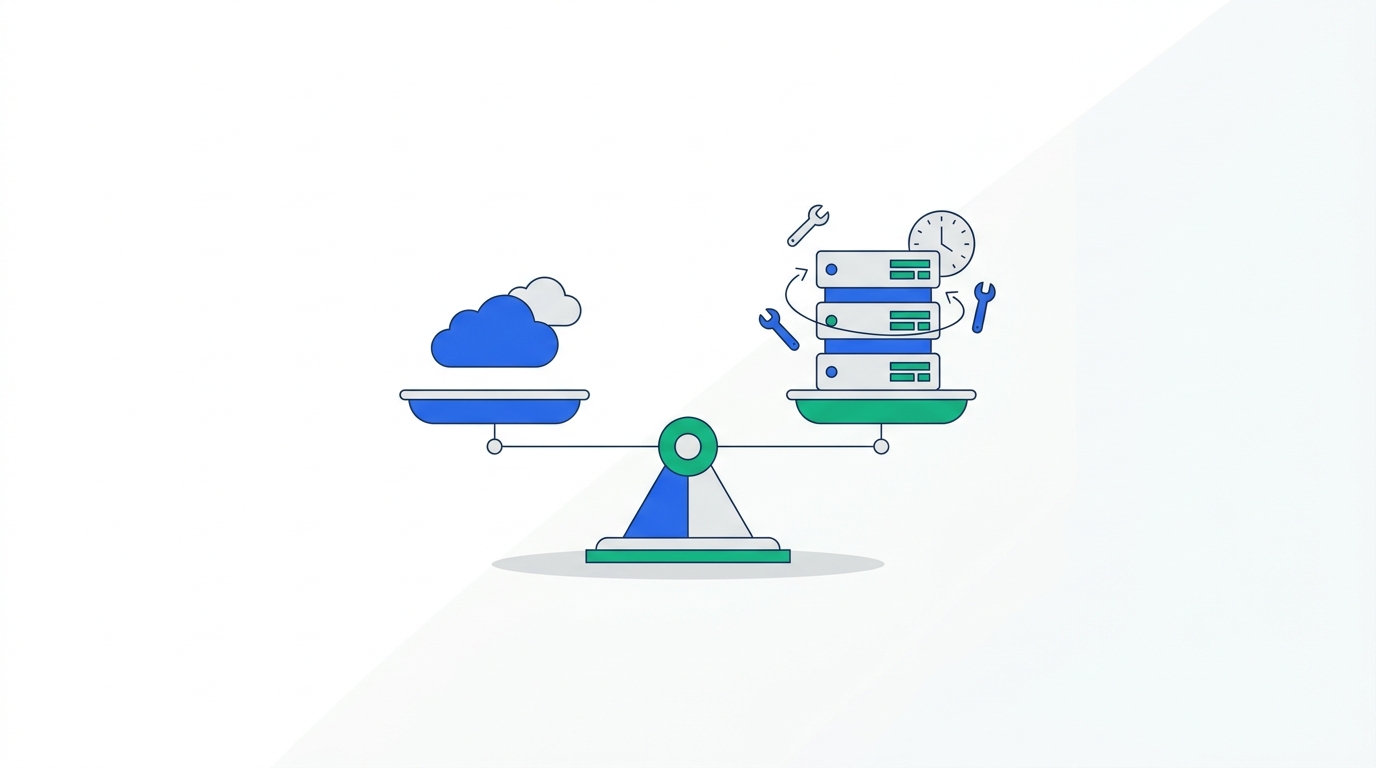
Infrastructure for a small production n8n instance runs roughly $5–20/month on a VPS, and managed n8n hosts start around $4–7/month. The recurring cost is time: industry write-ups consistently put ongoing maintenance — version upgrades, crash monitoring, webhook timeouts, SSL rotation, log review — at 2–5 hours per month for a typical production instance. At a $50/hour internal rate that is $100–250/month in staff time, which is more than n8n Pro costs in cash.
Self-hosting is the right call when you need data control, when you are running high enough volume that execution tiers hurt, or when you already have infrastructure people. It is the wrong call when you are choosing it purely to avoid a €20 invoice. If you want the operational detail, we walk through the full setup and maintenance picture in our n8n vs Activepieces self-hosted comparison.
06The licensing detail that catches agencies
n8n is routinely described as open source. It is not, in the OSI sense, and the distinction has teeth for one specific group of buyers.
n8n moved to the Sustainable Use License in March 2022, replacing an Apache 2.0 + Commons Clause arrangement. It is a fair-code license: source is public, you can read it, modify it, and self-host it, but commercial use is restricted to internal business purposes. n8n's own framing of the change is that consulting is explicitly fine — you may charge clients to build n8n workflows or custom nodes for them.
Who this affects
You cannot charge third parties for access to n8n or a modified version of it. Running an n8n instance and reselling it as your own automation product, white-labeling the editor, or offering n8n-as-a-service requires a separate commercial arrangement with n8n. Building workflows for clients on their instance is fine. Hosting your instance and billing them for access to it is not.
Profit is not the trigger — you can make as much money as you like from automations that run your own business. The trigger is whether n8n itself is the product you are selling. If your agency's plan involves an n8n instance with your logo on it, get the license question answered by n8n before you build the business model, not after. Zapier and Make are conventional proprietary SaaS and raise no equivalent question, though neither permits white-labeling either.
07Pros and cons
Zapier
From $19.99/mo · 750 tasksPros
- 9,942+ apps — by far the widest catalog
- Fastest path from zero to a working automation
- Filters, Paths, Formatter and Delay are free steps
- Agents included at basic access on every plan
- Team plan bundles 25 seats at $69/mo annual
Cons
- Per-step billing punishes long workflows hardest
- Monthly billing costs ~50% more than annual
- No self-hosting or data residency control
- Free tier caps Zaps at two steps
- Weakest custom-code and data-transformation story
Make
From $12/mo annual · 10,000 creditsPros
- Cheapest cost per operation of the three by a wide margin
- Visual canvas handles branching and routers cleanly
- Routers and error handlers consume no credits
- Best agent debugging via the Reasoning Panel
- EU-based vendor, useful for some procurement reviews
Cons
- 3,000+ apps — you will hit a missing connector sooner
- AI modules burn credits by token usage, not per call
- Canvas gets visually unmanageable on very large scenarios
- Maia's GA timing has slipped; verify before planning on it
- Self-hosting only via the Enterprise on-prem agent
n8n
From €20/mo annual · 2,500 executionsPros
- Unlimited steps per execution — long workflows are free to build
- Free, unlimited self-hosted Community Edition
- 70+ AI nodes with native LangChain (v2.0, January 2026)
- Full JavaScript and Python nodes for real data work
- Complete data residency control when self-hosted
Cons
- Steepest learning curve of the three
- Execution caps bite hard on short, high-frequency workflows
- Big jump from Pro (€50) to Business (€667) for SSO and git
- Fair-code license blocks reselling n8n-as-a-service
- Self-hosting costs 2–5 engineering hours per month
Workflows long enough that per-step billing is the problem?
n8n's execution model charges the same for a 40-node workflow as a 2-node one. The self-hosted Community Edition is free if you want to test that claim before paying.
08Who should choose which
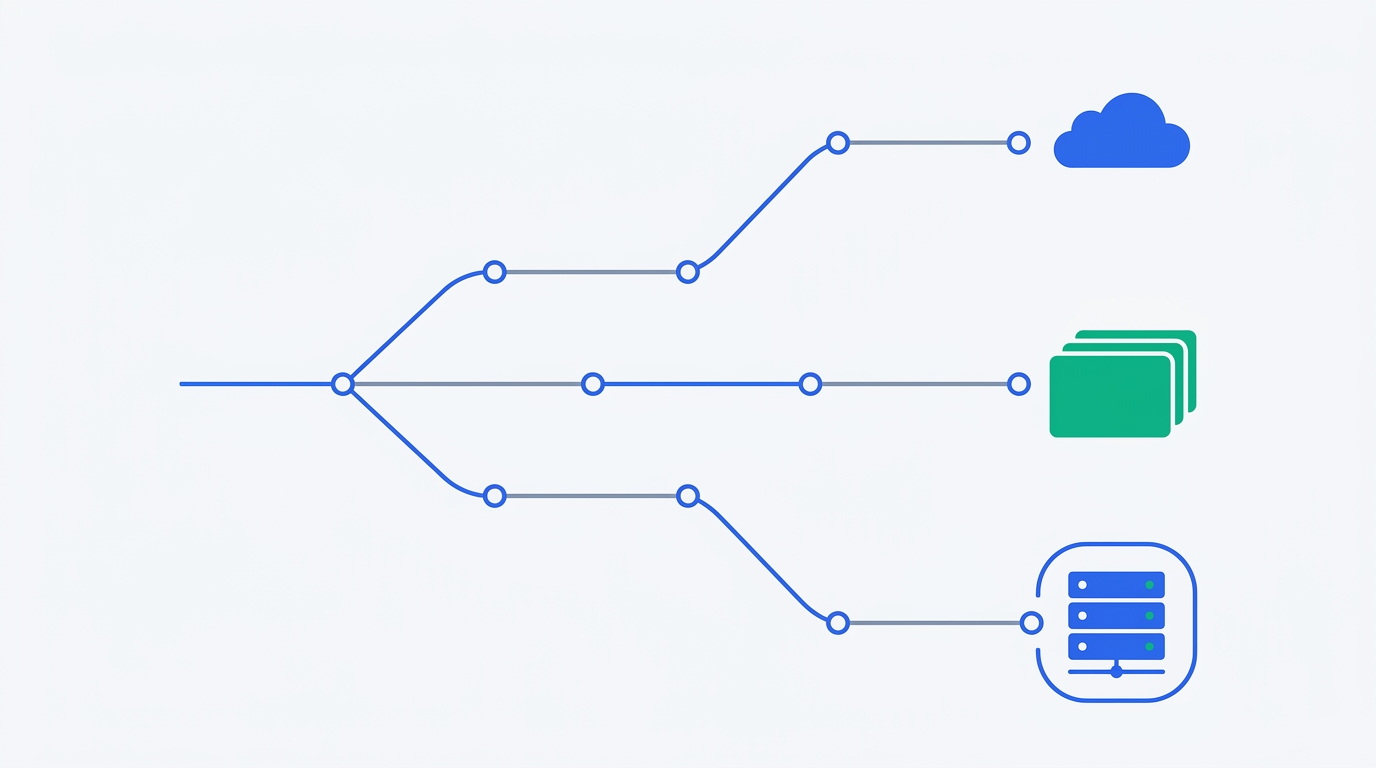
| If you are… | Choose | Because |
|---|---|---|
| A non-technical ops team wiring up SaaS tools | Zapier | Widest catalog, shortest learning curve, no one has to own infrastructure |
| Running high-volume, short workflows on a budget | Make | 10,000 credits for $12/mo annual; nothing else is close per operation |
| Building long enrichment or ETL-style chains | n8n | Steps are free inside an execution; real code nodes for transformation |
| Under GDPR/HIPAA or a no-subprocessor contract | n8n | Only option with first-class self-hosting and full data residency |
| Building production AI agents with tools and memory | n8n | Native LangChain, 70+ AI nodes, sandboxed task runners |
| Prototyping an agent this week with no waitlist | Zapier | Agents are GA and included at basic access on every plan |
| An agency reselling automation as a product | Make or Zapier | n8n's Sustainable Use License restricts use to internal business purposes |
| A 25-person team needing shared seats cheaply | Zapier Team | 25 seats bundled at $69/mo annual rather than priced per user |
The combination most teams land on
Running two platforms is normal and usually cheaper than forcing one to do everything. A common split: Zapier for the long tail of app connections nobody else supports, and Make or n8n for the handful of high-volume or many-step workflows that would dominate a per-task bill. Market data supports this — 16% of companies using either Zapier or n8n now run both.
09What the market data actually shows
Vendor comparison pages are marketing. Spend data is not. YipitData's April 2026 analysis of mid-market software spend gives a more useful picture of where these platforms stand:
- n8n grew its observed mid-market customer count from 12 to 122 between January 2025 and January 2026 — more than 10x — and was still growing 14% month over month into January 2026.
- Nearly 80% of n8n's new customers were already running Zapier. n8n is not creating new automation buyers; it is landing inside accounts Zapier already won.
- Among teams running both, customers are 50% more likely to drop Zapier than n8n, and direct head-to-head switching favors n8n roughly 2:1 (15 switches versus 8 reversions).
- Zapier remains the clear category leader, used by nearly half the companies in the panel, still growing year over year in the single digits.
- n8n's enterprise traction has stalled — enterprise customer count was roughly flat for four months, and only 10% of its mid-market base spends over $10,000 annually.
Read together: n8n is a genuine threat to Zapier in technical mid-market teams and has not yet proven itself upmarket. Zapier's position is not eroding at the top so much as being chipped at from below. If you are choosing today, neither platform is a risky bet on survival — but the switching direction tells you which way technical teams are leaning.
The absolute numbers are small because they reflect one observed panel, not the whole market. Treat the direction as the signal, not the counts.
10Frequently asked questions
Is n8n still relevant in 2026?
More than it was. n8n shipped version 2.0 in January 2026 with native LangChain support and roughly 70 AI nodes, and YipitData recorded its mid-market customer count growing more than 10x — from 12 to 122 — between January 2025 and January 2026. The relevance question usually comes from people expecting AI-native platforms to displace workflow tools; what happened instead is that n8n became one of the more capable places to build AI agents, because agents need exactly what n8n already had: tool calling, custom code, and unlimited steps per run.
Which is better, n8n or Make?
They optimize for opposite workflow shapes. Make is cheaper per operation — 10,000 credits for $12/month annually — so it wins on short workflows running very frequently. n8n charges per execution with unlimited steps, so it wins on long workflows regardless of how many nodes they contain.
Beyond cost: choose n8n if you need self-hosting, data residency, real custom code, or serious AI agent building. Choose Make if you want a polished visual canvas, no infrastructure to maintain, and the lowest bill for high-volume simple automation. If you are an agency reselling automation as a service, Make is the safer choice on licensing grounds.
Can Zapier replace n8n?
For simple, low-volume automations across mainstream SaaS apps, yes — and it will be faster to set up. For three specific things, no. Zapier cannot be self-hosted, so it cannot satisfy a data residency requirement. Its per-task billing makes long workflows structurally expensive, so an ETL-style chain that is affordable on n8n may not be on Zapier. And its custom-code and data-transformation capabilities are thinner, which matters for anything beyond field mapping.
The reverse substitution fails too: n8n cannot replace Zapier when the app you need is one of the roughly 8,000 connectors Zapier has and n8n does not.
Which is cheapest — Make, Zapier, or n8n?
It depends entirely on steps per run and runs per month. For a 10-step workflow running 1,000 times monthly, list prices in August 2026 were $129/mo on Zapier, $12/mo on Make, and €20/mo on n8n. Shorten that to 2 steps and Zapier drops to $49 while the other two do not move. Raise volume to 10,000 runs and n8n jumps to the €50 Pro tier while Make moves up its credit slider.
As a rule: Make is cheapest for short high-frequency workflows, n8n for long ones, and Zapier is rarely cheapest on either axis — you pay its premium for connector coverage and ease of use. Self-hosted n8n Community Edition is free, but budget 2–5 engineering hours per month to run it.
Is n8n really open source and free for commercial use?
Not quite, on both counts. n8n uses the Sustainable Use License, a fair-code license adopted in March 2022. The source is public and you can self-host and modify it, but commercial use is limited to internal business purposes.
You can run unlimited automations for your own company at any scale of profit, and you can charge clients to build n8n workflows or nodes for them. You cannot charge third parties for access to n8n itself — no reselling it as your own product, no white-labeling, no n8n-as-a-service — without a separate commercial arrangement.
11Methodology
All pricing, plan limits, and integration counts in this article were taken from each vendor's own pricing, integrations, and documentation pages, checked in August 2026. Where a vendor's published price varies by billing period, we state which one we used; n8n publishes in euros and we have not converted, since exchange rates move faster than the prices do.
The cost scenarios in section 4 apply each vendor's stated billing rule to a fixed workflow shape rather than reproducing marketing comparisons. Zapier figures use published Professional-plan task tiers at annual billing. Make figures use the Core plan's 10,000-credit allowance; volumes above that require a higher slider tier we have not priced here. n8n figures use published Starter and Pro execution limits. We did not benchmark runtime performance or reliability, and we have not run all three platforms in production simultaneously — this is a pricing-model and capability analysis based on vendor documentation and third-party spend data, not a hands-on review.
Market share and switching figures come from YipitData's April 2026 mid-market analysis, which reflects one observed spend panel rather than the full market.
Prices and plan structures on all three platforms changed at least once in the twelve months before publication — Make's credits migration in August 2025 and n8n's 2.0 release in January 2026 both moved the numbers. Re-check the pricing pages before you sign anything annual.
If you are still at the stage of scoping the category rather than picking between these three, our overview of the best no-code automation tools in 2026 sorts the wider field, and for a two-way deep dive there is our dedicated Zapier vs Make comparison. For a concrete build on any of these platforms, see how to sync Google Sheets with a CRM.
Sources
- n8n — Pricing (plan tiers, execution limits, unlimited steps, feature gates). Checked August 2026.
- Zapier — Pricing (Professional and Team task tiers, task definition, free steps). Checked August 2026.
- Make — Pricing (plans, credit allowances, scheduling intervals, feature gates). Checked August 2026.
- Zapier — App Directory (9,942+ apps). Checked August 2026.
- Make — Integrations (3,000+ apps). Checked August 2026.
- n8n — Integrations (2,024 integrations). Checked August 2026.
- n8n Blog — Announcing the new Sustainable Use License (internal business purposes, consulting permitted).
- YipitData — n8n or Zapier: Who's winning workflow automation right now? (April 2026 mid-market spend analysis).

Technology consultant with 10+ years in the Japanese tech industry. Specializing in SaaS evaluation, workflow automation, and B2B tool integration.