Best No-Code Automation Tools 2026: 10 Platforms Sorted Into the 3 Categories That Matter
Search "best no-code automation tools 2026" and you'll find lists of 8, 13, even 21 platforms, ranked side by side as if they compete for the same job. They don't. Zapier and n8n move data between apps you already run. Gumloop and Lindy operate AI agents that decide what to do next, not just execute a fixed recipe. Airtable and Kissflow are entire work platforms — the data and the process live inside them, with automation layered on top. Picking the wrong category wastes more budget than picking the wrong tool inside the right one. Based on our research across the current top-ranking roundups for this keyword and each vendor's own pricing page, this guide sorts 10 platforms into the three categories that actually determine fit, with every price verified as of July 29, 2026.
- The 3 categories "no-code automation" covers
- Quick answer: our top pick in each category
- Comparison table: all 10 platforms
- Category A: Workflow automation (5 platforms)
- Category B: AI agent builders (2 platforms)
- Category C: Work platforms with automation built in (3 platforms)
- Who should choose which
- How we chose
- FAQ
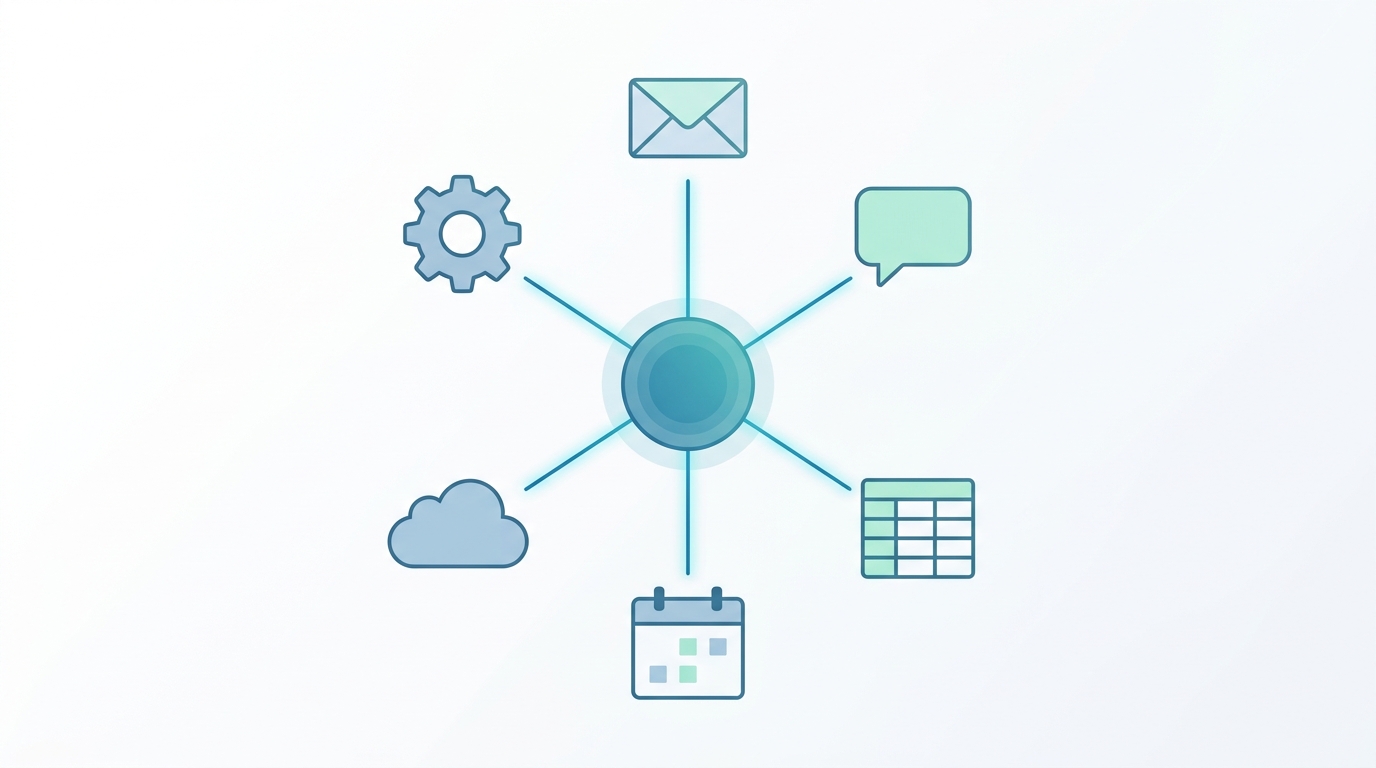
The 3 Categories "No-Code Automation" Actually Covers
The confusion isn't accidental — the vendors blend it too. As of July 2026, Zapier sells classic task-based automation and a separately-billed "Zapier Agents" product (400 free activities/month, then roughly $33/month for 1,500) that runs autonomous multi-step agents on its own metering, outside the task allowance you'd check when pricing a Zap. Make lists "Make AI Agents" as a beta feature bolted onto its credit-based scenario builder. n8n and Activepieces both ship Model Context Protocol (MCP) support so their trigger-action workflows can call the same tool-use patterns AI agents use. When the vendors themselves blend the categories in their own pricing pages, it's no surprise that review roundups do too. Here's the distinction that actually matters once you're the one paying for it:
Workflow Automation (iPaaS)
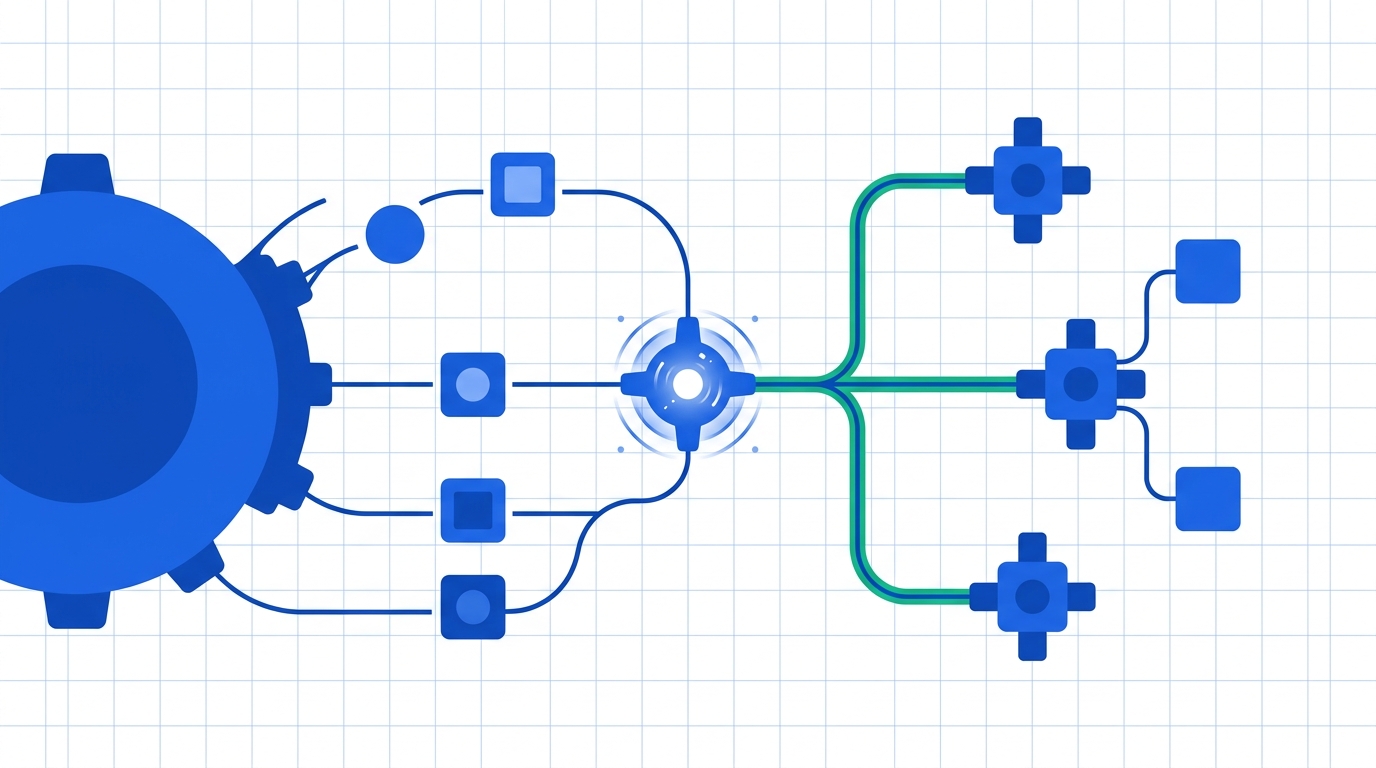
"If X happens in App A, do Y in App B." Deterministic and auditable — the same steps run every time. You're wiring together tools you already use.
Zapier, Make, n8n, Activepieces, Zoho Flow
AI Agent Builders
You describe an outcome in plain language; the agent decides which steps to take, and the path can vary run to run. Judged on results, not on a fixed diagram.
Gumloop, Lindy
Work Platforms
The data and the process live inside the tool itself — records, forms, approvals — with automation as a built-in layer, not a bridge to somewhere else.
Airtable, Kissflow, Power Automate
Quick Answer: Our Top Pick in Each Category
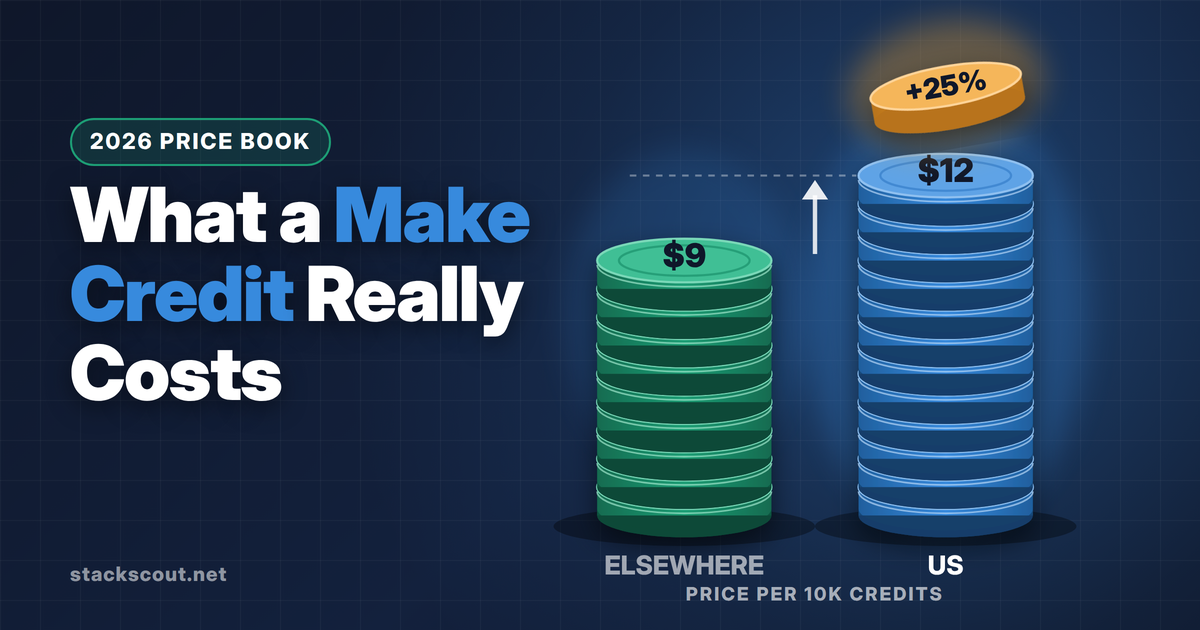
Best default balance of app coverage, visual power, and per-unit cost as of July 2026 — $9/month for 10,000 credits. Pick n8n instead if you have a technical team and want a self-hosted option; pick Zapier if the single deciding factor is the largest app catalog.
Best for designing your own multi-agent pipelines, including parallel sub-agents — $37/month for 20,000+ credits. Pick Lindy instead if you want pre-built role agents (inbox, support, sales) you can turn on in minutes rather than build yourself.
Best starting point for small-to-mid teams who want their database and its automations in one place — $20/seat/month on Team. Pick Kissflow if you need multi-department approval chains at 100+ users, or Power Automate if you're already a Microsoft 365 shop.
Comparison Table: All 10 Platforms at a Glance
All prices below are each vendor's own advertised price as of July 29, 2026, billed annually unless noted.
| Tool | Category | Entry price | Free plan | Self-host | Best for |
|---|---|---|---|---|---|
| Zapier | Workflow | $19.99/mo (750 tasks) | 100 tasks/mo | No | Largest app catalog |
| Make | Workflow | $9/mo (10,000 credits) | 1,000 credits/mo | No | Best value visual builder |
| n8n | Workflow | €20/mo (2,500 executions) | Free self-hosted CE | Yes (fair-code) | Technical teams |
| Activepieces | Workflow | Free (10 flows), then $5/flow | 10 active flows, unlimited runs | Yes (MIT) | Predictable flat pricing |
| Zoho Flow | Workflow | $10/mo (5,000 tasks/org) | 100 tasks/mo, 5 flows | No | Zoho-centric orgs, cheapest flat rate |
| Gumloop | AI agent | $37/mo (20,000+ credits) | 2,000 credits/mo | No | Custom multi-agent pipelines |
| Lindy | AI agent | $49.99/mo | 7-day trial only | No | Pre-built role agents |
| Airtable | Work platform | $20/seat/mo (Team) | 1,000 records/base, 100 runs/mo | No | Database + automation combined |
| Kissflow | Work platform | Custom (sales consultation) | None (demo only) | No | Multi-department BPM/approvals |
| Power Automate | Work platform | $15/user/mo (Premium) | 30-day trial | No | Microsoft 365-native orgs |
Category A: Workflow Automation Platforms
These five move data between existing SaaS tools on a trigger-action model — the closest thing to the original meaning of "no-code automation." We've covered the cost math on this category in more depth elsewhere; here's what you need to pick a starting point.
01 Zapier
From $19.99/month billed annually (Professional, 750 tasks) · Free: 100 tasks/month, two-step Zaps only
Zapier remains the default starting point for a reason: the widest integration catalog in the category, and an editor simple enough that a non-technical operator can build a working Zap in an afternoon. As of July 2026, the entry paid tier is Professional at $19.99/month billed annually for 750 tasks, scaling up to $3,299/month at 2 million tasks. What's easy to miss on vendor comparison charts: Zapier now sells AI agents as a separate product line entirely. "Zapier Agents" has its own free tier (400 activities/month) and paid tier (roughly $33/month for 1,500 activities) that draws from a different allowance than your Zap tasks — so an "AI-powered Zapier workflow" can quietly land on two different bills. If your main complaint about Zapier is cost rather than capability, we've done the full per-month cost math against six alternatives in our Zapier alternatives comparison.
Pros
- Largest app catalog in the category
- Easiest onboarding for non-technical teams
- AI agents available without switching platforms
Cons
- Most expensive per task among mainstream tools
- AI agent features bill separately from core automation
- Free plan limited to two-step workflows
02 Make
From $9/month billed annually (Core, 10,000 credits) · Free: 1,000 credits/month · 2,000+ apps
Make prices scenarios by credit — one credit per module run, so a Google Sheets row plus a Slack message costs two credits. At $9/month for 10,000 credits, that's roughly 13x Zapier's entry allowance for under half the price, and routers or error handlers don't consume credits at all. A similar lead-routing workflow — in the same shape as the Google-Sheets-to-CRM syncs we've documented step by step — typically costs a few thousand credits a month, comfortably inside Core. Make's own AI features (an AI toolkit, an AI content extractor, an AI web-search beta, and "Make AI Agents" in beta) ship on every paid tier at no extra charge, unlike Zapier's separately-billed agent product. The trade-off is the learning curve: Make's canvas is nodes-and-wires rather than Zapier's linear step list, and it takes most new users a weekend to feel at home if they're coming from Zapier.
Pros
- Best price-to-allowance ratio among mainstream tools
- AI features bundled, not billed separately
- Strong branching and logic on every plan
Cons
- Steeper learning curve than Zapier's linear editor
- Smaller app catalog (2,000+) than Zapier's
- Every module run, including data transforms, still consumes a credit
03 n8n
Cloud from €20/month billed annually (Starter, 2,500 executions) · Self-hosted Community Edition: free (fair-code license)
n8n's billing unit is the most favorable one in this category for complex workflows: one execution equals one full workflow run, regardless of how many steps, branches, or AI calls it contains. As of July 2026, the cloud Starter plan is €20/month for 2,500 executions, scaling to €50/month (Pro, 10,000 executions) and €667/month (Business, 40,000 executions with SSO and Git-based version control); companies under 20 employees get 50% off the Business tier. Self-hosting the Community Edition costs nothing beyond your own server, and n8n ships the deepest native AI/LLM tooling of the mainstream automation tools, including MCP support — see our guide to the best MCP servers for B2B workflows for what that unlocks. The honest caveat: n8n assumes comfort with structured data, since you'll map fields between nodes by reading JSON-shaped output. We've documented exactly what self-hosting it on Docker actually takes if you're weighing that route.
Pros
- Per-execution billing makes workflow complexity free
- Genuinely free self-hosted option
- Strongest native AI/MCP tooling in this category
Cons
- Steepest learning curve for non-developers
- Cloud entry tier (2,500 executions) is modest for high-frequency triggers
- Fair-code license isn't OSI open source
04 Activepieces
Cloud: 10 active flows free with unlimited runs, then $5/flow/month · Self-hosted Community Edition: free (MIT license)
Activepieces meters neither tasks, credits, nor executions — you pay per active flow, and every flow includes unlimited runs. Ten active flows are free on the cloud plan; an eleventh costs $5/month regardless of how often it fires. For a small business running eight automations at any volume, the bill is $0. The Community Edition is genuinely MIT-licensed open source — not n8n's fair-code middle ground — so a self-hosted instance stays yours even if the company behind it disappeared tomorrow. That's not a hypothetical: several venture-backed automation startups have shut down in the past year, which is exactly the kind of platform risk a fully open license insures against. We compared self-hosting n8n against Activepieces at scale and found Activepieces meaningfully easier to operate day to day.
Pros
- No execution or task meter at all — runs are unlimited
- Genuinely MIT-licensed, not fair-code
- 10 free active flows covers many small teams outright
Cons
- Smaller connector catalog than Zapier or Make
- Per-flow pricing gets costlier with many small automations rather than a few busy ones
- Smaller community/tutorial base than n8n's
05 Zoho Flow
From $10/month (Standard, 5,000 tasks/org) · Free: 100 tasks/month, 5 flows
Zoho Flow's Standard plan lists at $10/month for 5,000 tasks, priced per organization rather than per user, so a five-person team and a fifty-person team pay the same rate at that tier. Professional steps up to roughly $27/month for 10,000 tasks with 5-minute polling and on-premises integration support, and both tiers scale to 5 million tasks/month for high-volume orgs. The catch is connector coverage: Zoho Flow is strong on Zoho's own suite and mainstream SaaS, but a distant third to Zapier or Make on niche or newer apps. For a business already running Zoho CRM or Zoho Books, though, it's the cheapest way to wire that ecosystem together without adding a separate vendor relationship.
Pros
- Cheapest flat per-organization rate in the category
- Deep native integration with the rest of the Zoho suite
- Scales to enterprise volumes on the same two tiers
Cons
- Thin connector catalog outside Zoho's own apps and mainstream SaaS
- Less visual/logic power than Make's canvas
- 5–15 minute polling means it's not built for real-time triggers
Category B: AI Agent Builders
These two don't run a fixed sequence of steps — you describe a job, and the agent decides how to do it, calling tools and adapting its path based on what it finds. That makes them more capable for judgment-heavy tasks (triaging a support inbox, qualifying a lead) and less predictable than a workflow diagram. Neither is a drop-in replacement for the tools in Category A; most teams that adopt one still run classic automation underneath it. We'll publish a full head-to-head of Gumloop vs. Lindy once we've run both against the same task set — for now, here's how each is built and priced today.

06 Gumloop
Pro: $37/month (20,000+ credits, 5 concurrent runs) · Free: 2,000 credits/month, 2 concurrent runs
Gumloop's visual canvas looks like a classic automation builder, but the nodes are AI-native: research agents, file generators, and sub-agents that can run in parallel within a single pipeline rather than one step waiting on the last. The Pro plan is $37/month for 20,000+ credits with unlimited seats and teams, plus one hosted MCP server instance; annual billing takes 20% off. Because it's credit-based on what the agents actually do rather than a fixed step count, cost is harder to predict up front than with a trigger-action tool — a research-heavy agent run can burn far more credits than a simple notification. It connects to 200+ apps, including Microsoft Teams, which covers most internal-ops use cases but falls well short of Zapier's catalog for edge-case connectors.
Pros
- Parallel sub-agents in a single pipeline, not available on classic automation tools
- Unlimited seats and teams on the Pro plan
- 200+ connectors, including Microsoft Teams
Cons
- Credit cost scales with what the agent does, harder to budget than flat pricing
- Smaller connector catalog than the workflow-automation tools
- Enterprise features (SSO, audit logs, VPC) require a custom quote
07 Lindy
Plus: $49.99/month · Pro: $99.99/month · Max: $199.99/month · 7-day free trial, no free tier
Lindy leads with role-based templates rather than a blank canvas: point it at an inbox and it drafts replies in your voice, hands support tickets to a knowledge-base-backed agent that escalates what it can't resolve, or runs multi-channel sales outreach across email, LinkedIn, and calls. The entry Plus plan is $49.99/month for up to 2 connected inboxes and standard usage; Pro ($99.99) adds computer-use capability and roughly 3x the usage, and Max ($199.99) adds a voice agent built on Deepgram Flux for sub-second response. There's no free plan, only a 7-day trial, and no annual discount as of July 2026 — all three tiers bill monthly only. For a business evaluating whether AI agents are worth adopting at all, that trial window is short for a genuinely fair test of, say, a support agent's escalation judgment.
Pros
- Pre-built role agents usable within a day, no pipeline design required
- Voice agent option on the top tier with sub-second latency
- Usage scales by tier without needing a builder skillset
Cons
- No free plan, only a 7-day trial
- Monthly-only billing, no annual discount
- Less customizable than Gumloop outside its templates
Category C: Work Platforms With Automation Built In
These three aren't automation tools first — they're where your data or your process actually lives, with triggers and rules layered on top of records, forms, or approvals rather than bridging two separate systems. Choose this category when the thing you're automating doesn't have a clean system of record anywhere else yet.
08 Airtable
Team: $20/seat/month billed annually · Free: 1,000 records/base, 100 automation runs/month
Airtable is a database with a spreadsheet-like interface first, and automations second — but for teams that already track projects, inventory, or clients in Airtable, that's the appeal: no separate tool to wire up, no separate bill to track. Automations run on triggered executions (a workflow that fires once daily counts as roughly 30 executions/month), and the Team plan's execution allowance is meaningfully tighter than a dedicated automation tool's — heavy users report needing the Business plan ($45/seat/month) or add-on credit packs well before they'd hit limits on Zapier or Make. The honest read: pick Airtable for automation because you're already using it as your database, not instead of a dedicated automation tool for high-volume triggers.
Pros
- Automation and system-of-record data live in the same tool
- Free plan is genuinely usable for small teams
- Scales into a full app-building platform beyond just automation
Cons
- Automation run allowances are tight compared to dedicated automation tools
- Exceeding limits forces a full-plan upgrade — Team to Business is a 125% per-seat jump
- Less workflow logic power than Make or n8n
09 Kissflow
Custom pricing only — no self-serve signup, consultation required
Kissflow is a low-code work platform built around forms, case management, and multi-step approval workflows — the kind of process a procurement request or an HR onboarding case follows through several departments, with an audit trail at each handoff. That's a genuinely different job than "move this record from Salesforce to Slack," and it's why Kissflow competes less with Zapier than with internal BPM software and custom-built approval tools. As of July 2026, Kissflow publishes no self-serve pricing at all — every plan requires a sales consultation, and the company states pricing is "built around the value you generate" under fixed annual agreements. Third-party pricing trackers report starting ranges in the low thousands of dollars per month, but that figure isn't confirmed by Kissflow itself, so treat it as an estimate rather than a quote. The opacity is itself a data point: this looks like a considered, likely five-figure-a-year purchase aimed at organizations with real approval-chain complexity, not a credit-card SaaS trial.
Pros
- Purpose-built for multi-department approval chains and audit trails
- Unlimited custom applications and integrations under flat annual pricing
- No surcharge for AI features or API usage, per the vendor
Cons
- No published pricing or self-serve trial — a sales cycle is mandatory
- Overkill for teams that just need app-to-app automation
- Annual contract commitment, not month-to-month
10 Microsoft Power Automate
Premium: $15/user/month billed annually · Process (unattended RPA): $150/bot/month · 30-day free trial
Power Automate's advantage isn't its automation logic — it's that every connector to Outlook, SharePoint, Teams, and Dynamics is native, and pricing rides on licenses many organizations already own. The Premium plan is $15/user/month billed annually, covering cloud flows with standard and premium connectors (Salesforce, SAP, Oracle), 250 MB of Dataverse storage per user, and 5,000 AI Builder credits/month. Unattended RPA — bots that run on a schedule with no human trigger — is a separate line item at $150/bot/month, or $215/bot/month for a Microsoft-hosted virtual machine. For a pure Microsoft shop, that per-user model is often cheaper than adding Zapier or Make on top of licenses already being paid for; outside that ecosystem, the connector advantage disappears and the per-user pricing stops making sense.
Pros
- Native, first-party connectors across the Microsoft 365 and Dynamics stack
- Per-user pricing can ride on licenses an org already owns
- AI Builder credits and Copilot Studio integration bundled in higher tiers
Cons
- Unattended RPA bots are a separate, expensive line item ($150–215/bot/month)
- Value drops fast outside the Microsoft ecosystem
- Per-user licensing scales linearly with headcount, unlike flat-rate competitors
Who Should Choose Which
- Not sure yet and just want the easiest possible start: Zapier or Make's free plans, in that order.
- Have a technically comfortable teammate and want to control long-term cost: n8n, self-hosted.
- Want zero subscription risk and open-source insurance: Activepieces Community Edition.
- Already inside the Zoho or Microsoft 365 ecosystem: Zoho Flow or Power Automate respectively — the native connector advantage outweighs a generic tool's flexibility.
- The job is judgment-heavy — triage, qualification, drafting — rather than mechanical data-moving: Gumloop if you want to design the pipeline, Lindy if you want a role-based agent today.
- The data doesn't have a home yet and you're building the system of record from scratch: Airtable for small-to-mid teams, Kissflow if the process spans multiple departments with formal approvals.
How We Chose
Based on our research — we don't accept placement fees, and no vendor reviewed had input into this article. We started from the tools most frequently named across current top-ranking roundups for "best no-code automation tools 2026," then organized them by the job each one is actually built for rather than by vendor marketing category. We excluded pure RPA suites and developer-first iPaaS platforms that require engineering teams to operate (Workato, Tray.ai), and app builders without a meaningful automation layer. Every price, allowance, and plan detail was verified directly on each vendor's official pricing page on July 29, 2026; where a vendor (Kissflow) does not publish pricing, we said so rather than presenting a third-party estimate as confirmed.
Frequently Asked Questions
What does "no-code automation" actually mean?
It means building an automated process through a visual or declarative interface — dragging steps onto a canvas, filling in fields, setting triggers — instead of writing code. The label increasingly stretches to cover AI agent builders too, even though describing a task to an agent in plain English is a different kind of "no-code" than configuring a fixed trigger-action diagram. Both are legitimately no-code; they just automate different things.
What's the real difference between a workflow automation tool and an AI agent builder?
A workflow automation tool (Zapier, Make, n8n, Activepieces, Zoho Flow) runs the same fixed sequence of steps every time a trigger fires — predictable and easy to audit. An AI agent builder (Gumloop, Lindy) is given a goal and decides its own path to it, which makes it better suited to judgment calls but harder to predict step-by-step. Most teams that adopt AI agents keep a workflow automation tool running underneath for the deterministic parts of the process.
Is Zapier still worth using in 2026, or should I start with a cheaper alternative?
Zapier is still the easiest on-ramp if you value the largest app catalog and want to be building in minutes with zero learning curve. But at $19.99/month for 750 tasks, it's also the most expensive per-task of the mainstream tools once you're running real volume. We've done the full monthly cost math against six alternatives, including Make and n8n, in our Zapier alternatives comparison.
Can I avoid subscription costs entirely by self-hosting?
Yes, for the two tools in this category that offer it. n8n's Community Edition and Activepieces' Community Edition are both free to self-host, with the caveat that Activepieces is genuinely MIT-licensed open source while n8n uses a more restrictive fair-code license. Either way you're trading a monthly subscription for the cost of a small VPS and the time to run basic Docker maintenance yourself — we've documented what that actually takes in practice.
Do I need a developer to set any of these up?
Not for most of them. Zapier, Make, Airtable, and Lindy are designed for non-technical operators — you'll build your first working automation in an afternoon. n8n and Kissflow assume more: n8n expects comfort reading JSON-shaped data between nodes, and Kissflow's process design typically involves an admin or ops lead configuring multi-step approval logic rather than an end user dragging blocks around.
Sources & References
Primary sources used in this article
All pricing and plan details verified July 29, 2026 against these official pages:
- Zapier — Pricing: zapier.com/pricing
- Make — Pricing: make.com/en/pricing
- n8n — Pricing: n8n.io/pricing
- Activepieces — Pricing: activepieces.com/pricing
- Zoho Flow — Pricing: zoho.com/flow/pricing.html
- Gumloop — Pricing: gumloop.com/pricing
- Lindy — Pricing: lindy.ai/pricing
- Airtable — Pricing: airtable.com/pricing
- Kissflow — Pricing: kissflow.com/pricing
- Microsoft Power Automate — Pricing: microsoft.com/power-platform/products/power-automate/pricing

Technology consultant with 10+ years in the Japanese tech industry. Specializing in SaaS evaluation, workflow automation, and B2B tool integration.