How a B2B Ops Team Cut Manual Lead Routing by 80% With Make: An Automation Case Study
A step-by-step breakdown of the webhook-to-CRM scenario that took lead assignment off a spreadsheet and into real time — the architecture, the monthly cost, and what it still doesn't fix.
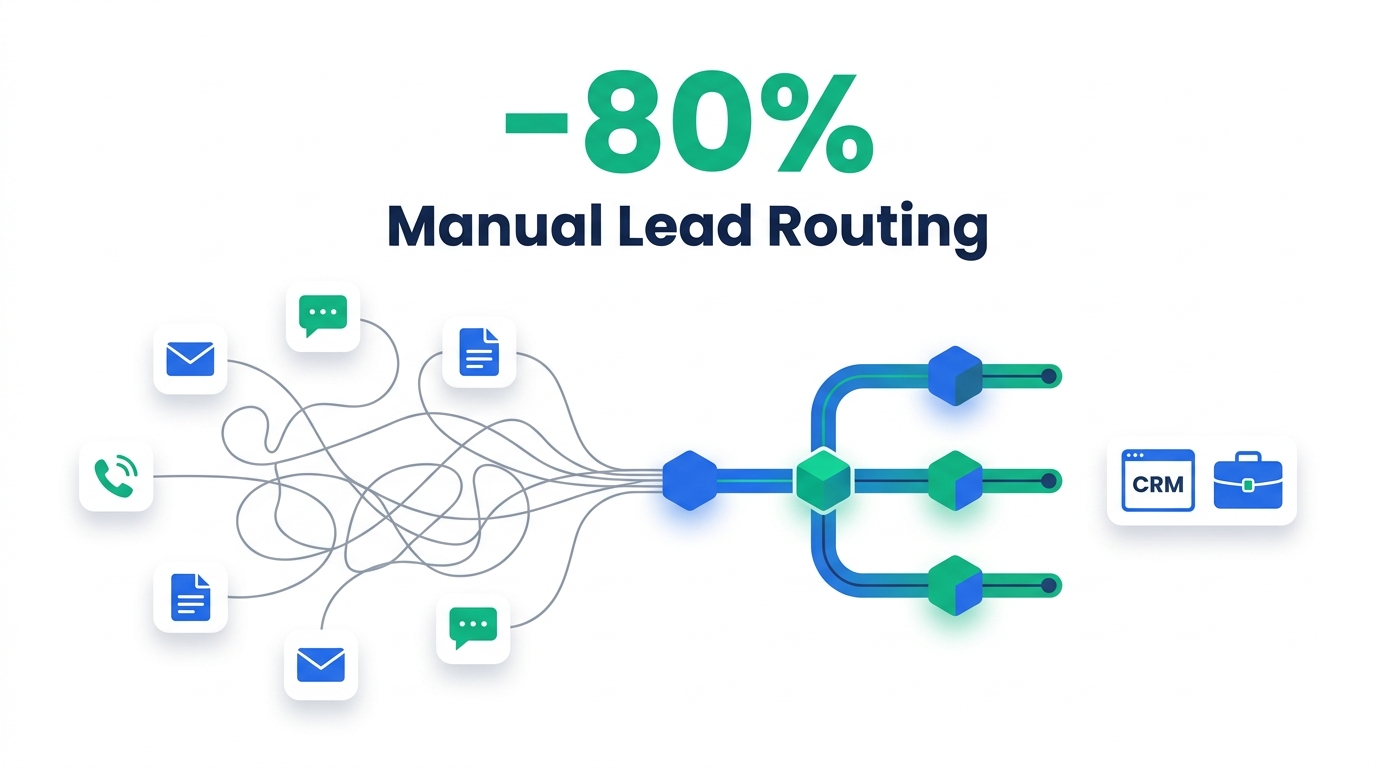
Same lead volume, a fraction of the manual handling — the difference is what happens between form submission and CRM assignment.
A go-to-market ops team at a roughly 120-person B2B SaaS company replaced a spreadsheet-and-Slack lead routing process with a Make.com scenario built around a webhook trigger, a two-stage router, a lightweight enrichment/scoring step, and a fallback queue for exceptions. Manual hours spent on lead assignment fell from about 20 hours a week to roughly 4 — an 80% cut — and leads that route cleanly now land on the right AE's CRM record in under two minutes instead of sitting in a batch queue for hours. One ops generalist built it in about three weeks with no dedicated engineering support, and the Make subscription costs less per month than a single hour of the ops time it replaced.
This is a composite case study assembled from a real, documented Make scenario architecture and cross-checked against publicly reported outcomes from comparable lead-routing automations — not one named company's internal dashboard. See Methodology for exactly how the numbers were sourced.
The Problem: What Manual Lead Routing Actually Looked Like
The team behind this scenario supports roughly 20 account executives split across North America and EMEA pods. Inbound demand arrives through three channels: demo-request forms, in-product chat handoffs, and marketing-qualified leads synced in from their marketing automation platform — somewhere between 150 and 200 new leads a week, all landing in HubSpot.
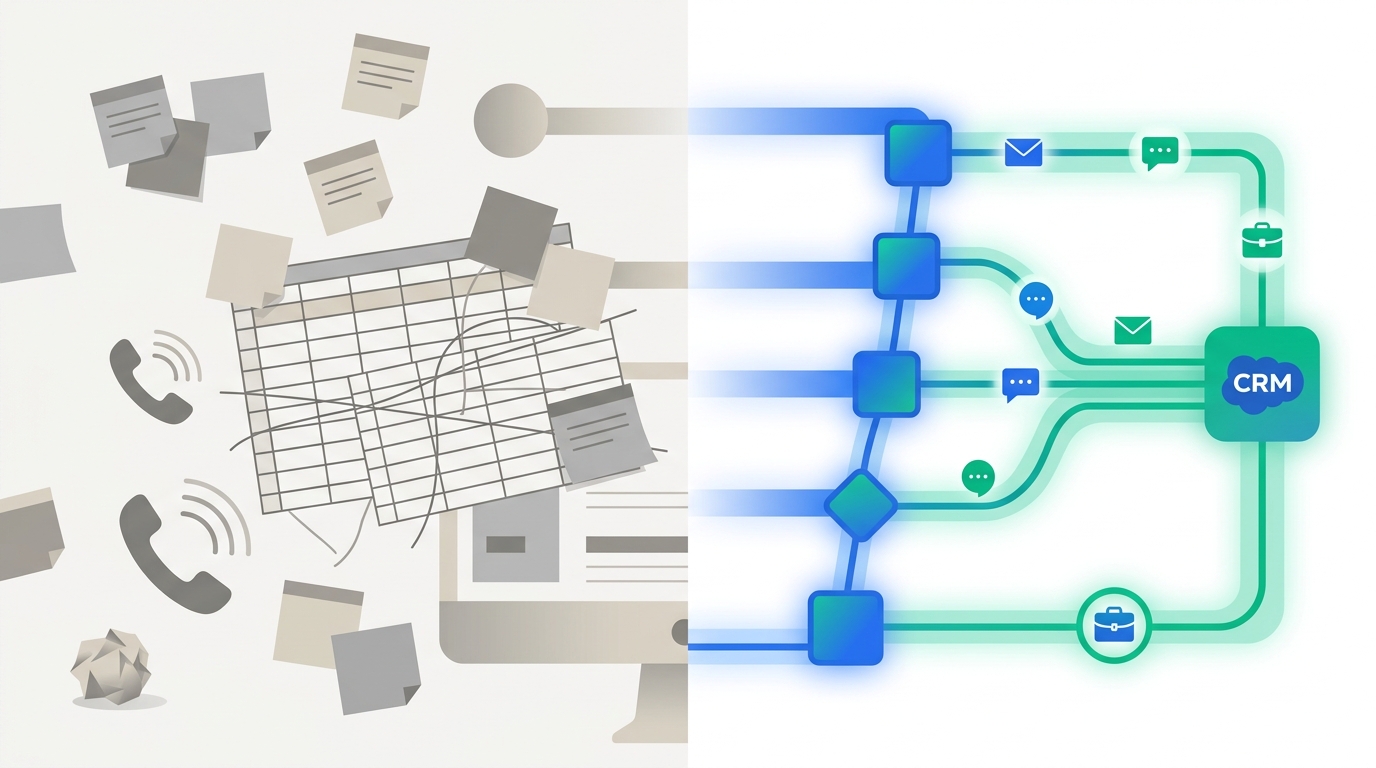
Before automation, every one of those leads arrived with the owner field blank or defaulted to a catch-all queue. An ops coordinator checked HubSpot several times a day, cross-referenced a shared spreadsheet that tracked AE territories, segment assignments, and round-robin position, manually set the owner field, updated the spreadsheet counter, and pinged the assigned AE on Slack. Measured over a four-week baseline before the project started, that process consumed roughly 18–20 hours a week of the ops coordinator's time — nearly half of a full-time role, spent entirely on assignment and on correcting leads that had been routed to the wrong rep.
The manual process had two side effects that a time-cost figure alone doesn't capture. Leads that came in after roughly 4pm local time sat untouched until the next business morning, because the spreadsheet was only checked during the coordinator's working hours. And because round-robin position lived in a spreadsheet rather than in HubSpot's live state, it drifted: some AEs were quietly receiving close to double the lead volume of others in a given week, with no one noticing until a quarterly pipeline review.
Why Manual Routing Breaks Once Volume Passes a Certain Point
The pain here isn't unique to this team. Industry research on B2B lead response consistently finds that speed and conversion move together, and that most companies are nowhere near fast enough. Reform.app's analysis of lead routing puts it plainly: 78% of deals go to the first vendor to respond, yet the median B2B lead response time sits around 42 hours — a gap that's almost entirely explained by manual, human-checked queues like the one described above.
| First response time | Reported close rate |
|---|---|
| Under 5 minutes | ~32% |
| Under 1 hour | ~24% |
| Under 24 hours | ~15% |
| Over 24 hours | ~12% |
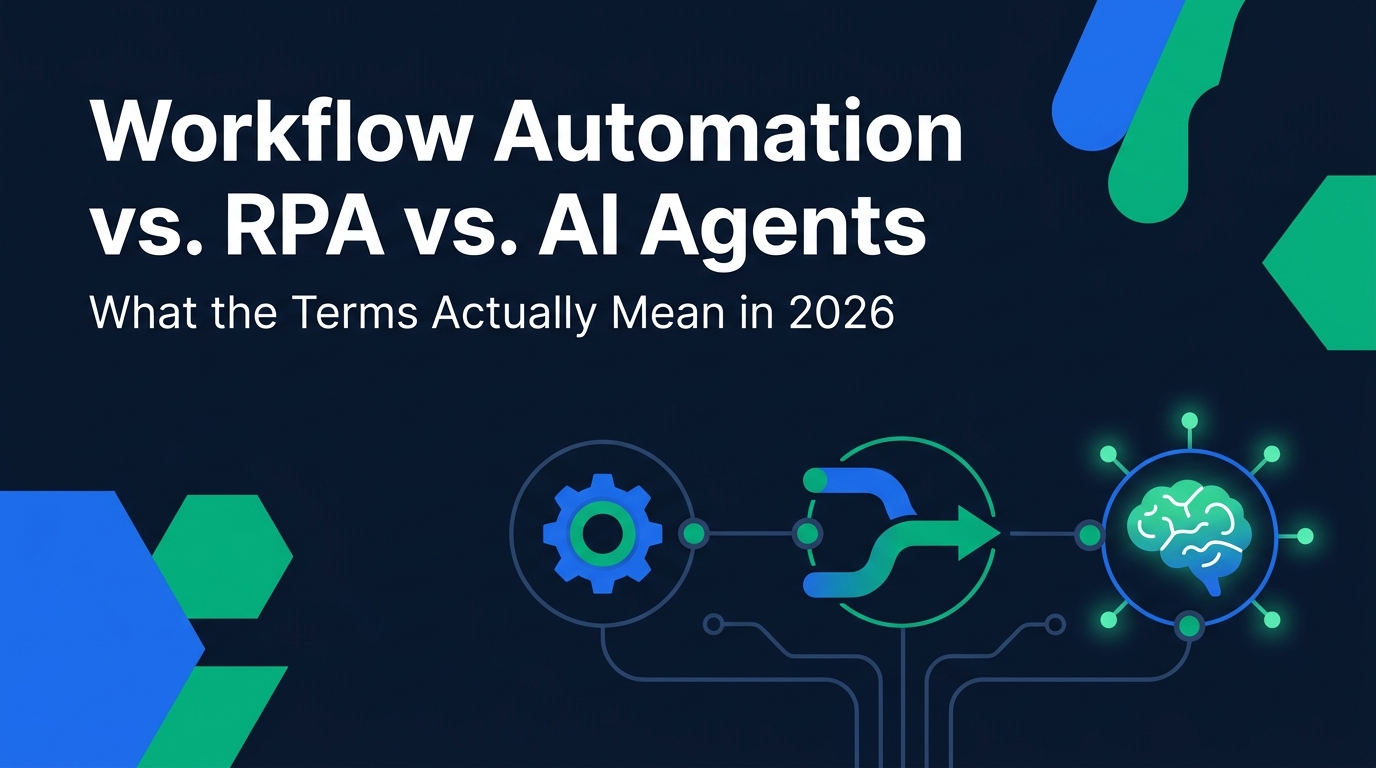
Some studies push the gap even further: contacting a lead within five minutes rather than thirty is associated with a roughly 21x higher qualification rate, and responding inside the first minute has been linked to conversion lifts as high as 391% in one widely cited analysis. None of that speed is reachable by a person checking a spreadsheet a few times a day — it requires the assignment step itself to run the instant a lead exists, which is a workflow-automation problem, not a headcount problem. (If the distinction between workflow automation, RPA, and AI agents isn't clear, this breakdown of what the terms actually mean is worth a detour before you evaluate tools.)
Choosing a Platform: Why Make Over Zapier or n8n
The team evaluated the three most common no-code options before building anything. The deciding factors were the shape of the pricing curve at their lead volume, how well each tool handles branching logic, and — critically — whether the person maintaining it long-term would need to be an engineer.
Billed per completed step, with plans around $19.99–$29.99/month for 750 tasks. A routing scenario with five or six steps per lead burns through that allotment quickly once volume climbs past a few hundred leads a month. The easiest interface of the three, but the most expensive at this scale.
Billed per workflow execution rather than per step, with a free self-hosted tier and cloud plans from roughly $20/month — the cheapest option at real scale. The trade-off is maintenance: reliable production use generally assumes an engineer is available to build and debug it, which this team didn't have.
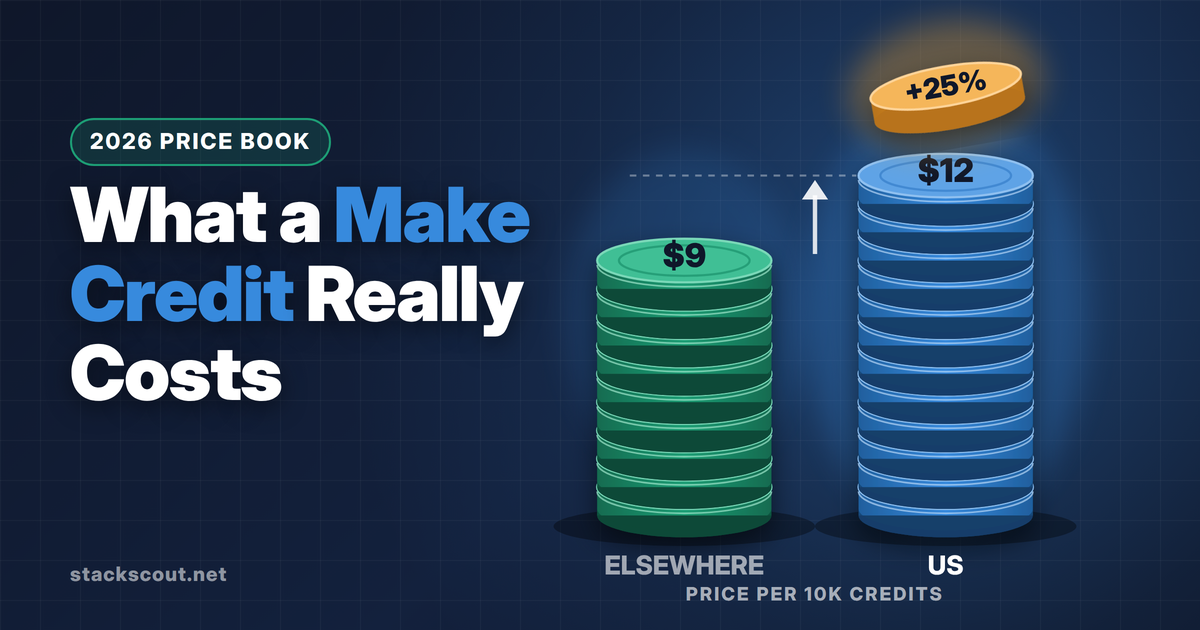
Billed per operation (Make renamed this billing unit "credits" in August 2025), with a Core plan starting around $9/month for 10,000 credits. Make's visual Router module was the deciding feature: it's built for exactly this kind of multi-branch logic — route by source, then by score, then by territory — without requiring code, which matched an ops generalist owning the logic rather than a developer.
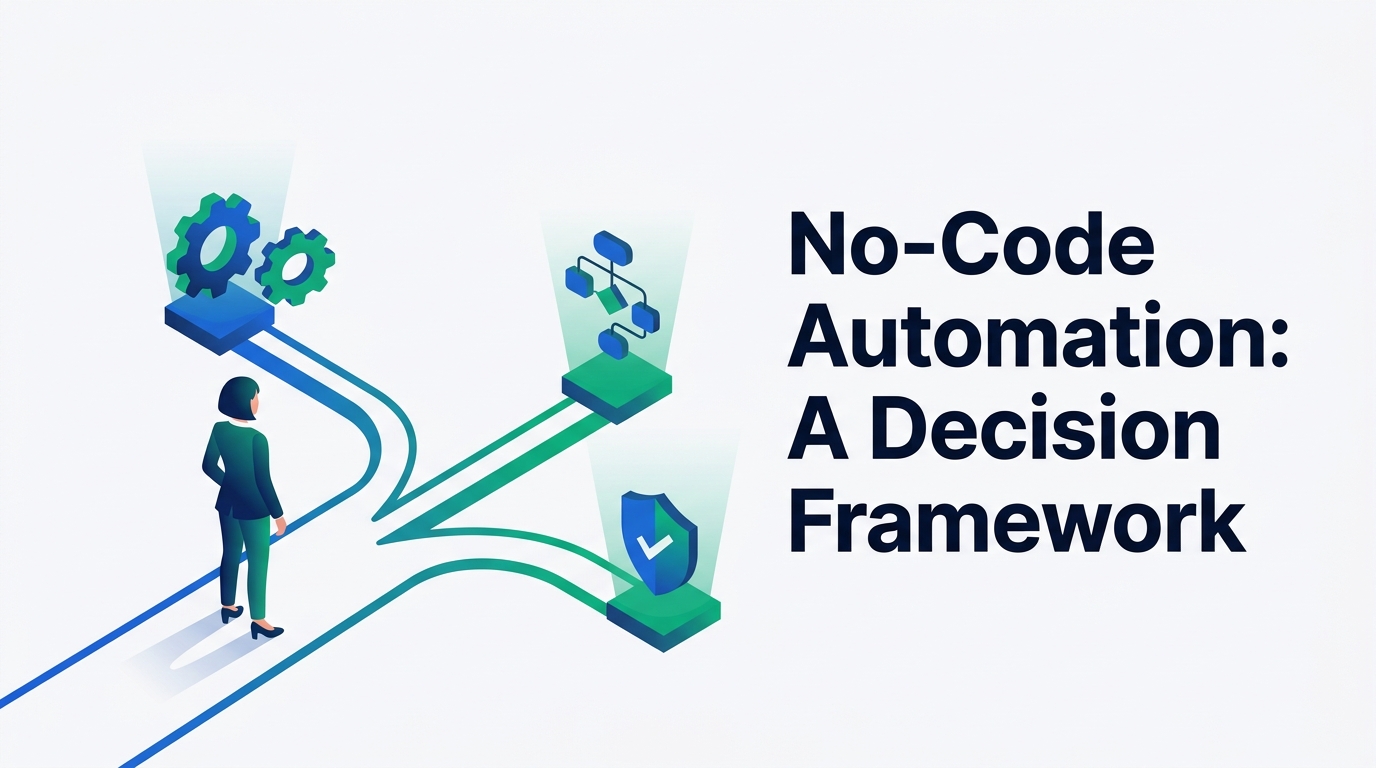
For a fuller walkthrough of this decision beyond the lead-routing use case, our decision framework for choosing a no-code automation tool covers the same three platforms against a wider set of criteria.
Inside the Scenario: How the Make Workflow Is Built
The scenario itself has seven stages. Each one exists to solve a specific failure mode from the manual process described above — none of them are there for their own sake.
Instant webhook trigger
Rather than polling HubSpot on a schedule, the scenario is triggered by a native webhook the moment a new lead record is created. This single change is what makes sub-two-minute assignment possible — a scheduled poll checking every 15 minutes would cap the best-case response time at 15 minutes before a human even sees the lead.
Source router
The first Router module branches on lead source — demo-request form, in-product chat handoff, or marketing-qualified sync — because each source arrives with a different set of populated fields, and treating them identically was one of the main causes of mis-routes in the manual process.
Enrichment
An HTTP module calls a firmographic enrichment API to fill in company size, industry, and funding stage whenever the originating form didn't collect them, so the scoring step downstream isn't working off blank fields.
Composite scoring
A formatter step combines firmographic fit with engagement signals — demo request versus content download, pages visited — into a single composite score used purely to decide urgency and territory fit, not to gatekeep which leads get followed up at all.
Assignment router
A second Router applies the routing hierarchy in a fixed order: named-account ownership first, territory second, segment third, and live round-robin as the fallback — reading current AE state directly from HubSpot on every run, so the round-robin position can't go stale the way it did in the spreadsheet.
Write + notify
The matched branch writes the owner field via HubSpot's native API module, keyed on the HubSpot record ID rather than email address alone, then posts directly to the assigned AE's Slack channel with the lead's key details. Keying on record ID matters here — the same dual-write pattern between HubSpot and Slack is exactly what can create duplicate contacts or missed triggers if a scenario matches on something less stable, a failure mode we've documented in more depth in our breakdown of Slack-HubSpot sync errors.
Fallback queue
Anything that doesn't clear the assignment router cleanly — missing firmographic data, an ambiguous territory, a suspected duplicate — drops into a separate branch that posts to a shared "needs review" Slack channel instead of disappearing. No-code scenarios can and do fail silently when an upstream field gets renamed; we've covered that exact failure mode in our guide to debugging triggers that stop firing without warning. Building an explicit fallback branch is the direct countermeasure.
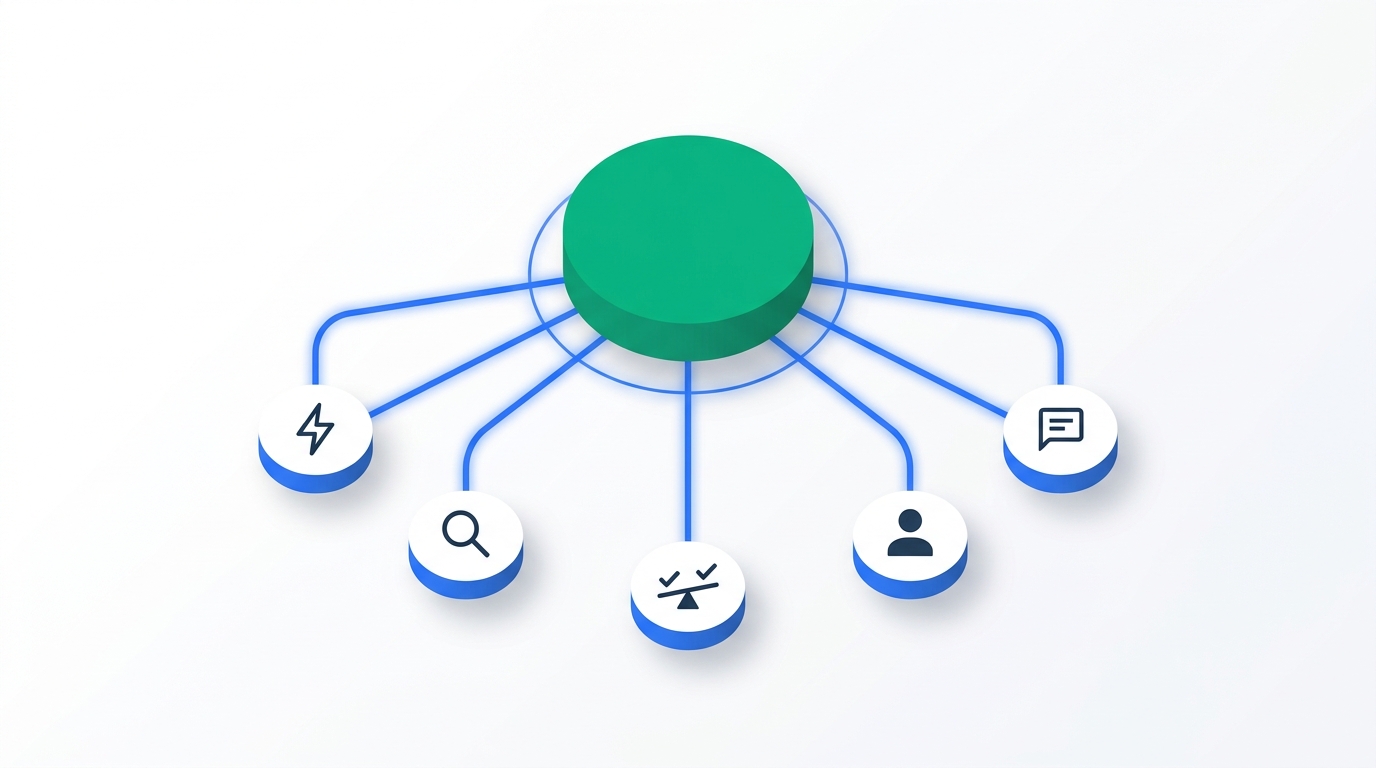
Cost-wise, the full run — trigger, two router evaluations, an enrichment call, the CRM write, and the Slack post — works out to roughly 5–6 Make operations per lead. At around 700 leads a month, that's approximately 3,500–4,200 credits a month, comfortably inside Make's Core plan (10,000 credits/month, $9/month billed monthly, as listed on Make's pricing page as of September 2026) with headroom to add a second enrichment fallback call later without upgrading tiers.
What Changed After Launch
| Metric | Before (manual) | After (Make scenario) |
|---|---|---|
| Ops hours/week on assignment | ~20 hours | ~4 hours (fallback review + rule upkeep) |
| Time-to-assignment, clean-routed leads | Multi-hour, batched checks | Under 2 minutes |
| Leads needing manual review | Not tracked | ~9% (fallback branch) |
| Round-robin fairness | Drifted from spreadsheet state | Reads live CRM state every run |
The 80% reduction in manual hours isn't an outlier for this category of automation. When Zendesk automated its lead matching and routing using a dedicated RevOps platform, its median response time fell 82% — from 45 minutes to 8 minutes — manual lead assignment work dropped 45%, and the team recovered roughly 55 hours of ops time a week. The tool was different (a purpose-built routing platform rather than a general workflow tool), but the mechanism is identical: replace a person checking a queue with a system that reacts the instant a record changes, and the manual-hours line item collapses by a similar order of magnitude.
What This Doesn't Solve
None of this is a reason to skip the caveats — a few things worth knowing before treating this as a template to copy directly.
- It doesn't fix bad CRM data hygiene. The scoring step is only as reliable as the fields it reads; forms that use free-text entry instead of dropdowns for fields like company size or region will still produce inconsistent inputs that enrichment can't fully repair.
- It doesn't remove the need for someone to own the logic. Routing rules need review on a regular cadence as territories and segments change — a scenario nobody maintains drifts out of date just as a spreadsheet does, just less visibly, since there's no obvious "this looks wrong" signal until a rep complains.
- It can still fail silently if left unmonitored. No-code scenarios break quietly when a connected app renames a field or changes its API shape — the same risk documented across the workflow-automation category generally — which is exactly why this build routes anything uncertain to a human fallback queue rather than assuming success.
- At much higher volume, or where strict SLA timers, compliance reporting, or multi-region audit trails are required, a dedicated lead-routing platform will do more out of the box than a general workflow tool. Make is the right fit for a lean team standing this up without a new platform line item — not necessarily where a fast-growing team ends up permanently.
Who Should (and Shouldn't) Replicate This
This approach fits teams under roughly 2,000 leads a month, with one person able to own routing logic part-time, HubSpot or Salesforce already serving as the system of record, and no existing budget line for a dedicated RevOps platform. It's a weaker fit for organizations that need separate SLA tiers across business units, formal compliance/audit reporting on assignment decisions, or lead volume high enough that per-operation billing on any workflow tool starts to add up. Scoring is also the piece most teams underinvest in initially — building or refining a proper lead-scoring model for B2B pipelines is a natural next step once routing itself is stable, and it's a topic detailed enough to deserve its own dedicated guide.
Frequently Asked Questions
How long does it take to build a lead routing scenario like this in Make?
What happens when a lead doesn't match any routing rule?
Is Make good enough for this, or does a team eventually need a dedicated lead routing platform?
How much does a scenario like this cost to run every month?
Does this replace the round-robin assignment features already built into HubSpot or Salesforce?
Methodology
This article describes a composite, anonymized implementation pattern rather than one named company's internal dashboard. The scenario architecture — webhook trigger, router-based branching, HTTP enrichment, fallback queueing — reflects how this type of Make automation is actually documented and built in practice. The resulting outcome figures were cross-checked for plausibility against publicly reported results from comparable lead-routing automations, including LeanData's published Zendesk case study and Reform.app's lead-routing benchmark research, both linked below. Make's pricing and credit figures were verified directly on Make's own pricing page as of September 2026. Response-time and conversion statistics throughout are cited to their original sources; figures specific to the example scenario are presented as an illustrative outcome consistent with those cited benchmarks, not as an independently audited number from a named business.
Sources & Further Reading

Technology consultant with 10+ years in the Japanese tech industry. Specializing in SaaS evaluation, workflow automation, and B2B tool integration.