Duplicate contacts and missed triggers are separate bugs with separate root causes, even though they usually show up in the same Slack-to-HubSpot pipeline. Duplicates almost always trace back to a create step that never checked for an existing record, or to the same event being processed twice during a retry. Missed triggers almost always trace back to a channel-permission gap, a timing race between when a property is written and when a workflow evaluates it, or a re-enrollment rule doing exactly what HubSpot documents — just not what you expected. Below is how to tell which one you have, how to clean up what's already broken, and how to stop it from happening again.
Why Slack-HubSpot "Syncs" Break in the First Place
"Sync" is doing a lot of work in that phrase, because there is no single Slack-HubSpot sync engine. In practice, teams wire Slack and HubSpot together through one of three architectures, and each one fails in a different way.
The native HubSpot Slack app is not a two-way data sync at all. It's a notification and action layer: it posts CRM activity into a channel, and it lets someone run a shortcut like "Create a contact" or "Log a note" from inside Slack. Its failure mode is almost always a permission or scope problem — the app was never added to the channel you're trying to use, so the workflow trigger or notification quietly has nowhere to go.
An iPaaS bridge — Zapier, Make, or n8n watching a Slack event (a reaction, a slash command, a new channel member) and writing it into HubSpot through the API, or vice versa — is where most duplicate-contact reports come from. These tools execute a multi-step recipe (search, then create) that isn't guaranteed to be atomic, and they retry on failure, which is exactly the combination that produces double-writes.
Custom code — an Operations Hub custom-coded workflow action, or a direct webhook/API integration your team built — has the most control and, unless someone specifically built in idempotency and error handling, the most exposure to both failure types at once.
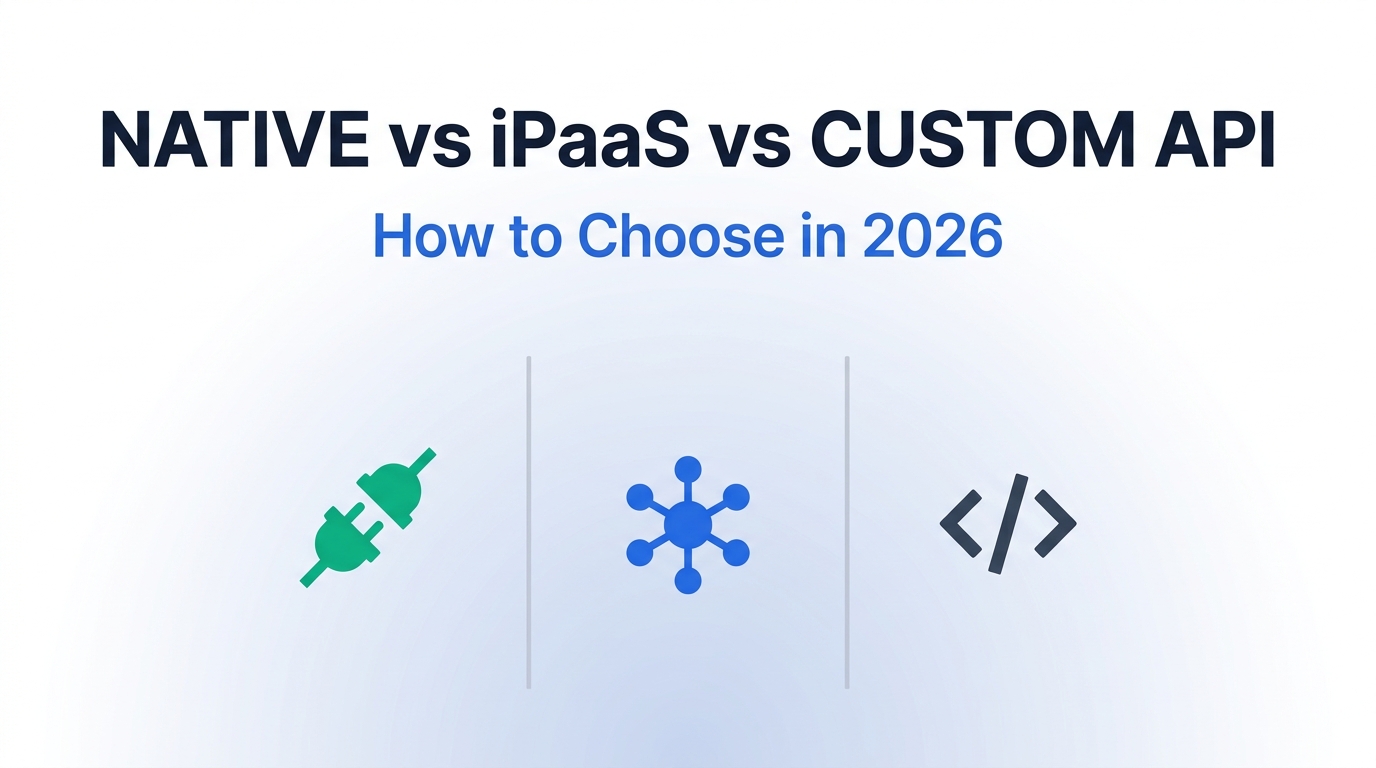
Picking the wrong architecture for the job is itself a common source of these bugs; if you're deciding how a given trigger should actually be wired rather than patched, our breakdown of native integrations vs. iPaaS vs. custom API covers when each one is the right call.
Symptom: Duplicate Contacts
A contact created from Slack shows up twice in HubSpot, usually with slightly different data on each copy, and native deduplication doesn't catch it.
Symptom: Missed Triggers
A workflow that's supposed to fire off a Slack event — or send a notification into Slack — silently doesn't, with no error visible to the end user.

Root Cause #1: Duplicate Contacts
HubSpot treats email address as the primary key for deduplicating contacts, and it will block an exact-match create. The problem is that "exact match" is a narrower bar than most teams assume, and the write path from Slack rarely respects it cleanly.
How the duplicate actually gets created
- Identifier mismatch. A Slack shortcut or bot captures a display name and a personal email typed into a dialog, while the form-fill or sales rep later enters a work email for the same person. HubSpot has no way to know they're the same human, so it creates two records.
- No email at all. HubSpot's "Create a contact" shortcut inside Slack lets someone save a record with just a name if that's all they have. Without an email or another stable identifier, every later sync pass has nothing reliable to match against.
- Non-atomic "check then create." Most Zapier/Make recipes are built as two separate steps: search HubSpot for an existing contact, then create one if nothing came back. If the same Slack event fires twice in close succession — a double-click, a retried webhook — both runs can complete their search step before either one finishes its create step, and you get two records from one event.
- Webhook retries replaying the write. HubSpot's own webhook subscriptions retry delivery for up to three days if your endpoint doesn't acknowledge receipt, starting at roughly a one-minute interval and backing off to as long as eight hours between attempts. If your receiving integration doesn't recognize "I've already processed this exact event" and just re-runs its create logic on every retry, each redelivery has the potential to write again.
Diagnosing which one you're looking at
Open one of the duplicate pairs and check the Record source property on each — it tells you which integration or form actually created that copy. Then compare the Create date timestamps: duplicates created seconds or minutes apart point to a retry/race condition; duplicates created days or weeks apart usually point to an identifier mismatch (a rep manually adding someone the Slack bot had already captured under a different email).
Fixing what's already duplicated
For a handful of records, open the contact you want to keep, choose Actions → Merge, and select the duplicate — HubSpot lets you pick which value wins for any property that differs. For a backlog, use Contacts → Actions → Manage duplicates, which surfaces likely pairs with a High/Medium/Low confidence score and supports merging in batches (up to 50 at a time on Professional and Enterprise). Either action is permanent, so review the confidence score before batch-merging anything scored below High.
Stopping it from recurring
- Replace "search, then create" with an actual upsert by email (or another stable external ID) wherever your connector supports it, so the existence check and the write happen as one operation instead of two.
- If you're stuck with a two-step recipe in Zapier or Make, add a filter step that re-checks for a match immediately before the create action fires, not just at the top of the Zap/scenario.
- For anything consuming HubSpot webhooks, key idempotency off the event's unique ID, not off a timestamp or a guess — store processed event IDs and skip any redelivery that matches one you've already handled.
- If your team is past ad hoc cleanup and duplicates keep reappearing at volume, that's usually a sign it's worth evaluating dedicated deduplication tooling rather than continuing to merge by hand — we're building out a full comparison of the current options.
Root Cause #2: Missed or Silently Dropped Triggers
Missed triggers are worse to diagnose than duplicates because there's no error to look at — the workflow just didn't run, and nothing in the UI flags that as a problem. There are five common reasons this happens.
a) The HubSpot app was never added to the channel
Private channels and Slack Connect channels don't automatically inherit workspace-level app installs. If the HubSpot app hasn't been explicitly added to a specific private or Connect channel, that channel simply won't appear as an option when you go to set up a Slack trigger or notification action — no error, it's just absent from the picker, which is easy to miss during setup.
b) A property-write race condition
If a property is populated by a webhook, a third-party sync tool, or custom code, and your workflow's enrollment trigger checks that property before the write has actually landed, the workflow evaluates the property as empty. Because most enrollment criteria are checked once at the moment a record becomes eligible, this isn't a delay you can wait out — it's usually a permanent miss for that record.
c) List-membership lag
If a workflow enrolls records based on list membership rather than a direct property trigger, there's a real gap between the moment a record technically qualifies and the moment HubSpot finishes recalculating that list — longer on large, filter-heavy lists. For anything time-sensitive (a Slack ping that's supposed to go out "the moment" a deal changes stage), that recalculation lag is often enough to blow the window entirely.
d) Re-enrollment doing what it's documented to do
Two re-enrollment quirks account for a lot of "it should have fired again" tickets: an object that's still actively enrolled in a workflow generally won't re-enroll from a concurrent property change, and an "[property] is known" re-enrollment trigger only fires when that property flips from unknown to known — not on every subsequent edit. "Last modified date is known" is explicitly not a supported re-enrollment trigger, which surprises teams who reach for it as a catch-all.
e) A rate-limited or failed outbound call that nobody retried
HubSpot API access is capped per connected app per portal — 100 requests every 10 seconds on Free/Starter, up to 190 requests every 10 seconds on Professional/Enterprise plans. A workflow's custom-code or webhook action that hits a HubSpot or Slack endpoint during a burst can get a 429 response, and if that action's error handling isn't explicitly set to retry with backoff, the action simply fails once and the workflow moves on without it.
Diagnosing a missed trigger
Open the workflow, go to its enrollment history, and pull up the specific record that should have been enrolled. HubSpot shows exactly which criteria were evaluated, which ones passed or failed, and whether a property had no recorded value at the moment of evaluation — that view will usually point straight at (b), (c), or (d) above without any guessing.

Symptom → Cause → First Fix, at a Glance
| Symptom | Most likely cause | First thing to check |
|---|---|---|
| Two contacts, created seconds apart | Non-atomic search-then-create, or a retried webhook | Record source + create-date delta on both copies |
| Two contacts, created weeks apart | Identifier mismatch (personal vs. work email) | Compare email domains and any name variants |
| Private channel missing from trigger setup | HubSpot app not added to that channel | Channel's app/integration list in Slack |
| Workflow never enrolled a qualifying record | Property-write race or list-recalculation lag | Workflow enrollment history for that record |
| Record didn't re-enroll after a later edit | Re-enrollment rule limitation ("is known", concurrent edits) | Re-enrollment trigger configuration |
| Notification action failed with no visible error | 429 rate limit with no retry/backoff configured | Workflow action history / error log for that step |
A Combined Troubleshooting Checklist
- 1Identify the failure type first. Duplicate record, or missing action — don't start fixing until you know which one you're chasing, since the diagnostics diverge immediately after this step.
- 2For duplicates: pull Record source and Create date on both copies to see whether it's a timing race or an identifier mismatch.
- 3For missed triggers: open the workflow's enrollment history for the specific record and read what HubSpot says it evaluated.
- 4Check channel scope. Confirm the HubSpot app is explicitly added to every private or Slack Connect channel involved, not just the workspace.
- 5Check the write path for idempotency. If a Zap, scenario, or custom endpoint can run twice for one event, assume it eventually will.
- 6Clean up the backlog. Merge existing duplicates (manually or via Manage duplicates) before you turn on a fix — a fix doesn't retroactively clean old records.
- 7Re-test with a controlled event. Fire one Slack action or one property change and watch both systems, rather than trusting that a config change worked.
- 8Add logging for the failure mode you just fixed. If it happened silently once, it will happen silently again unless something now surfaces it.
Preventing Recurrence: Build It So It Can't Fail Quietly
Most of the fixes above resolve a specific incident. The more durable fix is making sure the next incident shows up in a log instead of in a client's inbox three weeks later.
- Make every write idempotent. Upsert by a stable identifier, and key any retry logic off the originating event's ID rather than re-deriving state from scratch each time.
- Monitor the gap, not just the error. A 429 or a failed API call is easy to alert on; a workflow that enrolled zero records this week when it normally enrolls fifty is the harder signal to catch, and it's usually the one that matters more — a simple weekly count check on enrollment volume catches most of what's described above.
- Match the connection method to the stakes. A low-volume internal notification is fine on the native Slack app. A trigger that affects billing, compliance, or lead routing deserves a connector (or custom code) with visible retry logs, not a black-box automation you only look at when someone complains. See our full walkthrough of choosing between native integrations, iPaaS, and a custom API for how to make that call up front.
- Budget for real deduplication tooling once you're past manual merges. HubSpot's own automation for data quality — deduplication rules and custom-coded workflow actions — lives in Operations/Data Hub Professional, priced well above the Starter tier; at that point it's worth comparing it against dedicated HubSpot deduplication tools rather than continuing to merge records by hand.

When to Patch the Existing Sync vs. Rebuild It
Not every duplicate or missed trigger justifies tearing out the integration. Use the volume and the blast radius of the failure to decide.
| Patch it if… | Rebuild it if… |
|---|---|
| The failure is an isolated incident tied to one record or one channel | The same failure type has recurred across multiple weeks or teams |
| Volume is low enough that manual merge/re-run is a five-minute fix | Cleanup is now a recurring weekly task for someone |
| The workflow only affects internal visibility (a Slack ping) | The workflow affects lead routing, billing, or compliance data |
| The connector already supports idempotent writes — it just wasn't configured that way | The connector's architecture makes idempotent writes impossible without custom code |
If a Zapier-based bridge is the piece that's failing, it's worth ruling out the broader class of problem before you touch HubSpot at all — our guide to debugging Zaps that fail silently covers the same "no error, just nothing happened" pattern from the automation-platform side. And if the real issue is that Slack-to-CRM sync logic keeps causing contact-matching headaches regardless of which CRM is on the other end, the same "which record wins" problem shows up in HubSpot-to-QuickBooks syncs and in Slack-to-Salesforce setups — the underlying decision framework transfers even though the tools don't.
Frequently Asked Questions
How do I prevent duplicates in HubSpot going forward?
How do I merge duplicate contacts in HubSpot?
Is HubSpot considered a CRM?
Can I import contacts into HubSpot without creating new duplicates?
Sources & References
Verified against the following as of September 2026:

Technology consultant with 10+ years in the Japanese tech industry. Specializing in SaaS evaluation, workflow automation, and B2B tool integration.