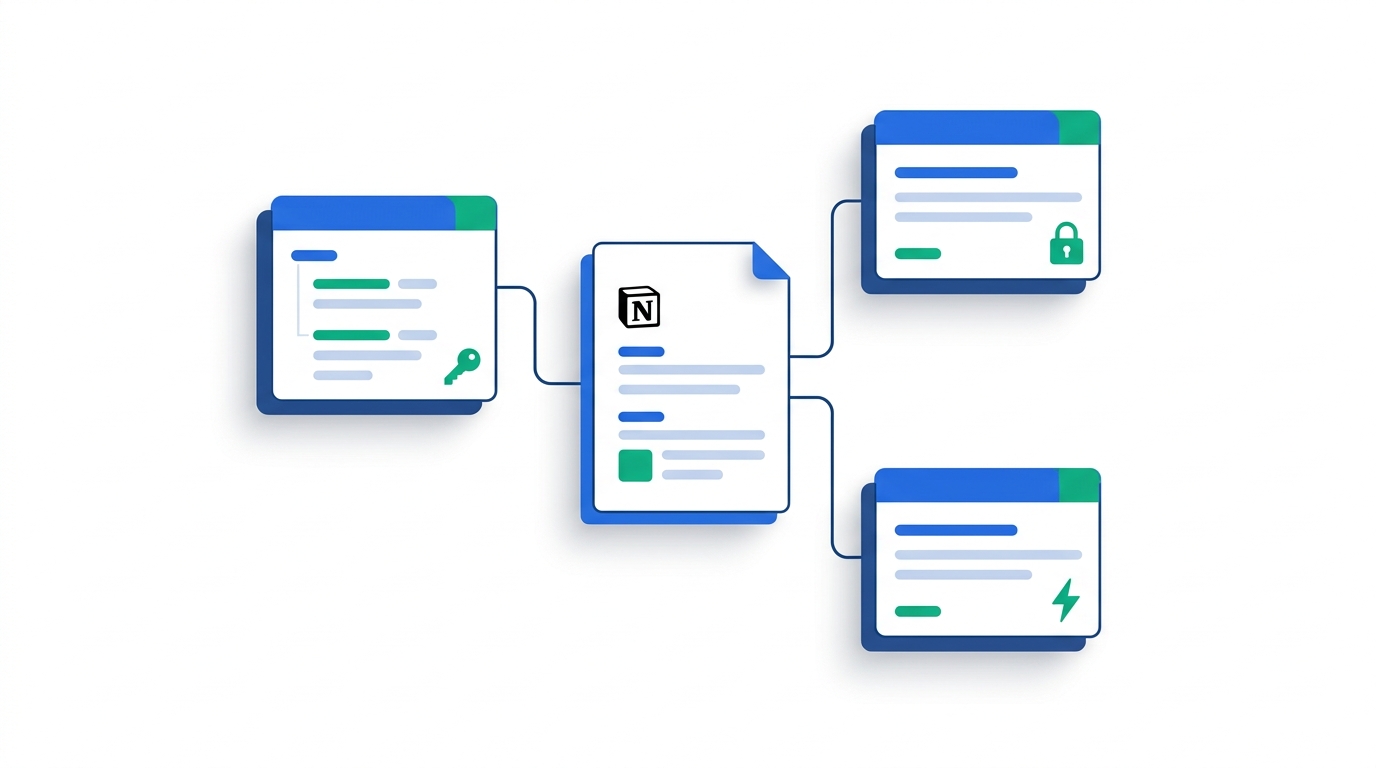
Notion API Integrations Guide (2026): The Data Sources Migration, Webhooks, and a Real Architecture
TL;DR
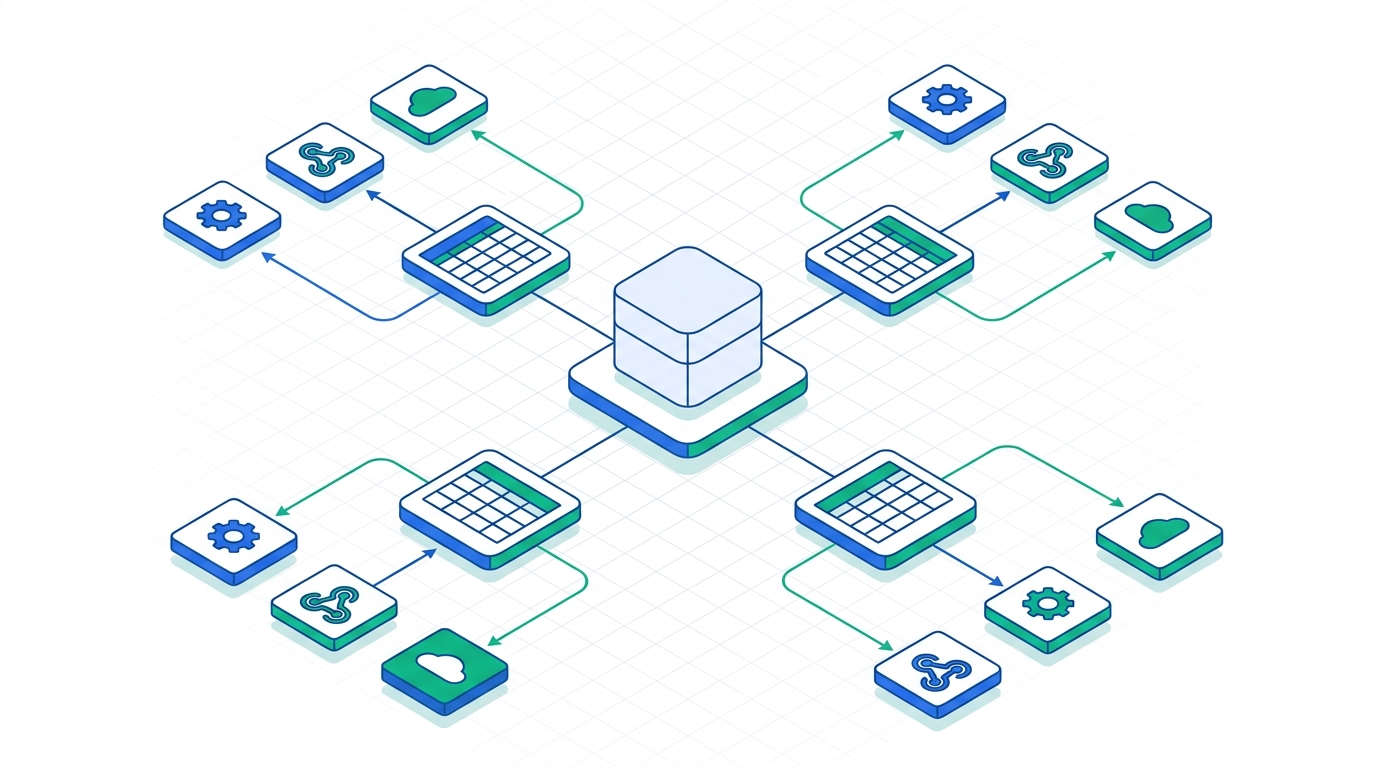
If you built a Notion integration before late 2025, it is already on borrowed time. The 2025-09-03 API version split a single "database" into a container plus one or more data sources, and most write and query endpoints now take a data_source_id instead of a database_id. Through 2026 Notion layered webhooks, bulk operations, and a Views API on top of that model. For a new integration: use OAuth (not an internal token) if customers will install it, fetch the data_source_id from the database before you query, build around the 3 req/sec rate limit with a job queue, and seriously price out a unified-API layer before you commit four to eight engineering weeks to recursive block traversal.
The Notion API has a reputation for being deceptively simple. The "hello world" — create an integration, copy a token, post a page — takes ten minutes. The production version, the one that syncs thousands of pages for paying customers without silently dropping data, is a different animal. And in 2026 the gap between those two got wider, because Notion changed its most fundamental data model.
This guide is written for the team actually shipping the integration: backend engineers, technical founders, and the EM who has to estimate the work. It assumes you can read JSON and a REST endpoint. Every pricing and behavior claim here was checked against Notion's developer documentation and changelog as of June 2026 — but Notion ships fast, so treat versioned details as a starting point and confirm against the official docs before you cut a release.
What changed in 2026 (and why your old code might be broken)
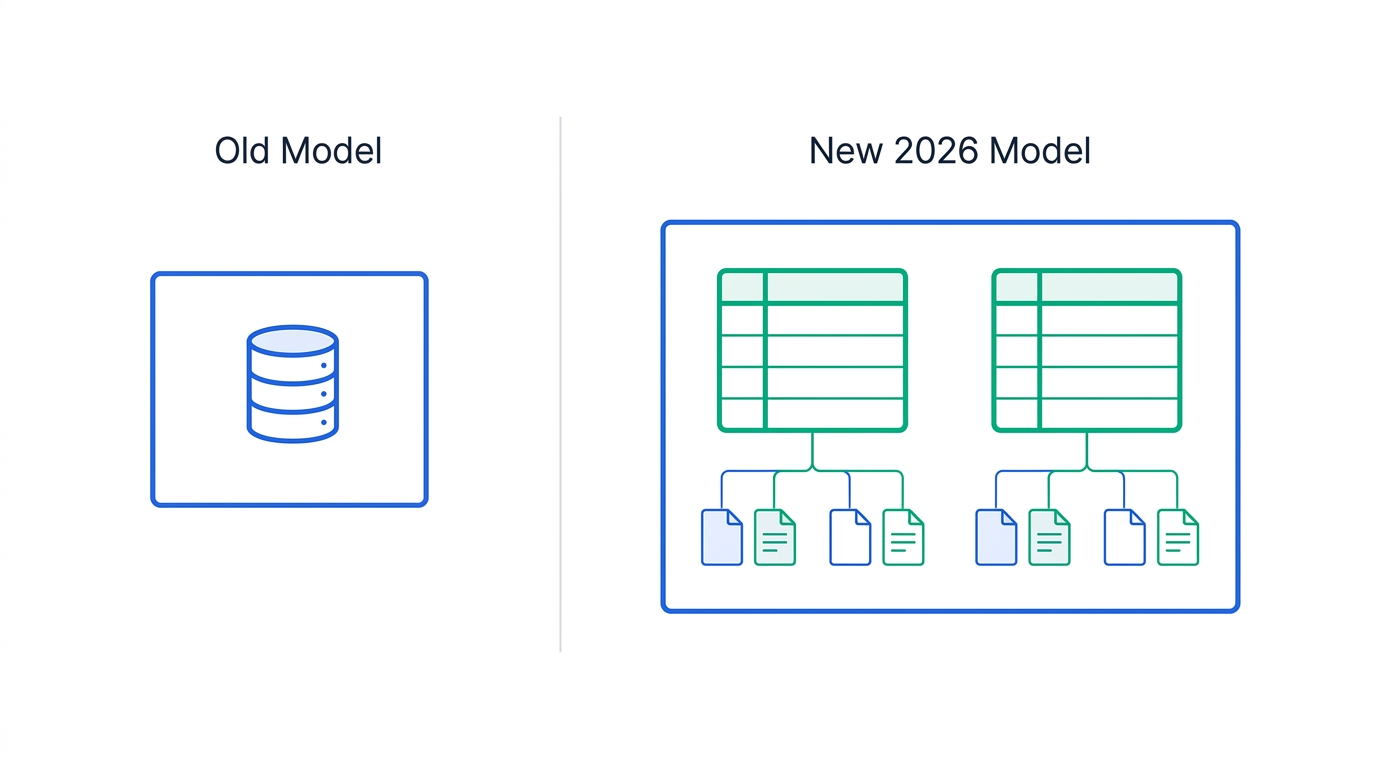
The single most important thing to understand in 2026 is the shift from databases to data sources. Historically, a Notion "database" was both the container you see in the UI and the table of rows you query. In API version 2025-09-03, Notion split those concepts: a database is now a container that holds one or more data sources, and each data source holds the pages (rows). This unlocked multi-source databases — a single database view backed by several tables — but it also means the ID you query is no longer the ID you see in the URL.
On top of that GA model, Notion shipped a steady run of versioned changes through 2026. Here is the timeline that matters for integration builders:
| API version | Headline change | Why you care |
|---|---|---|
2025-09-03 | Data sources model (databases vs data sources) | Breaking. Query/write endpoints move to /v1/data_sources. |
2026-02-01 | Bulk operations, formula property writes | Pagination default dropped to 50 — silent truncation risk. |
2026-03-01 | Webhooks (initial), comment threading | Stop polling; requires webhook secret validation. |
2026-03-11 | archived → in_trash; after → position object; transcription → meeting_notes | Three breaking renames across block endpoints. |
2026-04-01 | Views API (8 endpoints), smart filters, new block types | Programmatically create/read/update/delete views. |
The pattern is unmistakable: Notion is treating the API as a versioned product surface and is willing to make breaking changes. Your Notion-Version header is now a real architectural decision, not boilerplate. Pin it explicitly, test before bumping it, and read the upgrade guide for each jump rather than chasing "latest."
2026-02-01 change that dropped the default pagination size from 100 to 50 will not throw an error. If your code assumed "one page of results = everything," it now quietly returns half your rows. Always loop on has_more and next_cursor — never trust a single response to be complete.
Integration types: internal token vs OAuth connection
Before any code, decide what kind of integration you are building, because it changes your auth model, your security review, and your distribution.
| Internal integration | Public (OAuth) connection | |
|---|---|---|
| Who installs it | Your own workspace only | Any customer's workspace |
| Auth | Single static token (ntn_… / secret_…) | OAuth 2.0 authorization code flow |
| Page access | You share pages manually in the UI | User picks pages in the OAuth consent screen |
| Best for | Internal tools, scripts, your own product's backend | A SaaS feature customers connect their Notion to |
| Marketplace | Not eligible | Eligible if scoped to "any workspace" |
If you are a B2B SaaS shipping a "Connect your Notion" button, you want a public OAuth connection — full stop. The static token path feels faster, but it cannot be installed by your customers, and you will rewrite it. The one nuance worth internalizing now: at OAuth creation time you choose the installation scope (any workspace, or selected workspaces only), and "any workspace" is what makes you Marketplace-eligible later.
Prerequisites
- A Notion account on any plan — the API itself is free with no per-call charge (rate limits apply instead of billing).
- Workspace admin rights, or an admin willing to approve the connection.
- A place to run server-side code. Never embed a Notion token in a browser or mobile client; tokens are bearer credentials with full granted scope.
- For OAuth: a registered redirect URI and a secure store for per-workspace access tokens.
Build your first integration (the 10-minute version)
The mechanics of getting a working call are genuinely quick. The discipline is in everything after.
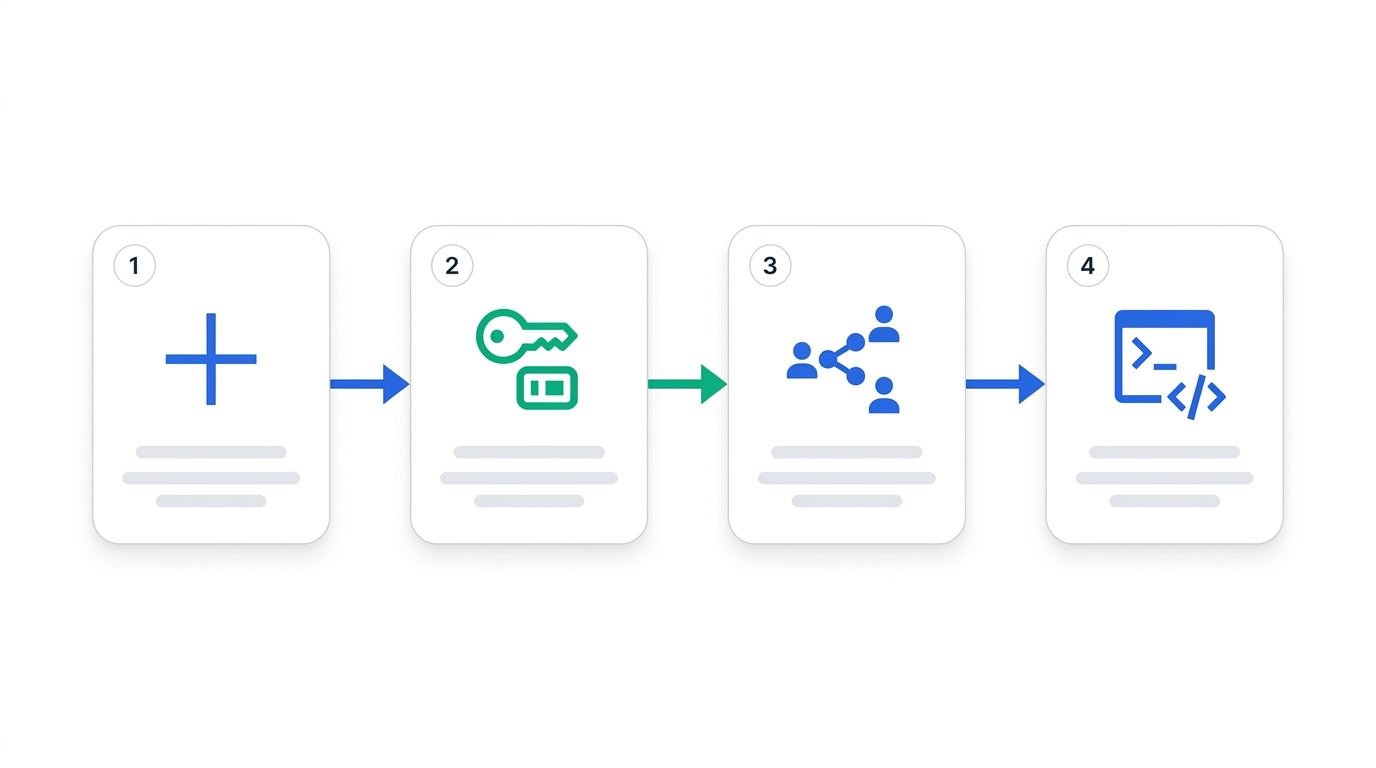
1. Create the integration
Go to notion.so/my-integrations → New integration. Name it, select the workspace, and pick the type (internal for your own use, public for a distributable connection). For an internal integration you will land on a page with an Internal Integration Token — reveal and copy it. Treat it like a password.
2. Share a page with the integration
This trips up everyone. Creating the integration does not grant it access to anything. You must open a page or database in Notion, go to the connection menu, and explicitly add your integration. An integration can only see content that has been shared with it — which is exactly why a brand-new token returns empty results.
3. Make your first authenticated call
curl https://api.notion.com/v1/users \
  -H "Authorization: Bearer $NOTION_TOKEN" \
  -H "Notion-Version: 2025-09-03"
Three headers carry every request: Authorization: Bearer <token>, Notion-Version (pin it — here 2025-09-03 or newer for the data sources model), and Content-Type: application/json on writes. If the version header is missing or wrong, you will get behavior from a different era of the API and waste an afternoon.
The data sources migration: the part that actually breaks things
Here is the change that will consume most of your migration budget. In the old world you queried a database directly:
# OLD (pre-2025-09-03) — now deprecated
POST /v1/databases/{DATABASE_ID}/query
In the new world, a database is a parent of one or more data sources, and you query the data source:
# NEW (2025-09-03 and later)
POST /v1/data_sources/{DATA_SOURCE_ID}/query
But you usually start with a database ID — that is what users copy from a URL. So the migration adds a discovery step: call the database endpoint first to list its child data sources.
# Step 1: discover the data source(s) behind a database
GET /v1/databases/{DATABASE_ID}
Notion-Version: 2025-09-03

# Response (trimmed)
{
  "object": "database",
  "data_sources": [
    { "id": "a42a62ed-9b51-4b98-9dea-ea6d091bc508", "name": "Tasks" }
  ]
}
Most databases have exactly one data source, so the common case is "grab data_sources[0].id and query that." But you must handle the multi-source case — at minimum, do not assume the array has length one.
Page creation changes too. The parent object now points at a data source:
# Creating a page — the parent type changed
POST /v1/pages
{
  "parent": {
    "type": "data_source_id",
    "data_source_id": "a42a62ed-9b51-4b98-9dea-ea6d091bc508"
  },
  "properties": { "Name": { "title": [{ "text": { "content": "New task" } }] } }
}
A few more migration details that bite in practice:
- Schema vs container. Properties (the table schema) now live on the data source.
PATCH /v1/data_sources/:idedits properties;PATCH /v1/databases/:idedits container-level fields like title, icon, andis_inline. - Relation properties. In request bodies, swap
database_idfordata_source_id. Responses include both for backward compatibility, so read carefully. - Search. The search filter value
"database"becomes"data_source", and a single database can now return multiple entries. - Webhook events.
database.content_updated→data_source.content_updated, plus newdata_source.created,.moved, and.deletedevents.
Notion-Version in a branch. (2) Add the database→data_source discovery call at every entry point where you accept a database ID. (3) Replace query and page-create endpoints. (4) Update relation writes and search filters. (5) Re-point webhook handlers. Doing discovery first means everything downstream has the right ID to work with.
Reading data without quietly breaking
Notion is not a flat REST API. A page is a tree of blocks, and blocks can have children, which can have their own children. The API returns one level at a time: each block carries a has_children flag, and you must make another call to fetch that block's children. Reconstructing a full page means recursive traversal.
This is where teams that treat Notion like a CRM get burned. Three constraints define the architecture:
| Constraint | Value | Implication |
|---|---|---|
| Rate limit | ~3 requests/sec average per integration | ≈ 2,700 calls per 15 min, no paid upgrade tier |
| Pagination max | 100 results per page (default may be lower) | Applies at every tree level; loop on next_cursor |
| Write payload | ≤ 1,000 block elements, 2 levels of nesting | Chunk large document writes across calls |
Put those together and a single moderately nested page can require dozens of sequential calls. At three per second, a document needing 100+ calls takes over half a minute to read fully. That is fine for a background job and unacceptable for a synchronous web request — which is the whole point of the next section.
Rate limits and the async pattern Notion actually wants
The rate limit is a hard average of about three requests per second per integration. Exceed it and you get HTTP 429 with a Retry-After header. There is no premium tier that buys you more throughput, so you design around the ceiling rather than negotiating it up.
The architecture Notion's own docs recommend: do the work in a job queue, not in the request path. Concretely:
- Never fan out with
Promise.all(). Use a controlled concurrency pool that meters outbound calls to stay under the limit. One runaway parallel fetch will 429 your entire integration, not just that request. - Respect
Retry-Afterwith exponential backoff. Treat 429 as expected backpressure, not an error to surface to users. - Make syncs resumable. Persist your pagination cursors. A large workspace sync will span many minutes; it must survive a process restart without re-reading everything.
- Never cache file URLs. Notion regenerates file/image URLs roughly hourly; a cached URL is dead within ~60 minutes. Re-fetch on demand.
If your integration touches automation platforms instead of raw HTTP, the same limits apply underneath. Our walkthrough of how to connect Slack with HubSpot shows the same native-vs-automation tradeoff playing out, and if you are weighing self-hosted automation runners, the n8n vs Activepieces on Docker comparison covers how those tools queue and throttle outbound API calls on your behalf.
Skip the recursive traversal
A unified API can collapse Notion + Confluence + Slab into one integration
If Notion is one of several knowledge sources you need to read, a unified-API layer handles pagination, rate limiting, block traversal, and a pre-built page-picker — turning weeks of work into days.
Webhooks vs polling
Before 2026, keeping data in sync meant polling — re-querying on a timer and diffing. Webhooks were the single most-requested feature on Notion's public tracker for three years, and they finally shipped in the 2026-03-01 release.
Webhooks: use when
- You need near-real-time reaction to edits
- You want to stop burning rate limit on idle polling
- You can validate a signed webhook secret and run an endpoint
Webhooks: watch out
- Payloads are notifications only — you still call the API to fetch the changed content (rate limits return)
- Not every change type is covered (e.g. some user/workspace settings)
- You must verify the webhook secret or you will process spoofed events
The honest pattern for most B2B integrations is hybrid: webhooks as the trigger to know something changed, plus a metered fetch to pull what changed, with a slow periodic reconciliation poll as a safety net for anything webhooks miss. Pure polling wastes your rate-limit budget; pure webhooks will drift over time.
The 2026 additions worth adopting: bulk ops, Views, and Workers
Three newer capabilities are worth knowing even if you do not use them on day one:
- Bulk operations (
2026-02-01) let you create or update multiple pages in fewer round trips — directly easing the rate-limit math for sync-heavy integrations. - The Views API (
2026-04-01) exposes 8 endpoints to create, read, update, and delete views programmatically, with smart filters. If your product configures Notion for the customer, this removes a lot of manual setup. - Workers for Agents — Notion's hosted code-execution runtime (developer preview as of April 2026) — lets you run custom logic, agent tools, and webhook triggers without standing up your own server. Watch this one; it changes the build-vs-buy math for AI-flavored integrations.
Build vs buy: an honest verdict
The temptation is to write the integration in-house because the first call was so easy. Here is the real decision framework.
| Situation | Recommendation |
|---|---|
| Notion is your only integration and writes are simple (create pages, update statuses) | Build direct. The API is free and the surface is manageable. |
| You must read rich, deeply nested pages at scale | Build, but budget 4–8 weeks for traversal, pagination, retries, and a job queue — and staff it. |
| Notion is one of several knowledge/PM sources (Confluence, Jira, Slab, Asana…) | Buy a unified API. One normalized interface beats N bespoke integrations. |
| You just need to move data between SaaS apps on triggers | Use an automation platform (Zapier, Make, n8n) and skip code entirely. |
The cost that teams consistently underestimate is not the build — it is the maintenance. Notion shipped at least five breaking or behavior-changing versions in the first half of 2026 alone. Every one is an unplanned sprint for a direct integration. A unified-API vendor absorbs those changes for you; that is most of what you are paying for.
Trigger-based, no code
Move data in and out of Notion with an automation platform
If your use case is "when X happens, create/update a Notion page," an automation tool handles auth, rate limiting, and retries for you — no traversal code required.
Troubleshooting the five most common failures
"Could not find database with ID"
Two usual causes. First, the page or database was never shared with the integration — fix it in Notion's connection menu, not in code. Second, you are on a new API version passing a database ID where a data_source_id is now required. Do the discovery call.
Half my rows are missing
You are not paginating. With the post-2026-02-01 default page size, a single response often returns 50 rows. Loop while has_more is true, passing next_cursor each time.
Random 429s under load
You are firing concurrent requests. Replace any Promise.all() over Notion calls with a metered queue capped near three requests per second, and honor Retry-After.
Broken image links a while after sync
You cached Notion file URLs. They expire roughly hourly. Store the block reference and re-fetch the URL when you actually need it.
Webhook handler processing junk
You are not validating the signed secret, or you assumed the payload contains the content (it does not — it tells you what changed; you still fetch it).
FAQ
Is the Notion API free?
Yes. There is no per-call charge. The constraint is a rate limit of about three requests per second per integration, with HTTP 429 throttling on overage rather than billing. The API is available across paid plans.
What Notion-Version should I use in 2026?
Use 2025-09-03 or newer to get the data sources model — anything older is on a deprecated database model. Pin the exact version you tested against and read the upgrade guide before bumping it, because Notion ships breaking changes between versions.
What's the difference between a database and a data source now?
A database is the container you see in the UI; a data source is the table of rows. One database can hold multiple data sources. Query and write endpoints now operate on a data_source_id, which you discover by first calling the database endpoint.
Do I need OAuth, or is an internal token enough?
If only your own workspace uses the integration, an internal token is fine. If customers will connect their own Notion workspaces to your product, you need a public OAuth connection — and you should scope it to specific pages rather than the whole workspace.
Should I poll or use webhooks?
Prefer webhooks (available since the 2026-03-01 release) to avoid wasting rate limit on idle polling, but treat them as triggers — you still call the API to fetch the changed content. A slow reconciliation poll as a backstop is the resilient pattern.
How long does a production Notion integration take to build?
A simple write-only integration can be days. A read-heavy one that handles nested blocks, pagination, rate limits, and resumable syncs is realistically 4–8 engineering weeks, plus ongoing maintenance for Notion's frequent versioned changes.

Technology consultant with 10+ years in the Japanese tech industry. Specializing in SaaS evaluation, workflow automation, and B2B tool integration.