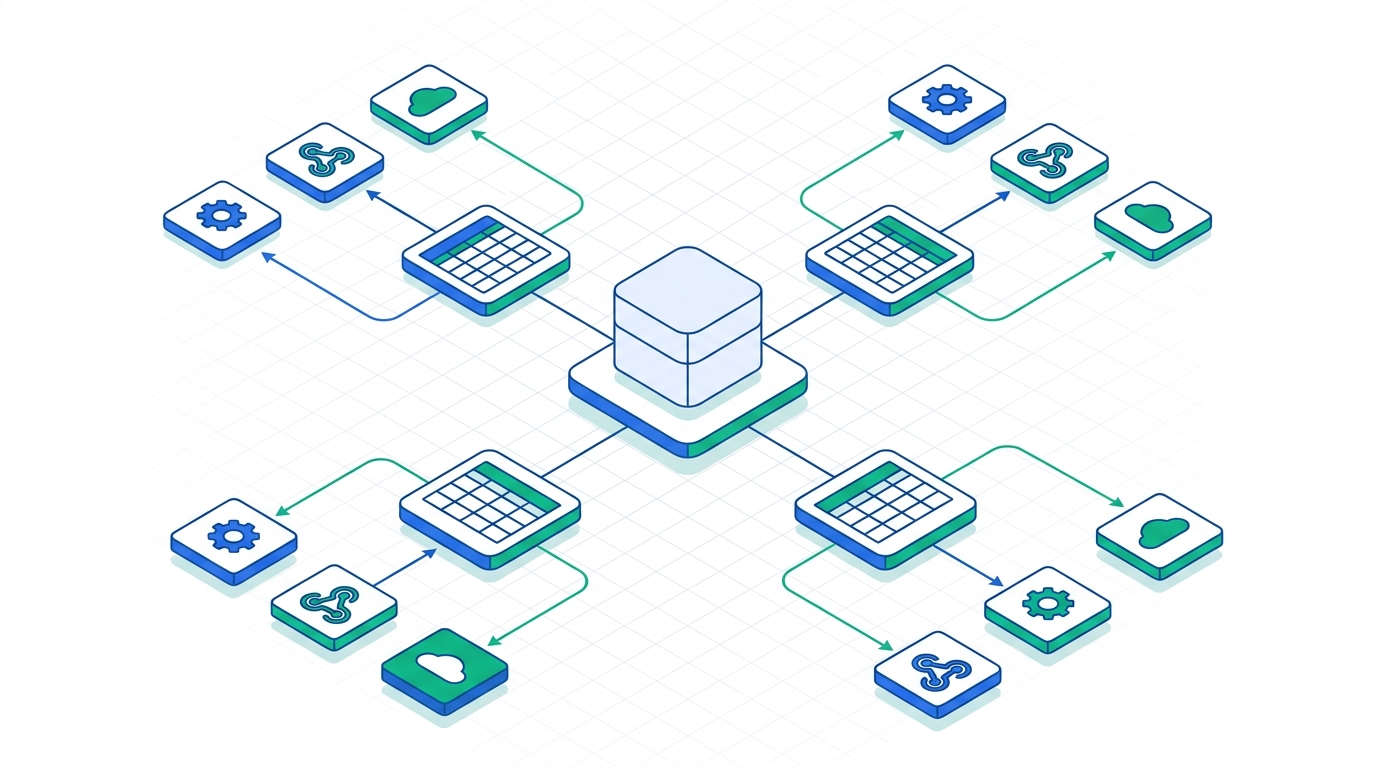
For most B2B teams in 2026, the practical stack is boring on purpose: use the vendor's own first-party MCP server for systems you already pay for (HubSpot for CRM, GitHub for dev workflows), add Zapier MCP as the catch-all bridge to whatever doesn't have a native server yet, and bring in a managed gateway like Composio once you're running agents against a dozen-plus tools and need one place to control access and spend. The bigger story this year isn't a new server — it's Enterprise-Managed Authorization (EMA) reaching stable status on June 18, 2026, which moves MCP access control out of ad hoc per-user OAuth prompts and into the identity provider your IT team already runs. Pick tools first and you'll be redoing your auth model in six months; pick the governance layer first and the tool choice gets easier.
Quick Comparison: The MCP Servers and Platforms Worth Deploying
This isn't an exhaustive top-15 list — the official MCP Registry alone indexes over 9,600 servers, and connecting more than a handful actively makes an agent worse (every tool definition eats into the context window before the agent does any real work). Instead, this covers the servers and platforms that repeatedly show up in production B2B deployments, plus the governance layer most "best MCP servers" roundups skip entirely.
| Server / Platform | Category | Best For | Starting Price |
|---|---|---|---|
| HubSpot MCP (Remote) | CRM | Teams already running HubSpot | Free on any tier |
| Zapier MCP | Automation | Broadest app coverage, no glue code | Free tier / paid Zapier plans |
| Composio | Gateway | Governing many tools from one layer | Free (20k calls/mo) → $29/mo |
| GitHub MCP Server | Dev / Ops | Engineering-heavy teams | Free, official |
| Azure API Center | Governance | Inventorying MCP sprawl org-wide | Included with Azure |

What Actually Changed for B2B Teams in 2026
MCP stopped being an Anthropic side project a while ago. On December 9, 2025, Anthropic donated the protocol to the Agentic AI Foundation, a directed fund under the Linux Foundation co-founded with Block and OpenAI and backed by Google, Microsoft, AWS, Cloudflare, and Bloomberg — at the time of the donation, MCP was already seeing over 97 million monthly SDK downloads and more than 10,000 active servers with first-class support across Claude, ChatGPT, Cursor, Gemini, Microsoft Copilot, and VS Code. That's the context for everything below: this is no longer a bet on one vendor's protocol.
Two changes matter more than any single new server. First, the November 2025 spec revision made OAuth 2.1 with PKCE (S256) mandatory for any MCP server reachable over the internet — closing the era of hardcoded API keys pasted into a config file, at least for servers that comply. Second, and more consequential for how B2B IT teams actually operate, is Enterprise-Managed Authorization (EMA), which went stable on June 18, 2026. Instead of every employee clicking through an individual OAuth consent screen for every server they connect, EMA lets an admin provision access once through the company identity provider — the user gets pre-connected servers on first login, with access governed by group membership and conditional-access policy, not by whatever each person happened to click "allow" on.
Under EMA, access is granted once at sign-in based on IdP policy — no per-server consent screen, and a central audit trail.
Okta is the first identity provider shipping EMA support, with Anthropic's Claude and Microsoft's VS Code as the first two clients, and MCP servers from Asana, Atlassian, Canva, Figma, Granola, Linear, and Supabase already supporting it (Slack is adding support). If none of the tools your team actually uses are on that list yet, EMA isn't a today-problem — but it's worth checking vendor roadmaps before you build a permanent workaround around per-user OAuth, since that's exactly the pattern EMA is designed to retire.
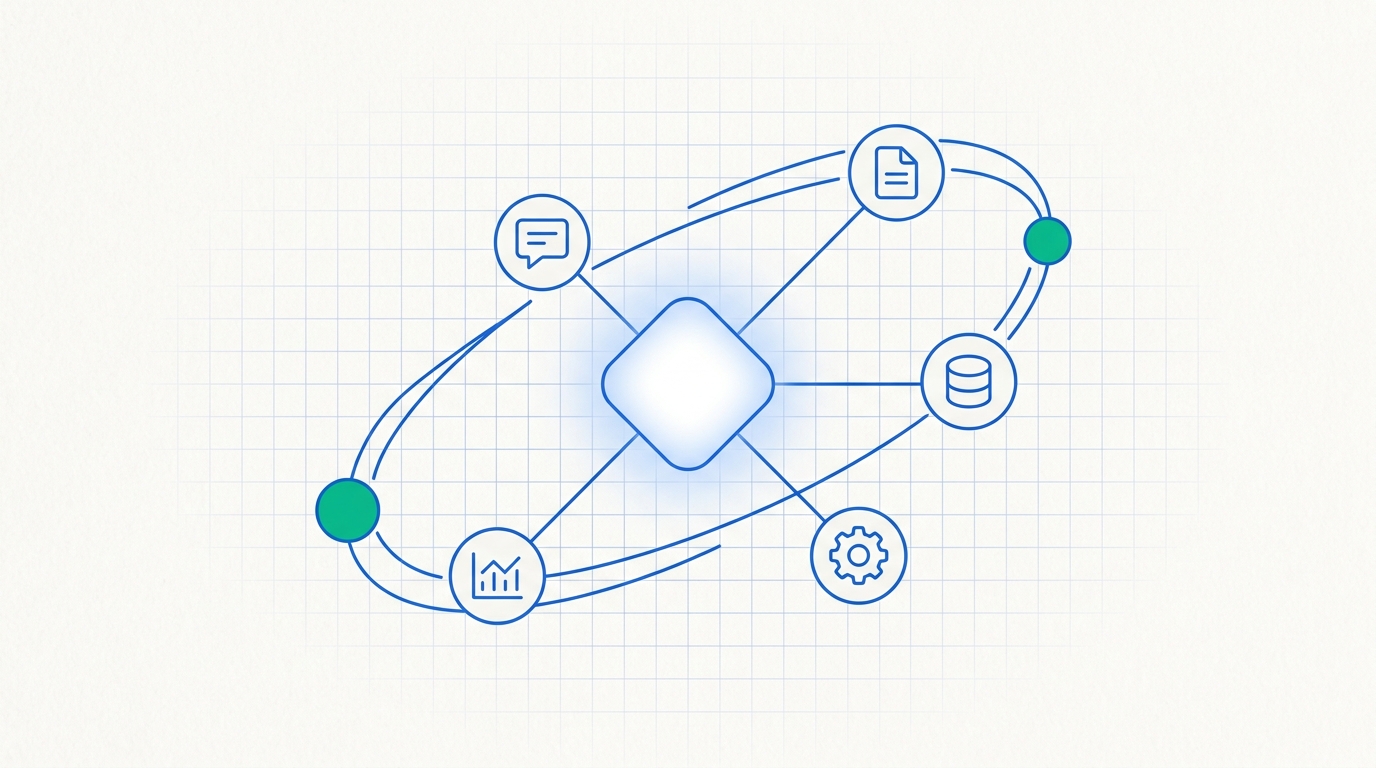
The MCP Servers and Platforms Worth Deploying
Rather than rank fifteen near-identical connectors, this covers the ones that keep showing up when B2B teams describe what they actually run — organized by the job each one does, not by how many tools it claims to support.
CRM HubSpot MCP (Remote)
HubSpot's own remote MCP server graduated from beta to general availability on April 13, 2026, and the GA release is meaningfully more capable than the beta: it added write access, activity history, marketing content objects, and organizational context on top of the original read-only foundation. In practice that means an agent connected to it can read and create contacts, companies, deals, tickets, and commerce objects (carts, products, orders, invoices, quotes, subscriptions), log or review activities like calls, emails, and meeting notes, and read (though not yet write) marketing content such as blog posts, landing pages, and campaigns. It's hosted at mcp.hubspot.com, there's no extra MCP license fee on top of your existing HubSpot subscription, and — notably — it works on any tier, including the free CRM. Every action still respects the permissions of the HubSpot user who authorized it, so it isn't a new access-control hole layered on top of your existing setup.
Strengths
- No cost beyond your existing HubSpot plan, any tier
- Enforces existing HubSpot permission scopes, not a bypass
- Official first-party server with an active release cadence
Watch out for
- HubSpot data only — not a general-purpose connector
- Marketing content is read-only for now
- Test write actions in a sandbox account first; LLM mistakes on live deal data are hard to undo
If your team isn't ready to hand an agent write access to the CRM yet, that's a reasonable place to start slower — our walkthrough on connecting Slack with HubSpot covers a notification-only version of a similar workflow without putting an agent in the loop at all.
Already running HubSpot?
The remote MCP server is free on every plan, including the free CRM tier.
Automation Zapier MCP
Zapier MCP is the pragmatic answer to "we don't have a native server for that." It's a hosted server connecting to more than 9,000 apps and 30,000-plus actions, so instead of writing a custom connector for whatever niche tool your ops team depends on, you point the agent at Zapier and it's very likely already there. Authentication runs through Zapier itself — SOC 2 compliant, with API keys encrypted and rotated centrally rather than scattered across individual agent configs. The one caveat worth flagging for larger teams: Zapier MCP doesn't automatically inherit the app and action restrictions an admin may have already configured on a Zapier Enterprise account. If you're on Enterprise and need those guardrails to carry over, that currently requires reaching out to Zapier directly rather than happening by default.
Strengths
- Broadest coverage of any single MCP server by a wide margin
- No glue code — credentials and rotation handled centrally
- SOC 2 compliant out of the box
Watch out for
- Enterprise app/action restrictions require a manual support request
- Easy to over-connect apps a given workflow doesn't need, bloating the agent's context
Teams that already run automation on a self-hosted engine for compliance reasons should weigh this against what's currently in place — see our comparison of n8n vs Activepieces self-hosted, since MCP access is a layer on top of whichever automation engine you're running, not a replacement for it.
Need a connector you don't want to build?
Zapier MCP covers most of the long tail without custom code.
Gateway Composio
Composio is what teams reach for once they're past the "connect five tools by hand" stage and need one governed layer instead of five separate OAuth setups. It ships with over 300 pre-built connectors and had crossed 150,000 developer users by early 2026. Pricing is usage-based rather than seat-based: a free tier covers 20,000 tool calls a month, Growth is $29/month for 200,000 calls, Serious Business is $229/month for 2 million calls, and Enterprise is custom-quoted with SLA, SOC 2, and VPC or on-prem controls that a self-assembled stack of individual servers typically won't give you by default. Overage bills per additional 1,000 calls, and premium tools meter at 3x the standard rate — worth checking before you connect a high-value integration and assume it costs the same as the rest.
Strengths
- One governance layer across dozens of tools instead of per-server OAuth
- Real free tier; scales down for small teams, not just enterprise
- Enterprise tier adds VPC/on-prem/SOC 2 controls individual servers lack
Watch out for
- Usage-based billing gets less predictable as agent activity ramps up
- Premium-tool 3x metering can surprise teams that don't watch usage
- Adds a platform dependency between your agents and the underlying APIs
Managing more than a handful of MCP servers?
Composio's free tier covers 20,000 tool calls a month before you pay anything.
Dev / Ops GitHub MCP Server
Ask a working MCP practitioner which servers they actually touch daily and GitHub is consistently on the short list, alongside things like Stripe, a CRM connector, and direct database access — a survey of production users by MCPBundles put it plainly: four or five well-chosen servers cover roughly 80% of what teams actually ask an agent to do. GitHub's official server lets an agent open and triage issues, review and comment on pull requests, and pull repository or CI context directly inside a chat session — free, first-party, and already the entry point most engineering-heavy B2B teams use to justify MCP at all. The safety of that access is entirely a function of the token you issue it: a fine-grained personal access token scoped to specific repositories costs a few extra minutes to set up versus a classic token with full account access, and that difference matters the first time an agent misinterprets an instruction.
If you're building your own internal connector rather than relying on an official server — say, to expose a proprietary API to an agent — we'll cover how to build and host a custom MCP server for an internal API in a follow-up guide. In the meantime, if what you actually need is direct read/write access to a workspace like Notion rather than an agent-mediated one, our Notion API integrations guide covers that REST-level approach.
Governance Azure API Center (MCP Center)
This is the one entry on this list that isn't really a "server" at all — it's the governance layer most B2B IT teams are missing. Azure API Center lets an organization maintain a private inventory of MCP servers, internal and third-party, discoverable through the API Center portal, and it complements the public registries rather than replacing them (the official registry and community marketplaces can't see what's running inside your network). It ties into whatever Azure/Entra ID tooling your org already runs, which is exactly the audience it's built for — it's not much use if you're not on Azure. And it isn't an access-control mechanism on its own; it's an inventory. Pair it with EMA or scoped OAuth for actual enforcement, not instead of it.
Security and Governance Checklist Before You Roll This Out
The uncomfortable number to sit with: one 2026 research scan found 492 publicly exposed MCP servers running without basic authentication or encryption — a floor, not a ceiling, given how fast the ecosystem is adding new servers. Prompt injection ranks as the number one risk in the OWASP Top 10 for LLM Applications, and within MCP specifically, tool poisoning — malicious instructions embedded in a tool's own metadata and description, invisible to the end user but read in full by the model — has emerged as the most common client-side attack pattern. This isn't hypothetical: CVE-2025-6514, an OS command injection vulnerability in mcp-remote, an OAuth proxy used in integrations from Cloudflare, Hugging Face, and Auth0, was downloaded more than 437,000 times before it was patched — clear evidence that MCP tooling now carries real software-supply-chain risk, not just prompt-level risk.
- Require OAuth 2.1 with PKCE (S256) for any server reachable over the internet — mandatory since the November 2025 spec revision, but not automatically enabled in every third-party server you might connect.
- Roll out Enterprise-Managed Authorization anywhere the vendor supports it, so access lives in your identity provider rather than in each employee's individual OAuth grants.
- Scope every credential to the narrowest role that still works — a fine-grained GitHub token limited to specific repos, not a classic all-access token.
- Treat tool descriptions as untrusted input. Read them, or have someone read them, before connecting a new server — the same review you'd give a browser extension's permission list.
- Keep the roster small. Every connected server adds its full tool definitions to the model's context window before any real work happens; four or five well-chosen servers reliably cover most of what a team actually asks an agent to do.
- Inventory what's actually running. A registry — Azure API Center or an internal equivalent — is currently the only reliable way for most IT teams to answer "how many MCP servers touch our data right now."
Building or hosting your own MCP servers?
Get OAuth 2.1 and enterprise auth right from the start instead of retrofitting it later.
If your compliance program already runs on a GRC platform, the cleanest move is treating MCP server inventory as one more control feeding into it rather than a parallel process — see our comparison of Secureframe vs Vanta vs Drata if you're still choosing one.
MCP vs. ChatGPT Plugins: Does the Client You Pick Matter?
This comparison gets asked a lot, and by 2026 it's mostly settled rather than open. ChatGPT plugins were a closed, single-vendor system: a plugin beta launched in March 2023 and was quietly shut down by April 2024 without wide adoption; Custom GPTs with Actions, launched that November, are still around but narrower in scope. ChatGPT's own MCP app support didn't arrive until October 2025 — meaning even OpenAI's roadmap has converged on MCP as the primary integration path rather than competing head-on with a separate standard. MCP itself is protocol-level and vendor-neutral: build one server and it works with Claude, ChatGPT, Cursor, Gemini, Copilot, Windsurf, Zed, and whatever client your team adopts next year, rather than being rebuilt every time a single vendor changes its plugin API.
The practical gap shows up in setup friction, too — Claude MCP connections commonly take 3-8 minutes to configure, versus the 35-50 minutes (sometimes 90-plus) that ChatGPT's plugin-era OAuth and approval flow historically required. For a B2B decision, the takeaway isn't "pick Claude over ChatGPT." It's that standardizing your integration work on MCP is a bet on an open, Linux-Foundation-governed protocol that outlives any single AI vendor's roadmap — as opposed to a proprietary plugin API that can simply be discontinued, the way ChatGPT's original plugins were.
Who Should Deploy Which
An engineering-heavy team building agents against internal APIs should start with the GitHub MCP server plus lightweight custom servers for anything proprietary, and only bring in Composio once you're past roughly five external integrations and want one governance layer instead of five separate OAuth setups to maintain.
A RevOps or GTM team living inside the CRM should start with HubSpot's own MCP server — it's free on a plan you already pay for and already permission-scoped — and add Zapier MCP for whatever HubSpot doesn't touch natively. Teams already deep into AI-assisted outbound should expect MCP access to sit alongside dedicated sales tooling rather than replace it; see our breakdown of Clay vs Apollo vs Outreach for how that stack compares on its own terms.
An IT- or security-led enterprise rollout shouldn't start with a tool pick at all. Start with the identity model — EMA where it's supported, scoped OAuth 2.1 everywhere else — and an inventory process, because whatever tools the other two paths choose only stay safe if someone owns the governance layer centrally. The 41%-in-production figure cited earlier suggests most organizations are further along on deploying servers than they are on tracking what's been deployed.

Frequently Asked Questions
What is the MCP server marketplace, and where do I actually find one?
How do I approach enterprise MCP setup without creating a security gap?
What's the real difference between MCP and ChatGPT plugins?
Is Claude's MCP integration meaningfully different from other AI tools' MCP support?
Do I need a paid MCP platform, or can I just connect servers directly?
Methodology
Pricing, feature availability, and release dates in this guide were checked directly against each vendor's official documentation, changelogs, and pricing pages in July 2026, alongside the Model Context Protocol project's own blog and specification for anything related to authentication or the June 2026 EMA release. Security figures — exposed-server counts, CVE details — are drawn from published security research rather than vendor marketing. Where pricing is usage-based rather than flat (Composio, Zapier), we've reported the published tier structure rather than an estimated blended cost, since actual spend depends on agent call volume. This guide covers general-purpose B2B workflow servers and platforms rather than single-department tools; readers evaluating pure sales-motion MCP servers should look at sales-specific comparisons instead.
References & Sources
- Enterprise-Managed Authorization: Zero-touch OAuth for MCP (Model Context Protocol Blog)
- Donating the Model Context Protocol and establishing the Agentic AI Foundation (Anthropic)
- Remote HubSpot MCP server is now generally available (HubSpot Developer Changelog)
- Composio Pricing (composio.dev)
- Official MCP Registry (modelcontextprotocol.io)
- Connect AI tools to 9,000 apps with Zapier MCP (Zapier)
- MCP Security Vulnerabilities: Prompt Injection and Tool Poisoning (Practical DevSecOps)

Technology consultant with 10+ years in the Japanese tech industry. Specializing in SaaS evaluation, workflow automation, and B2B tool integration.