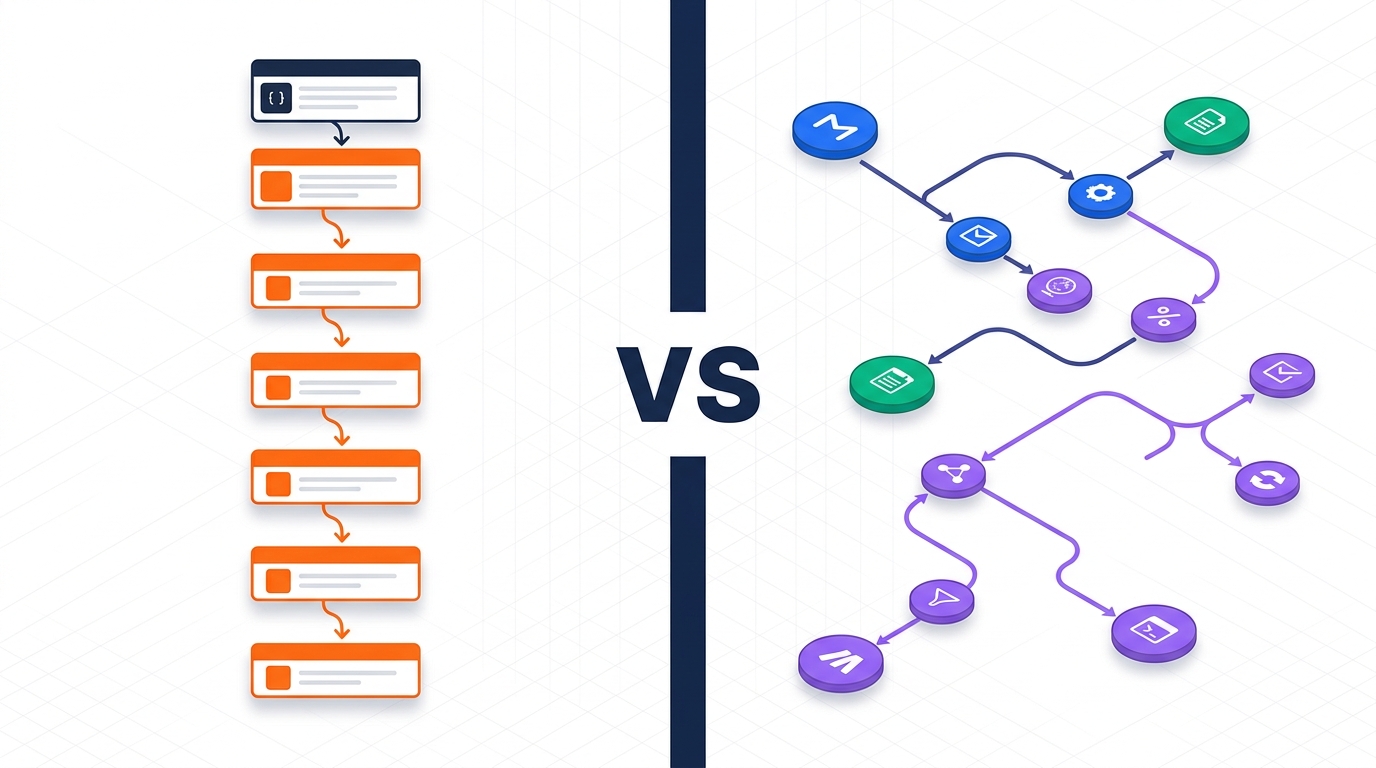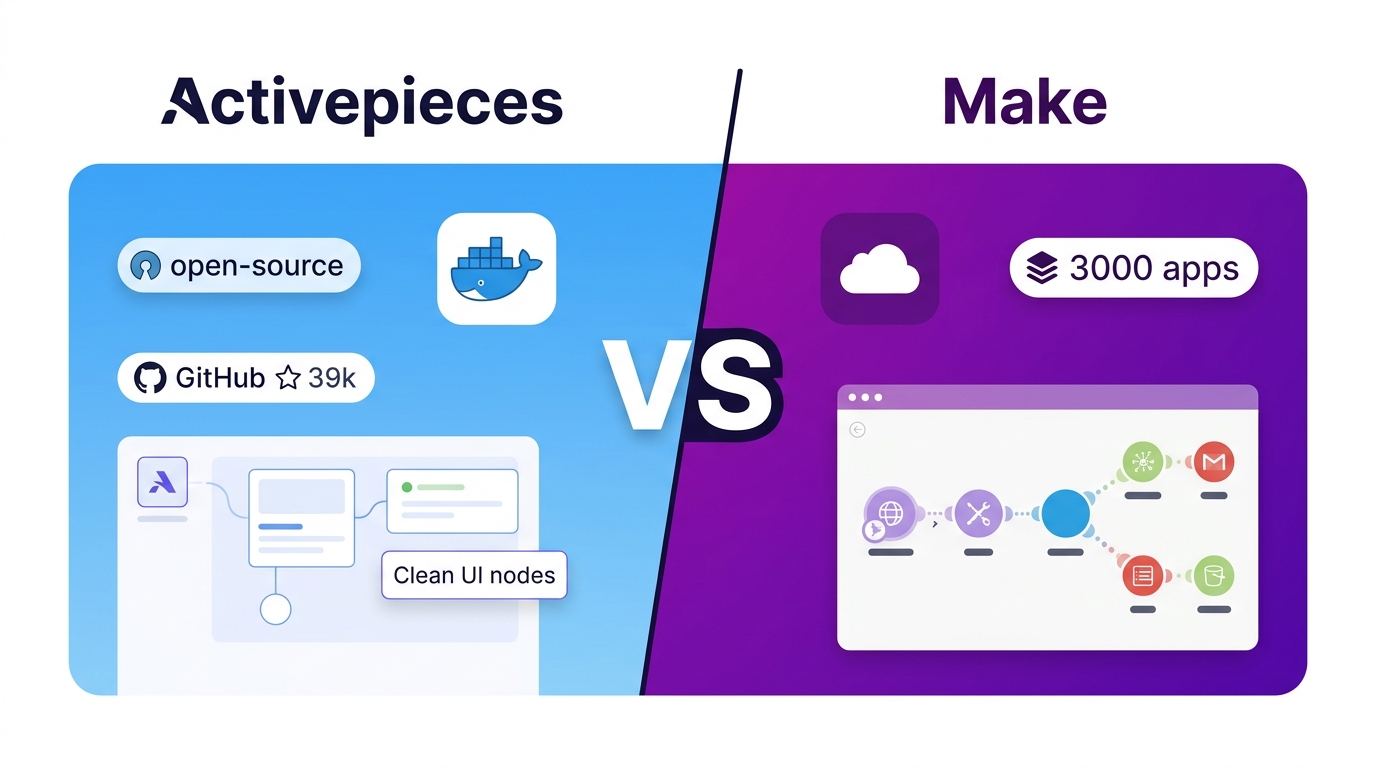
Make is the safer choice if you need breadth — 3,000+ integrations, a mature visual builder, and a polished cloud platform that non-technical users can learn in a day. Activepieces is the correct choice when data residency, cost predictability, or open-source flexibility are non-negotiable: its per-flow pricing model is far more predictable at scale, and its MIT-licensed self-hosted edition is production-ready at zero recurring cost. For engineering-forward teams building AI agent workflows in 2026, Activepieces' native MCP server support gives it a genuine edge that Make has not yet matched.
Quick Comparison: Activepieces vs Make
Verified as of June 2026 by checking both tools' official pricing pages and documentation directly.
| Criteria | Activepieces | Make |
|---|---|---|
| Pricing model | Per active flow (flat, unlimited runs) | Per credit/operation (consumption-based) |
| Free tier | 10 active flows, unlimited runs | 1,000 credits/month, 2 active scenarios |
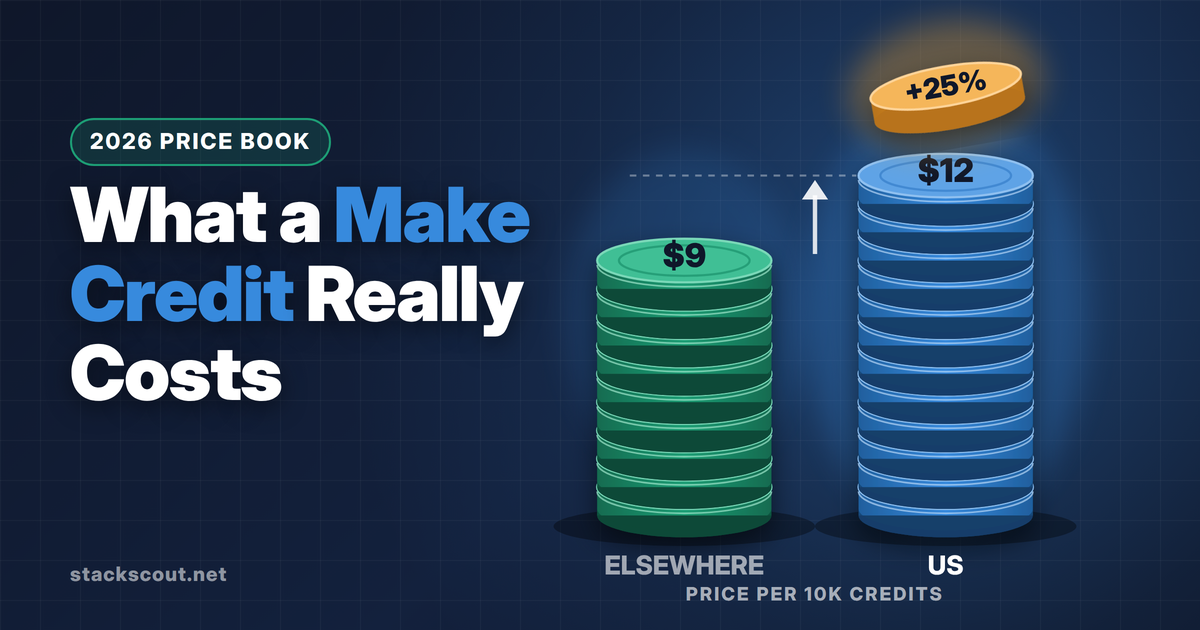
| Paid entry price | $5/active flow/month (beyond 10 free) | $9/month (Core, 10,000 credits) |
| Native integrations | 280+ pieces (community-growing) | 3,000+ connectors |
| MCP server support | ✓ 400+ MCP servers | ✗ Not available |
| Self-hosting | ✓ MIT license, Docker | ✗ Cloud-only |
| Open source | ✓ Full MIT license | ✗ Closed source |
| AI agent builder | ✓ Native AI agents + MCP flows | ~ Maia AI assistant + AI modules |
| Custom code steps | ✓ JavaScript / TypeScript | ~ Limited (JSON transformers) |
| Minimum scheduling interval | Configurable (no artificial floor) | 15 min (free), 1 min (Core+) |
| Predictable cost at scale | ✓ Flat per-flow pricing | ✗ Credits consumed per operation |
| GDPR / data residency | ✓ Self-host in your region | ~ EU data region available (Core+) |
| Enterprise SSO / RBAC | ✓ Ultimate plan (custom pricing) | ✓ Teams / Enterprise plans |
The no-code automation space has been maturing fast. Zapier held the market for years, Make (formerly Integromat) emerged as the power-user alternative, and Activepieces arrived as the open-source challenger. By mid-2026, the real contest for B2B teams evaluating workflow automation has narrowed to Make versus Activepieces — two platforms with radically different philosophies about how automation should be built, priced, and owned.
This comparison focuses on what actually matters for engineering managers, CTOs, and ops leads making a buy vs. build decision. We skip the feature padding and get to the five criteria that determine which tool wins for your specific situation. For context on how these tools compare against Zapier, see our Zapier vs Make in 2026 comparison.
1. Pricing Model: The Fundamental Difference
The pricing philosophies of these two platforms are fundamentally different, and that difference compounds as you scale.
How Make Charges You
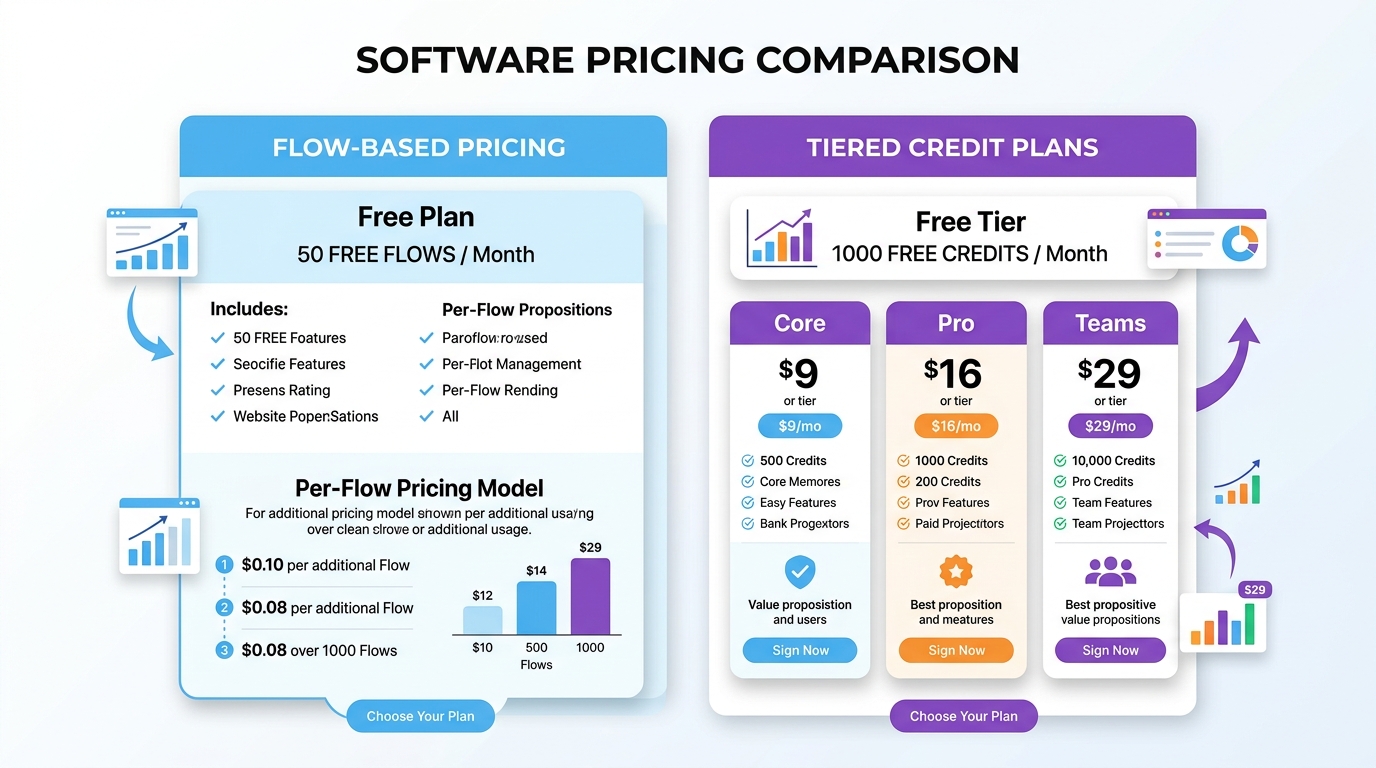
Make uses a consumption-based model built around "credits" (renamed from "operations" in August 2025). Each action a module takes — sending a Slack message, appending a Google Sheets row, fetching an API response — consumes one credit. Complex, multi-step scenarios can consume 30 to 50 credits per single run.
Make's plans as of June 2026:
- Free: 1,000 credits/month, 2 active scenarios max, 15-minute minimum scheduling interval
- Core ($9/month): 10,000 credits/month, unlimited scenarios, 1-minute scheduling
- Pro ($16/month): 10,000 credits + priority execution, full-text log search, custom variables
- Teams ($29/month): Team management, shared templates, analytics dashboard
- Enterprise: Custom credit allocation, advanced security, 24/7 support
How Activepieces Charges You
Activepieces takes the opposite approach: you pay per active flow, not per execution. A flow that runs 50,000 times a month costs exactly the same as one that runs 10 times.
Activepieces' plans as of June 2026:
- Standard (Free tier): 10 active flows included, unlimited runs, AI agents, 400+ MCP servers, unlimited tables
- Standard (Paid): $5 per additional active flow per month beyond the 10 free
- Ultimate: Custom pricing (annual contract), adds team and personal projects, piece access controls, global connections, custom RBAC, SSO, and audit logs
- Community Edition: Free, MIT-licensed, self-hosted, no flow or run limit
Which pricing model wins at scale?
For teams running high-frequency automations — data sync pipelines, CRM enrichment loops, webhook-triggered workflows — Activepieces' flat model becomes dramatically cheaper as volume grows. A team running 50 active flows with 5,000 runs each per month would pay $200/month on Activepieces (40 paid flows × $5) versus easily $500+ on Make once credit overage kicks in.
Make's model favors low-frequency, high-complexity scenarios where individual runs are rare but powerful. If your primary use case is one batch export per day or a weekly report, Make's $9 Core plan is genuinely sufficient.
Start automating with Activepieces — free tier includes 10 flows
No credit card required. Build your first automation in minutes, with native AI agent support and 400+ MCP server connections included.
2. Integration Ecosystem: Depth vs. Breadth
Make's biggest competitive moat is sheer connector breadth. With 3,000+ native integrations, it's unmatched for connecting obscure enterprise tools: SAP, NetSuite, legacy CRMs, industry-specific platforms, and mid-market ERP systems all have maintained native modules. For organizations evaluating tools like enterprise iPaaS platforms, Make's catalog is the closest no-code alternative to Mulesoft-tier connectivity.
For common SaaS stacks — Slack, HubSpot, Salesforce, Notion, Google Workspace, Airtable, Stripe — both platforms have solid, well-maintained connectors. Make's breadth advantage materializes specifically when you're integrating with niche or vertical SaaS tools.
Activepieces ships with 280+ native pieces. That number is lower than Make's, but it's community-driven and growing. Any developer can build a custom piece in TypeScript and contribute it to the open library — a model more similar to VS Code extensions than traditional integration platforms.
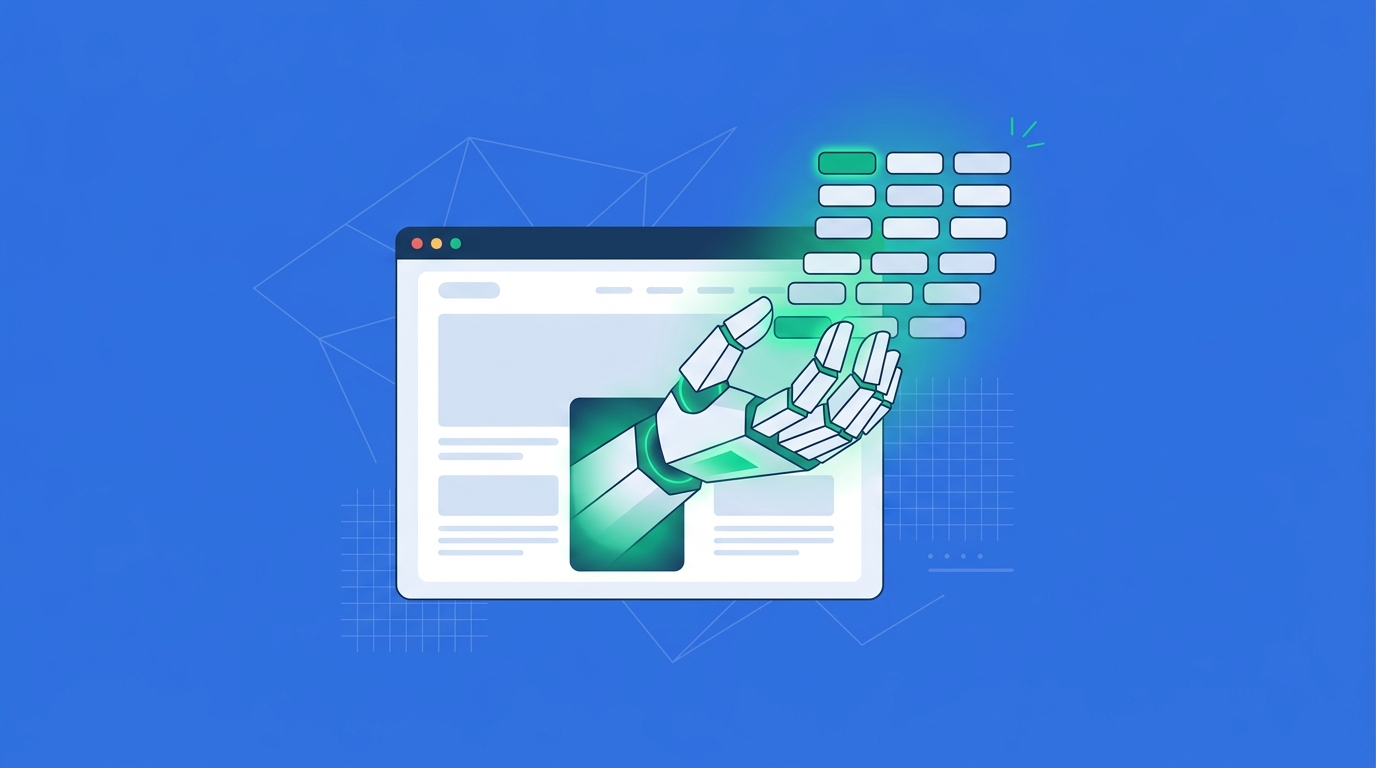
Where Activepieces genuinely leapfrogs Make is MCP (Model Context Protocol) server support. With 400+ MCP server connections in 2026, Activepieces can be used as the automation backend for any LLM-powered workflow — Claude Desktop, Cursor, Windsurf, and other AI-native tools can call Activepieces flows as tools. Make has no equivalent capability.
3. AI and Automation Capabilities
Make's AI Approach: Maia + AI Modules
Make has been shipping AI-focused features at a steady pace. Maia, Make's AI assistant, can draft scenario structures from natural language descriptions — a genuine productivity boost for users who struggle with the visual canvas. Make also includes AI modules for OpenAI, Anthropic, and common AI APIs, letting you pipe data through LLM steps inside workflows.
However, Make's AI integration is connector-based rather than architectural. You're calling AI APIs as steps inside a pre-defined workflow, not building truly adaptive agents that can decide what to do next based on context.
Activepieces' AI Approach: Native Agents + MCP Flows
Activepieces has made AI-first automation a core architectural bet. Two features distinguish it:
- Native AI Agents: Activepieces lets you build agents that reason from natural language, extract data from unstructured inputs, and conditionally execute actions — without scripting the exact decision tree in advance.
- MCP Flows: An entire multi-step, conditional workflow can be packaged as a single MCP tool. This means an AI agent running in Claude or any MCP-compatible client can call a complex Activepieces flow as if it were a single API call. This dramatically reduces the friction of building agentic systems on top of real business data.
For teams investing in agentic AI infrastructure in 2026 — where workflows adapt dynamically rather than running on fixed triggers — Activepieces is clearly further ahead on the roadmap.
Try Make — start free, upgrade when you need scale
Make's Core plan at $9/month is the best entry point for teams that need broad connectivity and a polished visual builder without a steep learning curve.
4. Self-Hosting and Data Control
This is the clearest differentiator between the two platforms, and for certain industries, it's a dealbreaker.
Make: Cloud-Only, No Exceptions
Make runs exclusively on Make's managed cloud infrastructure. There is no on-premises option, no private cloud deployment, and no self-hosted version at any price tier. Make does offer an EU data region on paid plans, which satisfies basic GDPR data residency requirements for many organizations. But if your compliance requirements mandate that workflow data never leave your own infrastructure — common in healthcare (HIPAA), finance (SOC 2 Type II with strict data controls), or defense — Make is simply not viable.
Activepieces: Full Self-Hosting via Docker
Activepieces is MIT-licensed and Docker-deployable. The self-hosted Community Edition is feature-complete — there are no artificial capability restrictions designed to push you to the cloud tier. You can run it on AWS, GCP, Azure, your own bare metal, or air-gapped infrastructure.
Practically, self-hosting Activepieces requires a team member with basic DevOps capability. It's not a one-click install, but it's also not complex: a standard docker-compose setup with PostgreSQL and Redis covers most deployments. For engineering teams, this is low overhead. For non-technical teams, the cloud-hosted version is the practical path.
5. Builder Interface and Ease of Use
Make's Canvas: Powerful but Dense
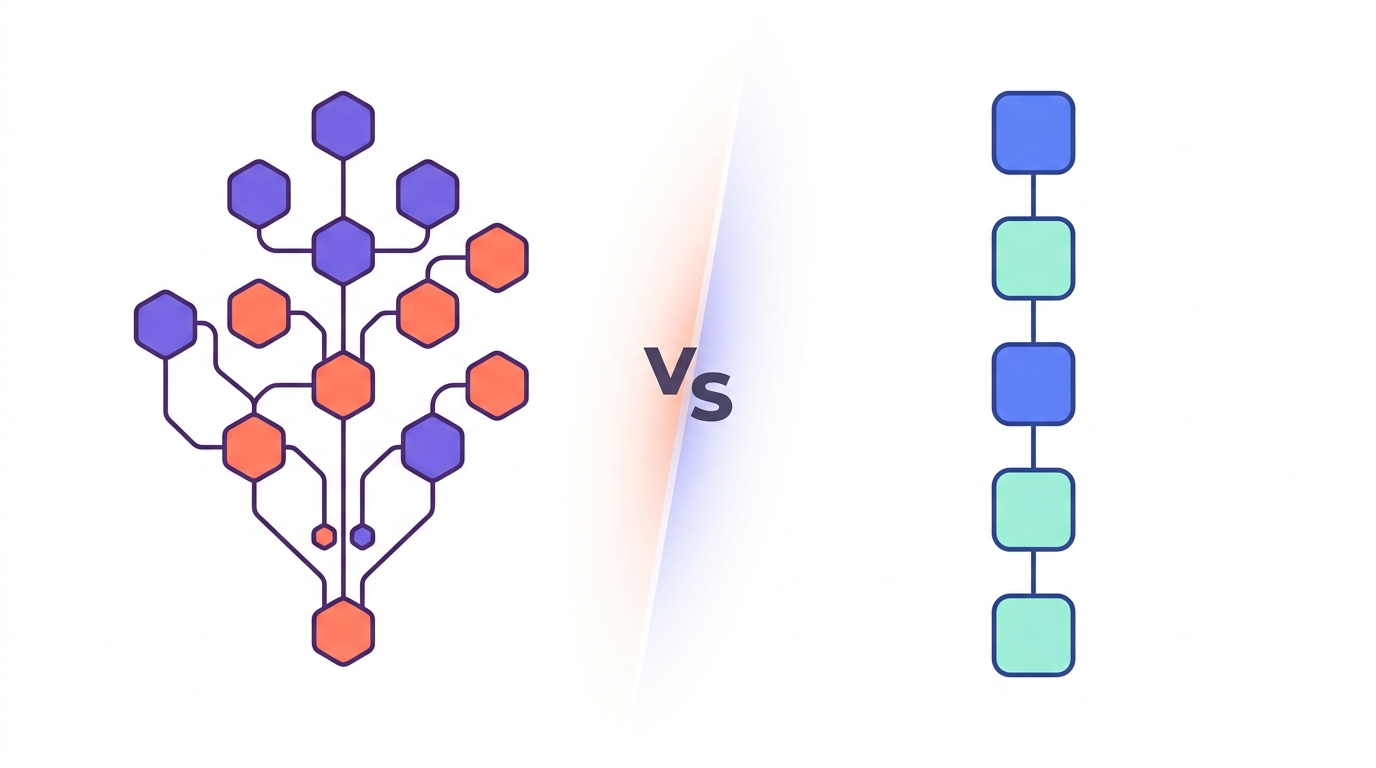
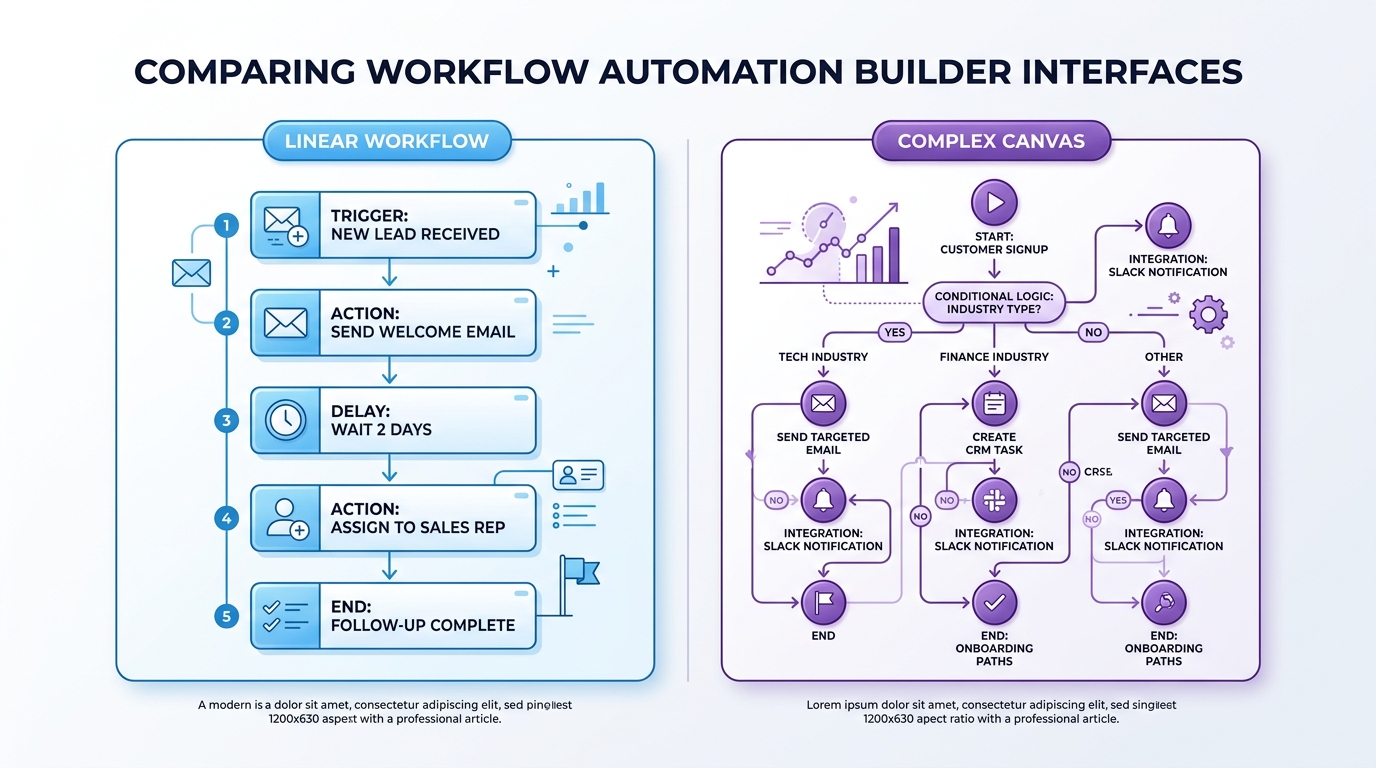
Make uses a node-based visual canvas where you connect modules by drawing lines between them. It's flexible and expressive — you can build branching scenarios, routers, iterators, and error handlers in a spatial layout. The problem is that complexity doesn't scale gracefully: a 20-module scenario becomes genuinely hard to read and debug on the canvas, with crossing lines and modules stacked on top of each other.
Make's learning curve is moderate. Non-technical users can build simple linear workflows in an afternoon, but mastering routers, aggregators, and data transformers takes considerably longer. The documentation is thorough, and the community is large.
Activepieces' Linear Builder: Simpler, Faster for Most Cases
Activepieces uses a linear, step-by-step builder. Steps stack vertically in sequence, with branching implemented as conditional branches rather than visual canvas routing. For the majority of business automation use cases — trigger → transform → act — this model is faster to understand and easier to maintain long-term.
The tradeoff: highly complex multi-path scenarios that involve parallel execution or elaborate data merging are less intuitive in Activepieces' linear model than in Make's spatial canvas. Engineering teams comfortable with code can bridge this with Activepieces' native TypeScript code steps, which Make's platform doesn't offer at equivalent depth.
Head-to-Head Scores
Based on our evaluation across five key dimensions:
Pros and Cons
Activepieces
✓ Pros
- Predictable flat per-flow pricing — no surprise credit bills
- Fully self-hostable under MIT license at zero recurring cost
- Native AI agent builder with MCP server support (400+)
- Native TypeScript/JavaScript code steps for custom logic
- Open-source: audit the code, contribute pieces, no vendor lock-in
- Active community actively expanding the piece library
- Linear builder is fast to learn for most use cases
✗ Cons
- 280+ native integrations vs Make's 3,000+ — gaps in enterprise/vertical tools
- Self-hosting requires DevOps capability to set up and maintain
- Smaller community and ecosystem than Make or Zapier
- Linear builder less expressive for highly complex multi-branch scenarios
- Enterprise features (SSO, RBAC) require Ultimate plan (custom pricing)
- Less mature analytics and monitoring dashboard
Make
✓ Pros
- 3,000+ native connectors — unmatched breadth for enterprise tools
- Polished visual canvas builder with strong UX for complex scenarios
- Maia AI assistant speeds up scenario creation from natural language
- Strong documentation and large community forum
- EU data region available for GDPR compliance
- Teams plan includes analytics, shared templates, and role management
- Long-established platform with enterprise credibility
✗ Cons
- Consumption-based pricing becomes unpredictable at high volume
- Cloud-only: no self-hosting option at any price tier
- No MCP server support — not positioned for agentic AI workflows
- Canvas UI gets cluttered on complex, 20+-module scenarios
- 15-minute minimum scheduling interval on free plan
- No native code steps — limited to JSON/text transformers
- Vendor lock-in: migrating out requires rebuilding workflows
Who Should Choose Which
| Your situation | Best choice | Why |
|---|---|---|
| Need to connect obscure enterprise or legacy tools (SAP, NetSuite, vertical SaaS) | Make | Make's 3,000+ connector library has no peer at this price point |
| Building AI agent workflows that call real-world actions via MCP | Activepieces | Only platform with native MCP server support for agentic AI use cases |
| High-volume automations (100k+ runs/month) with predictable cost | Activepieces | Flat per-flow pricing; unlimited runs per flow with no overage |
| Non-technical ops team, getting started with automation today | Make | More mature UI, larger tutorial community, broader app catalog |
| GDPR, HIPAA, or on-prem data residency requirements | Activepieces | Self-hosted Community Edition — full features, data never leaves your infra |
| Startup or bootstrapped team with no automation budget | Activepieces | Self-hosted Community Edition is free, production-ready, and MIT-licensed |
| Engineering team that wants to extend and customize the platform | Activepieces | Open-source, TypeScript custom pieces, full code access |
| Moderate-volume workflows across a common SaaS stack | Either | Both platforms cover standard SaaS apps well; decision comes down to AI/data needs |
FAQ
There is no automated migration tool. Workflows built in Make's visual canvas use Make's proprietary format and cannot be exported directly to Activepieces. In practice, migration means rebuilding flows manually — a non-trivial effort for complex scenarios. Before migrating, audit your existing Make scenarios: simple linear workflows (trigger → transform → action) rebuild quickly; complex multi-router scenarios take longer. For teams with 50+ active Make scenarios, consider a phased migration where only new workflows are built in Activepieces.
The Community Edition (self-hosted) includes the full core feature set: all open-source pieces, the AI agent builder, MCP server connections, custom code steps, and unlimited flows and runs. The main gap versus the cloud Ultimate plan is enterprise governance features — SSO, audit logs, custom RBAC, and piece-level access controls. For engineering teams building internal tooling, the Community Edition covers 95% of use cases. For larger organizations needing compliance controls, the paid Ultimate plan (cloud or self-hosted) adds the governance layer.
It depends on workflow complexity. Simple, linear scenarios — one trigger, two to three actions — consume predictable credits per run. The unpredictability kicks in with routers, iterators, and AI-powered steps: a scenario that loops over 200 records and calls an LLM for each can burn through a month's Core plan credits in a single run. Make's platform offers scenario scheduling and credit alert emails, but there's no hard cap that prevents overage — only notifications. Teams running data-intensive workflows routinely report credit shock in their first 60 days on Make.
Activepieces uses a linear step-based builder rather than Make's node canvas. For straightforward trigger-action workflows, Activepieces' builder is arguably easier to read — no crossing wires, no spatial layout confusion. Where Make's canvas has an advantage is multi-branch parallel processing and visually complex scenarios with 15+ modules. If your workflows are primarily linear (most business automations are), Activepieces' UI is fine. If you're building genuinely complex scenario graphs with parallel branches and merging logic, Make's canvas is more expressive.
Activepieces is the clear choice for regulated industries with strict data residency requirements. The self-hosted Community Edition runs entirely within your own infrastructure — workflow data, credentials, and execution logs never leave your environment. Make's cloud-only model means all workflow data transits Make's infrastructure regardless of plan. Make does offer an EU data region on paid plans for GDPR, but this does not satisfy on-prem or air-gap requirements common in HIPAA-regulated workflows or financial services data governance. For compliance teams that have reviewed both options, Activepieces' self-hosted deployment eliminates the vendor data processing agreement entirely.
Related Comparisons on StackScout

Technology consultant with 10+ years in the Japanese tech industry. Specializing in SaaS evaluation, workflow automation, and B2B tool integration.
Related articles