Browse AI Alternatives for Web Scraping (2026): 7 Tools Compared Without the Vendor Bias
Type "Browse AI alternatives" into Google and most of what comes back is written by one of the alternatives. ScrapingBee's own blog ranks ScrapingBee first. Thunderbit's review of itself is, unsurprisingly, favorable. Even Browse AI publishes a "9 tools tested" post that leads with Browse AI. None of that makes those tools bad — several are genuinely strong — but it makes the search results a poor place to compare options on their merits.
We don't sell a scraping product, so here's a straight read of seven alternatives on pricing, credit math, and who each one actually fits, checked against vendor pricing pages in July 2026.
Quick Answer: The 3 We'd Try First
Apify
A 1,500+ actor marketplace plus full custom code and enterprise-grade infrastructure. The only tool here you're unlikely to outgrow.
Octoparse
Visual point-and-click builder with cloud extraction and scheduled monitoring — the closest match to what a non-technical Browse AI user already knows.
Firecrawl
Returns clean markdown and structured JSON built for feeding an LLM or a RAG pipeline, not for a human staring at a spreadsheet.
Why Look Beyond Browse AI in the First Place
Browse AI isn't a bad product — its 250+ prebuilt "robot" templates for sites like Amazon, LinkedIn, and Zillow are a real head start, and reviews on G2 and Capterra skew positive on ease of use. But the friction that sends people searching for alternatives is consistent across independent write-ups: the credit system. Every extraction and monitoring run consumes credits, premium or JavaScript-heavy sites can cost 2–10 credits per task instead of 1, and there's no pay-as-you-go option — run out mid-month and you either upgrade or wait.
As of July 2026, Browse AI's own pricing page lists: Free ($0, 50 credits/mo, 2 websites), Personal ($19/mo billed annually, $48/mo billed monthly, 5 websites, 2,000 credits/mo), Professional ($69/mo billed annually, $87/mo billed monthly, 10 websites, 10 users), and Premium (from $500/mo billed annually). One credit buys 10 extracted rows or one screenshot. On Trustpilot, Browse AI sits at 2.7 out of 5 across 14 reviews — a small sample, but a heavily polarized one, with most negative reviews citing billing surprises or execution failures rather than the core concept.
None of that means Browse AI is wrong for you. It means the credit-per-task math is worth doing before you commit, and it's exactly the math we did for each alternative below.
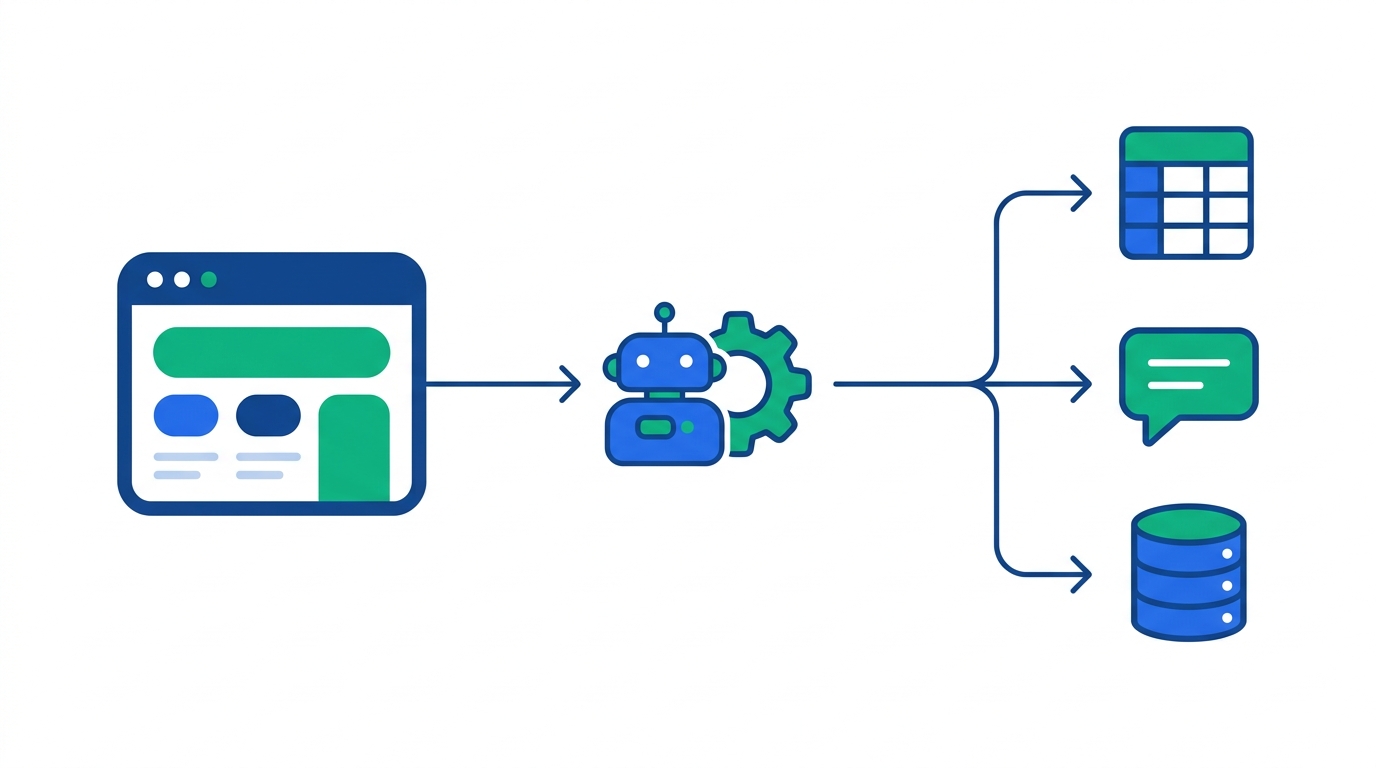
Quick Comparison Table
| Tool | Best for | Free tier | Starting paid price | Interface |
|---|---|---|---|---|
| Browse AI | Baseline / reference | 50 credits/mo, 2 sites | $19/mo (annual) | No-code + Chrome extension |
| Apify | Scale + dev flexibility | $5 platform credit/mo | $29/mo | No-code actors + full SDK |
| Octoparse | Non-technical teams | 10 tasks, 50K rows/mo | $69/mo | Visual point-and-click |
| ParseHub | True free tier | 200 pages/run | $189/mo | Visual + ML detection |
| Firecrawl | AI/LLM pipelines | 1,000 credits/mo | $16/mo (annual) | API — markdown/JSON output |
| ScrapingBee | Dev infra (proxy/JS/CAPTCHA) | 1,000 trial credits | $49/mo | REST API |
| ScrapeGraphAI | Natural-language extraction | 500 credits (one-time) | $20/mo | Prompt-based API |
| Thunderbit | Lightweight one-off jobs | ~6 pages/mo | $15/mo (~$9/mo annual) | Chrome extension |
Prices as published on vendor pricing pages in July 2026; credit-based plans bundle usage rather than page counts, so effective cost depends on how JS-heavy or anti-bot-protected your target sites are. Confirm current pricing directly with each vendor before buying.
The 7 Alternatives, Reviewed
Apify — best overall for teams that will outgrow no-code
Apify sits between the no-code tools and a full scraping framework. Its marketplace of 1,500+ pre-built "Actors" covers most of the same targets Browse AI's robot library does, but you can also drop into JavaScript or Python and modify an Actor's logic directly, or build one from scratch on Apify's open-source Crawlee library. That range is the actual pitch: a marketing ops person can rent a pre-built Actor this week, and a data engineer can extend the same account into a custom pipeline next quarter without migrating platforms.
Pricing runs on platform credit rather than page counts. The Free plan gives $5/mo in platform credit, 25 concurrent runs, and 16 GB RAM — enough to trial a few actors. Starter is $29/mo (32 concurrent runs, 64 GB RAM), Scale is $199/mo (128 concurrent, 256 GB RAM, a lower per-compute-unit rate), and Business is $999/mo (256 concurrent, 512 GB RAM). Compute-unit pricing means cost tracks actual browser/CPU time rather than a flat per-row rate, which is more transparent at scale but takes a run or two to get a feel for.
Pros
- 1,500+ actor marketplace covers most common targets out of the box
- Scales from point-and-click actors to full custom code on the same account
- Proxy rotation, browser pools, and scheduling included in the platform
- Compute-unit pricing gets cheaper per unit as you move up tiers
Cons
- Compute-unit math is a learning curve versus a flat per-row price
- Free tier's $5/mo credit is thin for anything beyond a quick test
- Overkill if you only need one or two simple recurring scrapes
Best for: B2B teams that expect scraping needs to grow — start with a marketplace Actor, keep the same platform as requirements get more custom.
Want to test an actor before committing?
Apify's free plan includes enough platform credit to run a handful of pre-built Actors and see the output quality firsthand.
Octoparse — best like-for-like replacement for non-technical teams
If what you actually liked about Browse AI was pointing and clicking on a page to train an extraction rule, Octoparse is the closest match. It's a visual scraper with an AI-assisted mode that auto-detects list and table patterns, cloud execution so runs don't need your laptop open, and scheduled monitoring for price or inventory tracking — functionally the same job Browse AI's robots do.
The Free plan is a genuine forever tier: 10 tasks and 50,000 rows of monthly export, though extraction runs locally rather than in the cloud. Standard is $69/mo billed monthly ($58/mo billed annually) and adds cloud extraction with 3 concurrent runs. Professional is $249/mo monthly ($209/mo annually) with 20 concurrent cloud runs and monitoring. All paid plans carry a 5-day money-back guarantee, which is enough time to run your actual target sites before you're locked in.
Pros
- Generous free tier — 50,000 rows/month with no time limit
- Visual builder needs no coding at any tier
- Cloud scheduling and monitoring mirror what Browse AI robots do
Cons
- Free tier is local-only — no cloud runs without upgrading
- Jump from Standard to Professional is steep if you need more than 3 concurrent runs
- Fewer prebuilt templates than Browse AI's 250+ robot library
Best for: Ops, marketing, or research teams who want the exact Browse AI workflow — click to train, run in the cloud, get alerted on changes — without the credit-metered pricing.
Migrating a handful of recurring scrapes?
Octoparse's free plan is enough to rebuild your simplest Browse AI robots and compare output before paying for anything.
Firecrawl — best for feeding AI agents and RAG pipelines
Firecrawl isn't trying to replace Browse AI's point-and-click robots — it's built for a different reader: an LLM. Its API returns clean markdown, structured JSON, or a site map rather than a spreadsheet row, which is the format retrieval-augmented generation pipelines and AI agents actually consume. If your "scraping" need is really "get this documentation site or product catalog into a format an AI agent can reason over," Firecrawl is the more direct tool than any visual scraper.
The Free plan includes 1,000 credits/month. Hobby is $16/mo billed annually for 5,000 credits, Standard is $83/mo annually for 100,000 credits, Growth is $333/mo for 500,000 credits, and Scale is $599/mo for 1,000,000 credits. Read the fine print on credit consumption: a basic Scrape or Crawl costs 1 credit per page, but the AI-powered Extract endpoint — the one that does structured field extraction — costs 5 credits per call, so your effective budget for that feature is a fifth of the headline number. Credits also don't roll over between billing periods.
Pros
- Output format (markdown/JSON) is built for LLM and agent consumption
- Cheapest paid entry point of any API tool here ($16/mo annually)
- Auto-recharge credits roll over, letting you avoid overpaying for peak capacity
Cons
- No visual, point-and-click builder — this is a developer's API
- Extract endpoint's 5x credit multiplier catches people who only priced Scrape
- Standard monthly credits expire unused each period
Best for: AI/ML teams building agents, RAG pipelines, or LLM-fed research tools where the destination is a model, not a spreadsheet. We're covering the follow-on build — turning scraped pages into a retrieval-ready index — in an upcoming RAG ingestion pipeline guide.
Building an AI agent that needs live web data?
Firecrawl's free tier includes 1,000 credits/month — enough to prototype an extraction pipeline before paying for anything.
ScrapingBee — best for developers who just want clean HTML at scale
ScrapingBee doesn't try to understand your data the way Browse AI or Octoparse do — it hands you rendered HTML (or a screenshot) and gets out of the way. It's infrastructure: rotating proxies, headless browser rendering, and CAPTCHA handling behind a single REST endpoint, aimed at developers who already have parsing logic and just need the request to actually succeed against sites that block scrapers.
A free trial gives 1,000 API credits with no card required. Freelance is $49/mo for 250,000 credits, Startup is $99/mo for 1,000,000 credits, Business is $249/mo for 3,000,000 credits, and Business+ is $599/mo for 8,000,000 credits. Credit cost varies by feature: a basic request is 1 credit, JavaScript rendering adds to 5, a premium proxy is 10 (25 with JS enabled), and stealth mode for hard-to-scrape sites runs 75 credits per page — meaning a 250,000-credit plan can be closer to 50,000 real requests once you turn on the features you actually need.
Pros
- Handles proxy rotation, JS rendering, and CAPTCHAs so you don't build that layer
- Straightforward REST API — easy to drop into an existing pipeline
- Generous no-card free trial to test against your actual target sites
Cons
- You still write the parsing logic — it returns HTML, not structured fields
- Effective credit cost is much lower than the headline number once stealth/JS are on
- No visual builder — assumes a developer is wiring this in
Best for: Developers who already have extraction code and just need reliable access to sites that block simple scrapers.
ScrapeGraphAI — best for natural-language, LLM-native extraction
ScrapeGraphAI's pitch is that you describe what you want in plain English — "get the product name, price, and rating from each listing" — and an LLM figures out the extraction logic instead of you defining selectors or training a point-and-click robot. That trades some predictability for a much shorter setup, particularly on pages whose layout changes often enough that CSS-selector-based rules keep breaking.
The Free plan includes 500 credits as a one-time allowance. Starter is $20/mo for 10,000 credits, Growth is $100/mo for 100,000 credits, and Pro is $500/mo for 750,000 credits. Costs are itemized by service: a basic Scrape starts at 1 credit, Extract (the AI field-extraction call) is 5 credits, and Search is 2–5 credits per result depending on whether it includes a prompt-based extraction.
Pros
- No selectors or training required — describe the fields you want in a prompt
- Holds up better than rule-based scrapers when target sites redesign frequently
- Pay-as-you-go credits alongside subscription tiers
Cons
- LLM-based extraction can be less deterministic than a trained rule for stable pages
- Per-call cost is higher than a plain HTML fetch on tools like ScrapingBee
- Newer product with a smaller track record than Browse AI or Apify
Best for: Teams scraping sites with unstable or frequently changing layouts, where maintaining CSS selectors is the real cost.
ParseHub — best genuinely free tier
ParseHub uses machine-learning-based structure detection to navigate pagination, dropdowns, and infinite scroll without manual selector work, and its free plan is unusually workable in practice — 200 pages per run and 5 public projects, though runs cap at 40 minutes and there's no cloud scheduling or API access at that tier.
The jump from free to paid is steep and has no middle ground: Standard is $189/mo for 5,000 pages per run, 5 private projects, cloud scheduling, API access, and IP rotation, while Professional is $599/mo for 25,000 pages per run and 20 private projects. Enterprise is custom-quoted. If your volume fits inside the free tier's limits, ParseHub is close to free web scraping done properly; if you outgrow it, the next rung up costs more than most of the other tools on this list.
Pros
- Free plan handles real multi-page, JavaScript-heavy sites, not just toy examples
- ML-based navigation handles pagination and infinite scroll without extra config
Cons
- No cloud scheduling, API, or IP rotation until the $189/mo Standard tier
- Free-to-paid price jump has no intermediate step
Best for: Solo builders or small teams whose scraping volume genuinely fits inside the free plan's page and project limits.
Thunderbit — best for one-off, lightweight jobs from the browser
Thunderbit lives as a Chrome extension: open a page, click to auto-detect the fields it thinks you want, and export in two clicks. It's the lightest-weight tool here — closer to a smart clipboard than a scraping platform — which is exactly the point for a single ad-hoc export rather than a recurring monitoring job.
The ongoing free tier covers roughly 6 pages/month after a 10-page trial. Starter runs $15/mo billed monthly (roughly half that billed annually) for 500 credits, and Pro is $38/mo monthly for 3,000 credits, unlimited scrapers, and scheduled runs down to a 5-minute monitoring interval. Higher tiers scale to $249/mo for 20,000 credits. One credit equals one exported row; scraping linked sub-pages costs 2 credits per row, and AI-powered data enrichment runs 30 credits per query.
Whatever Thunderbit exports still needs somewhere to go — feeding rows straight into a Slack channel, a CRM, or a workflow tool is usually the next step, which is where a lightweight scraper is only half the pipeline; see our comparison of self-hosting n8n vs Activepieces if you're wiring scraped output into a recurring automation rather than exporting to a spreadsheet once.
Pros
- Fastest setup of any tool here — click and export in under a minute
- Chrome extension needs no separate account dashboard for simple jobs
- 5-minute monitoring interval on Pro is tighter than most competitors' free tiers
Cons
- Free tier's ~6 pages/month is only useful for occasional, small jobs
- Sub-page and enrichment credit multipliers add up faster than the flat per-row price implies
- Less suited to large, recurring, multi-thousand-row extraction jobs
Best for: A single person who needs one page (or a handful of pages) scraped right now, without setting up a project in a heavier platform.
Who Should Choose Which
One use case worth naming explicitly: if the end goal is populating a database you already work in daily, most of these tools export to CSV/JSON that you then import — Apify and Firecrawl both support pushing results directly via webhook or API, which is the more durable pattern if you're feeding a tool like Notion; see our Notion API integrations guide for the receiving end of that pipeline.
How We Chose These Alternatives
We weighted three things: pricing and credit economics verified directly against each vendor's published pricing page in July 2026 (not third-party aggregator estimates); breadth of interface fit, since "no-code," "API," and "natural-language" solve genuinely different jobs rather than competing on the same axis; and whether the tool addresses the specific friction that shows up in independent reviews of people leaving Browse AI — credit opacity, no self-serve pay-as-you-go option, and limited depth for anyone who eventually wants to write code. We did not run our own head-to-head extraction benchmarks across every target site; this is based on documented features, vendor-published pricing, and aggregated review sentiment from Trustpilot, G2, and Capterra, not hands-on testing of every plan tier.
FAQ
Is Browse AI free?
Yes, with limits: the Free plan gives 50 credits/month across 2 websites, with unlimited robots but capped monthly usage. Since each extraction or monitoring check consumes credits (and premium/JS-heavy sites cost more per task), 50 credits typically covers light, occasional use rather than a daily monitoring job.
What's the closest free alternative to Browse AI?
Octoparse's free plan (10 tasks, 50,000 rows/month export) and ParseHub's free plan (200 pages/run, 5 public projects) are both genuinely usable rather than trial-only. Octoparse's free tier runs locally rather than in the cloud; ParseHub's caps out at a 40-minute run and has no API access until you upgrade.
Is there an open-source or self-hosted Browse AI alternative on GitHub?
Not a direct no-code clone. There's no widely used open-source project that replicates Browse AI's point-and-click robot trainer and hosted monitoring. If self-hosting matters more than a visual builder, the standard building blocks are Scrapy (Python) or Crawlee (the open-source library behind Apify, available in JavaScript/TypeScript and Python) — both require writing code rather than clicking through a page.
Which Browse AI alternative is best for developers building AI or LLM pipelines?
Firecrawl and ScrapeGraphAI are the two built specifically for that use case. Firecrawl returns markdown/JSON optimized for feeding a model or a RAG index; ScrapeGraphAI lets you describe the fields you want in plain English and has an LLM handle the extraction logic, which holds up better on sites that change layout often.
Can I migrate my existing Browse AI robots to another tool?
Not with a one-click importer — none of the tools above read Browse AI's robot configuration directly. Expect to rebuild each extraction rule in the new tool, which is a reasonable time to also re-evaluate whether a visual builder, an API, or an AI-native extractor is actually the better fit for that specific site rather than defaulting to the same approach you used before.
Sources
- Browse AI — official pricing page (accessed July 2026)
- Browse AI Help Center — how plans and pricing work
- Trustpilot — Browse AI reviews
- Apify — official pricing page (accessed July 2026)
- Octoparse — official pricing page (accessed July 2026)
- Firecrawl — official pricing page (accessed July 2026)
- ScrapingBee — official pricing page (accessed July 2026)
- ScrapeGraphAI — official pricing page (accessed July 2026)

Technology consultant with 10+ years in the Japanese tech industry. Specializing in SaaS evaluation, workflow automation, and B2B tool integration.